

- Galleries
- Pink iPhone Wallpaper Gallery
Pink iPhone Wallpaper
Discover a vibrant collection of pink iPhone wallpapers. Perfect for personalizing your device, these AI-generated designs add a touch of style and color to your screen.

As seen in








Pink iPhone Wallpaper Gallery
Explore a curated selection of AI-generated pink wallpapers tailored for iPhones. Find the perfect shade and style to make your device uniquely yours.


Didn't find what you were looking for? Create your own below!
Create your own Pink iPhone Wallpaper images
Discover the magic of Text to Image AI by creating your own unique images. Edit the prompt below to customize your creation.
No payment or credit card required.

Vibrant & Stylish Designs
Stunning Pink Wallpapers For Your Iphone
Elevate your iPhone's aesthetic with our exclusive collection of stunning pink wallpapers. Each AI-generated design offers a unique splash of color, ensuring your device stands out. Find the perfect Pink iPhone Wallpaper to express your personal style and add a touch of elegance to your everyday.
Create Your Dream Pink iPhone Wallpaper
Step 1
Describe Your Perfect Pink Wallpaper
Begin by describing the pink iPhone wallpaper you envision. Be specific about the shade of pink, any patterns, themes (e.g., floral, abstract, minimalist), or specific elements you'd like to see. The more detail you provide, the better the AI can match your vision.
Step 2
Generate Your Wallpaper
Once your prompt is ready, click the "Generate" button. Our AI will process your description and create a selection of unique pink wallpapers tailored to your input.
Step 3
Download & Personalize Your iPhone
Explore the generated wallpapers and select your favorite. You can then download it to adorn your iPhone or share it with friends to inspire their device's style!

Personalize Your Device
AI Pink Wallpaper For Your Iphone Screen
Transform your iPhone with a custom AI Pink Wallpaper that truly reflects you. Our advanced AI models generate unique and captivating designs, ensuring your screen is adorned with art that's as individual as you are. Get the perfect AI Pink Wallpaper for Your iPhone Screen today.
More Galleries
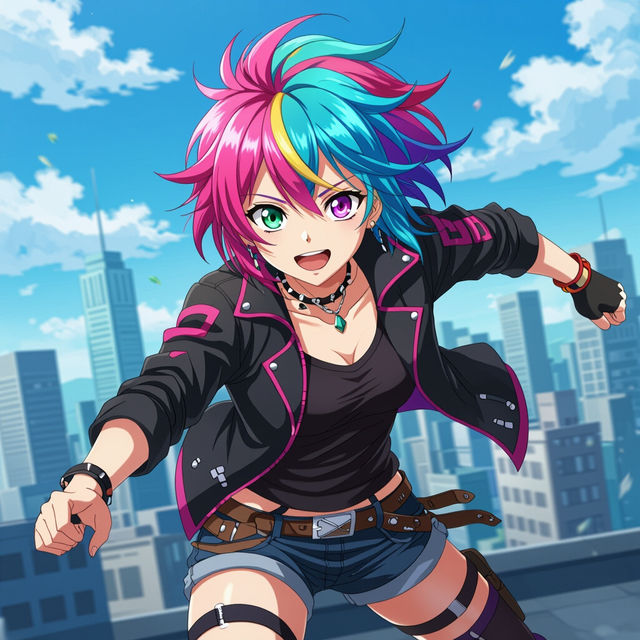
Easy Anime Drawing
Explore our Easy Anime Drawing gallery for inspiration. Learn to create stunning anime characters and scenes effortlessly with AI tools. Start your anime drawing journey today!

Lemonade Drawings
Explore a vibrant gallery of AI-generated lemonade drawings. Perfect for summer vibes, cafe decor, or recipe inspiration. Create your own refreshing lemonade art with NightCafe.
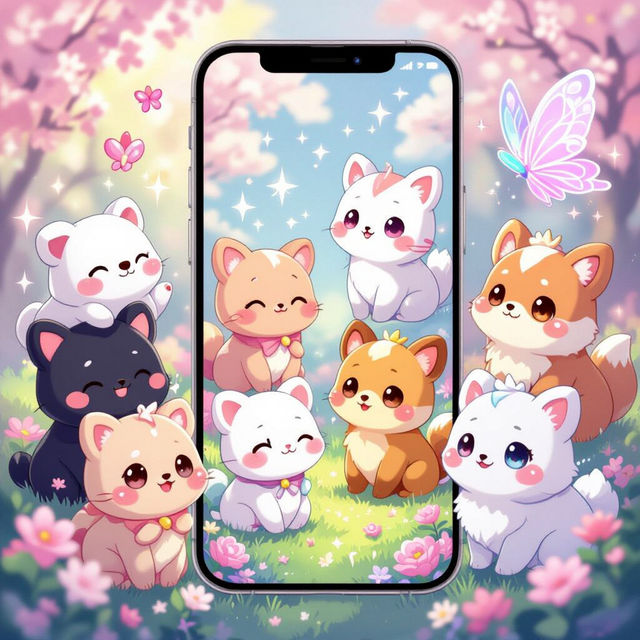
Cute Wallpaper For Phone
Discover an enchanting collection of cute wallpapers perfect for your phone. Easily create your own unique, adorable phone wallpaper with AI.

Truck Drawings - AI Generated
Discover a unique gallery of AI-generated truck drawings. Perfect for artists and enthusiasts, explore various styles and get inspired to create your own truck art with NightCafe.
Frequently Asked Questions
Frequently Asked Questions About Pink iPhone Wallpapers
How are these pink iPhone wallpapers created?
Our pink iPhone wallpapers are generated using advanced Artificial Intelligence models. These AI systems interpret prompts and artistic styles to create unique, high-quality digital art specifically designed to look stunning on your iPhone screen.
Can I use these wallpapers on different iPhone models?
Yes, these wallpapers are designed to be versatile. While they are optimized for iPhone screens, their resolution and aspect ratio typically ensure they look great on most iPhone models. You can usually crop or adjust them slightly to fit your specific device perfectly.
Are these wallpapers customizable?
The wallpapers in this collection are pre-generated AI art, offering a curated selection of unique designs. While you cannot directly customize an existing wallpaper within this gallery, you can explore NightCafe's broader AI art generation tools to create your own custom pink wallpaper with specific elements or styles you desire.
How can I download and set a wallpaper on my iPhone?
Once you've found a wallpaper you love, you can typically download it directly from the gallery page. After downloading, go to your iPhone's Photos app, select the image, tap the share icon, and choose 'Use as Wallpaper'. You can then adjust its position and set it for your Lock Screen and/or Home Screen.