

- Galleries
- Pixel Art Backgrounds Gallery
Create a Pixel Art Background
Create unique pixel art backgrounds with NightCafe AI Image Generator. Whether for games, websites, or digital art, our tool turns your ideas into stunning 8-bit visuals. Explore the gallery or start creating now.

As seen in








Pixel Art Backgrounds Gallery
Explore a diverse collection of AI-generated pixel art backgrounds. From retro landscapes to abstract designs, find the perfect inspiration for your next project. Each background showcases the unique capabilities of AI in creating nostalgic, 8-bit art.


Didn't find what you were looking for? Create your own below!
Create your own Create a Pixel Art Background images
Discover the magic of Text to Image AI by creating your own unique images. Edit the prompt below to customize your creation.
No payment or credit card required.

Instant Background Creation
Generate Pixel Art Backgrounds
Craft unique **pixel art backgrounds** effortlessly with our AI generator. Perfect for websites, games, or adding a retro touch to any project. Simply input your idea, and watch as the AI creates a stunning, customized background in seconds. Say goodbye to time-consuming manual creation!
Create Your Pixel Art Background
Step 1
Input Your Vision
Describe your ideal pixel art background in the prompt box. Include details about the environment, colors, and any specific elements you want to see, such as characters or objects. The more descriptive you are, the better the AI can bring your vision to life!
Step 2
Generate Your Pixel Art
Once you've crafted your perfect prompt, click the 'Generate' button. Our AI will instantly transform your words into a unique pixel art background, ready for your game, website, or digital artwork.
Step 3
Download and Share
Once your pixel art background is generated, you can download it in high quality. Share your unique creation with the NightCafe community or use it directly in your projects. Let your 8-bit dreams come to life!

Perfect For Game Development
Create Stunning 8-bit Art For Games
Elevate your game's visual appeal with custom **8-bit art**. Design captivating landscapes, character sprites, and UI elements. The AI adapts to your style, providing high-quality, game-ready assets. **Create Stunning 8-Bit Art for Games** without the need for extensive design skills.
More Galleries
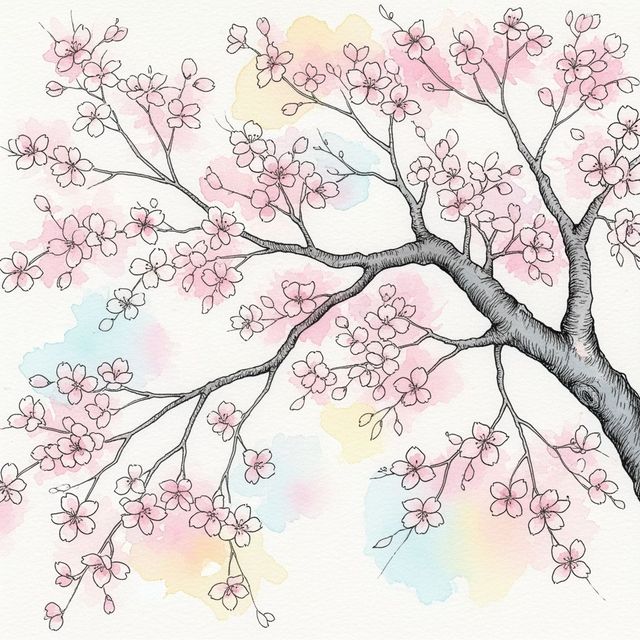
AI-Generated Cherry Blossom Tree Drawing
Explore the beauty of spring with AI-generated cherry blossom tree drawings. Transform simple prompts into stunning digital artwork. Create your own or browse the gallery.
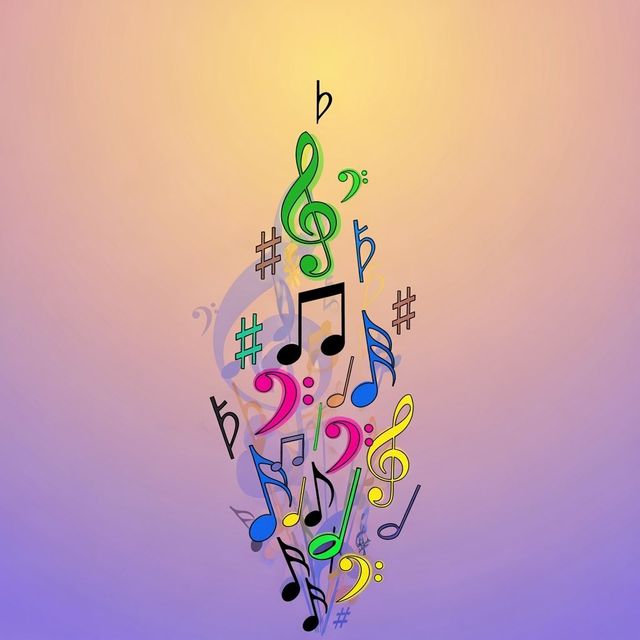
Explore Music Notes Drawing with AI
Discover the beauty of AI-generated Music Notes Drawing. Our gallery showcases unique and creative interpretations of musical notation, blending technology and art. Browse and be inspired.
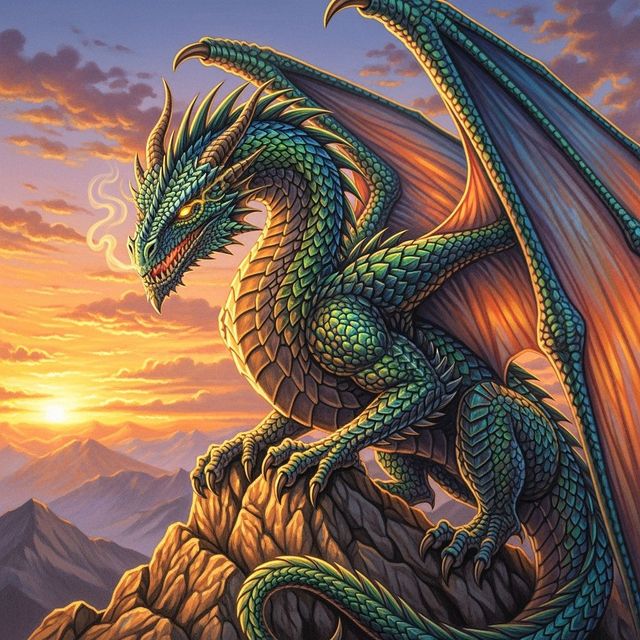
Generate a Realistic Dragon Drawing
Unleash your inner artist with NightCafe's AI Realistic Dragon Drawing generator. Create detailed and stunning dragon drawings that capture the imagination. Browse realistic dragon drawings or create your own.
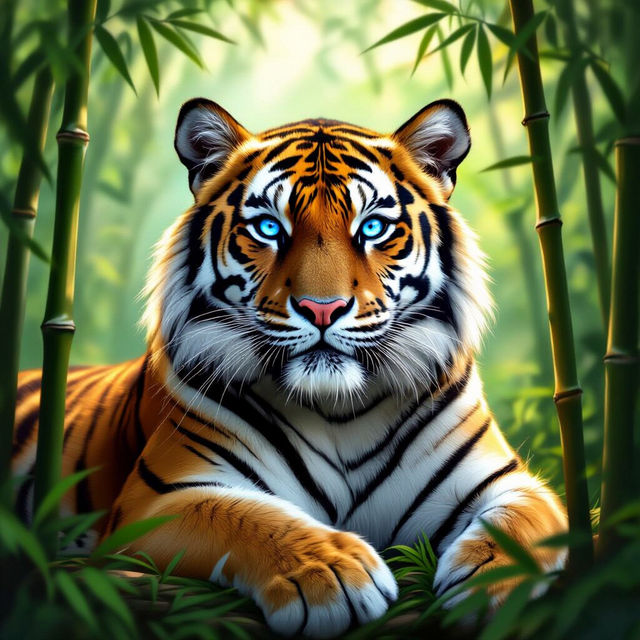
Roar into Style with AI Tiger Wallpaper
Transform your screen with captivating AI tiger wallpaper. Explore a diverse range of styles, from realistic portraits to abstract designs. Find the perfect tiger wallpaper to express your wild side.
Frequently Asked Questions
Everything You Need to Know About Creating Pixel Art Backgrounds with AI
What type of prompts work best for generating pixel art backgrounds?
To get the best results, be specific about the environment, color palette, and any distinct features you want in your pixel art background. For example, try prompts like 'a snowy forest pixel art background, muted colors' or 'a vibrant, sunny beach pixel art background, 8-bit style'.
Can I use the AI-generated pixel art backgrounds for commercial projects, such as in a game I'm selling?
Yes, you can typically use AI-generated pixel art backgrounds for commercial purposes. However, you must credit NightCafe as the creator of the image. Please review our terms of service for complete details.
What resolution will the generated pixel art backgrounds be?
The resolution of the generated pixel art background can vary depending on the settings you choose during creation. You can often specify or upscale the image to suit your project's needs. Experiment with different settings to find what works best for you.
Is it possible to create seamless, tileable pixel art backgrounds with the AI?
While the AI doesn't explicitly guarantee seamless tiling, you can experiment with prompts and settings to encourage tileable outputs. Look for options related to repeating patterns or symmetrical designs to increase your chances of creating a seamless background. You may need to manually adjust the image afterwards to make it fully seamless.
Which AI model is best for creating pixel art backgrounds?
Experiment with different AI models available on NightCafe to find the one that best suits your desired style and aesthetic. Some models may be better at capturing the retro feel of pixel art than others. Try models such as Stable Diffusion or Imagen with prompts that emphasize 'pixel art' or '8-bit' styles.