

- Galleries
- Pixel Art City Gallery
Pixel Art Cityscapes - Create Yours
Discover vibrant pixel art cities brought to life by AI. Browse unique cityscapes and generate your own retro-inspired urban scenes with NightCafe.

As seen in








Pixel Art City Gallery
A curated collection of AI-generated pixel art cities, showcasing nostalgic aesthetics and creative urban designs. Perfect for inspiration or game assets.


Didn't find what you were looking for? Create your own below!
Create your own Pixel Art Cityscapes - Create Yours images
Discover the magic of Text to Image AI by creating your own unique images. Edit the prompt below to customize your creation.
No payment or credit card required.

Retro Urban Dreams Realized
Explore Stunning Pixel Art Cities
Dive into a dazzling collection of AI-generated pixel art cities. Each cityscape is a nostalgic journey, meticulously crafted to evoke classic gaming aesthetics. Discover intricate details, vibrant color palettes, and unique urban designs that redefine retro-inspired art. Find your perfect pixel art city and get inspired by the possibilities.
Create Your Own Pixel Art Cityscape
Step 1
Describe Your Pixel City
Start by entering a detailed description of the pixel art cityscape you envision in the prompt box. Be specific about the city's atmosphere, architectural style, color palette, and any unique elements you'd like to see, such as neon signs, flying vehicles, or specific landmarks. Think about the era or game style you want to emulate for the most authentic retro feel.
Step 2
Generate Your Cityscape
Once your prompt is ready, click the "Generate" button. Our AI will process your description and begin creating a unique pixel art cityscape. You can monitor the generation process and even tweak your prompt for different results if the first attempt isn't quite what you imagined.
Step 3
Download or Share Your Creation
After your pixel art cityscape is generated, you have the option to download it in high resolution to use as you please. You can also share your creation with the NightCafe community, showcase your retro urban design, and inspire others with your pixel art skills!

Create Your Retro Vision
Generate Your Own Pixel City Art
Unleash your creativity and generate your own unique pixel city art with our intuitive AI tools. Whether you envision a bustling metropolis or a quiet, charming town, our platform empowers you to bring your pixelated dreams to life. Experiment with styles, palettes, and elements to craft a one-of-a-kind retro urban scene.
More Galleries
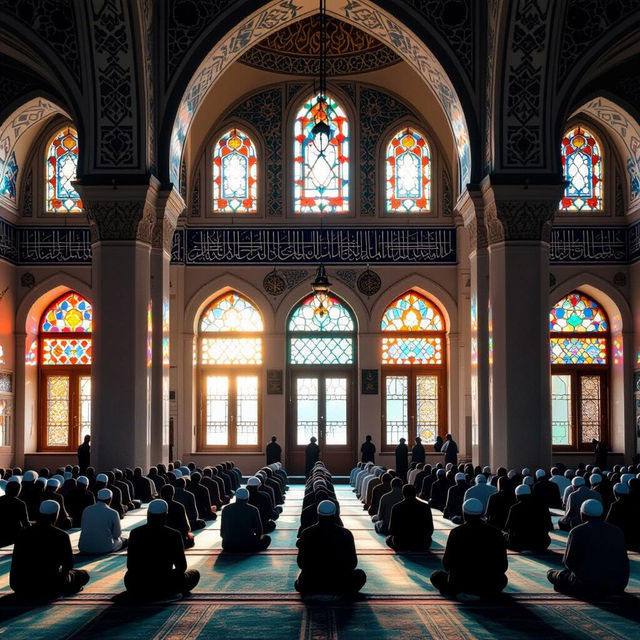
Friday Prayer Images - AI Generated
Discover stunning AI-generated Friday Prayer images. Browse a gallery of evocative scenes and find inspiration for your own creations. Perfect for mosques and Islamic art enthusiasts.
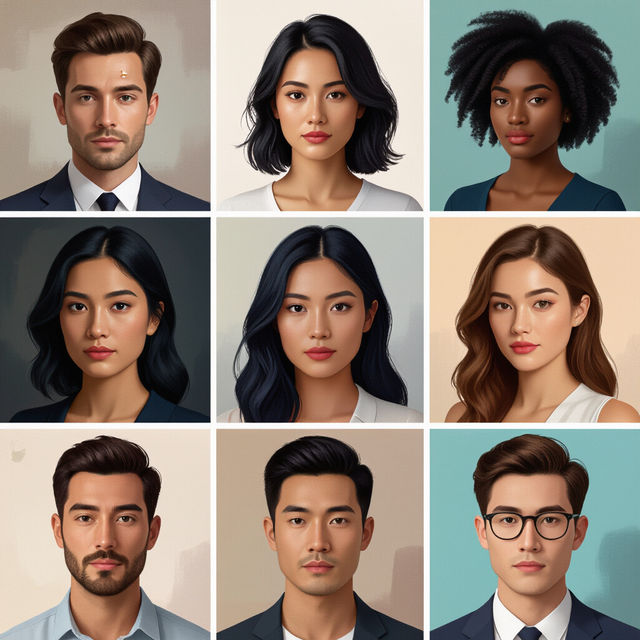
Person Drawings
Discover a diverse gallery of AI-generated person drawings. Perfect for inspiration, find unique artistic styles and concepts to bring your creative visions to life.

Agenda Clip Art
Explore a vibrant collection of AI-generated agenda clip art. Perfect for planners, calendars, and organizers, these designs add a unique touch to your daily planning.
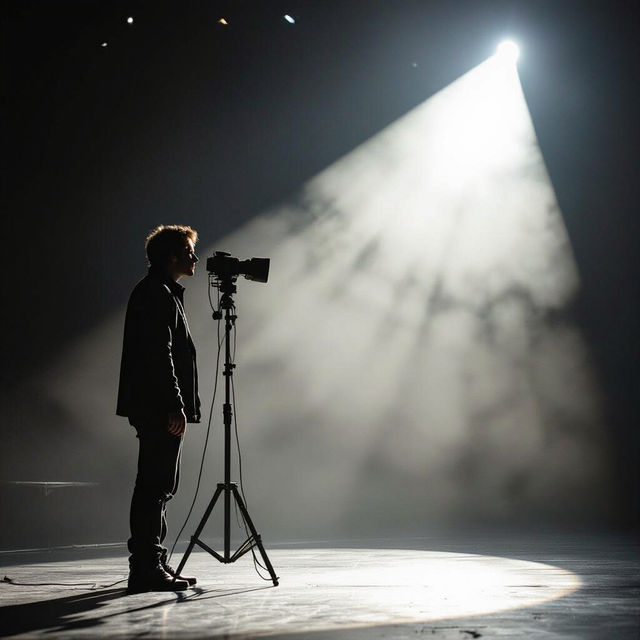
Drama Images - Created With AI
Discover powerful AI-generated drama images. Explore scenes filled with emotion and intensity, perfect for storytelling or artistic inspiration. Create your own dramatic visuals.
Frequently Asked Questions
Your Pixel Art Cityscape Questions Answered
How do I create a prompt for a pixel art cityscape?
To generate a great pixel art cityscape, start by describing the overall mood and atmosphere you want to achieve (e.g., 'nostalgic', 'futuristic', 'bustling'). Then, specify key elements like buildings, vehicles, and environmental details. Mention desired color palettes (e.g., 'vibrant 8-bit colors', 'muted retro tones') and the overall art style, such as 'isometric pixel art' or 'top-down pixel art'.
What makes these cityscapes 'pixel art'?
These cityscapes are generated with a distinct 'pixel art' aesthetic, characterized by visible square pixels, limited color palettes, and often a retro or vintage feel reminiscent of classic video games. Our AI models are trained to emulate these specific artistic conventions, resulting in charmingly blocky and nostalgic urban scenes.
Can I generate different types of pixel art cities?
Absolutely! You can generate a wide variety of pixel art cities. Whether you're looking for a sprawling futuristic metropolis, a quaint medieval village, or a cyberpunk downtown, our AI tools can adapt. Experiment with different keywords in your prompts to explore diverse themes, architectural styles, and eras.
How can I achieve a specific retro gaming look in my pixel art?
To achieve a specific retro gaming look, try incorporating terms like '8-bit', '16-bit', 'NES style', 'SNES style', or 'Game Boy palette' into your prompt. You can also specify common retro game elements like 'sprite art', 'tile-based graphics', or mention specific game genres like 'RPG town' or 'platformer city'.