

- Galleries
- Pixel Art Grid Gallery
Generate a Pixel Art Grid with AI
Create intricate and captivating pixel art grids with NightCafe's AI generator. Perfect for game developers, artists, and retro enthusiasts. Browse our gallery or create your own pixel masterpiece today.

As seen in








Pixel Art Grid Gallery
A diverse collection of AI-generated pixel art grids, showcasing various themes, styles, and color palettes. Perfect for inspiration and creative projects in the world of retro gaming and digital art.


Didn't find what you were looking for? Create your own below!
Create your own Generate a Pixel Art Grid with AI images
Discover the magic of Text to Image AI by creating your own unique images. Edit the prompt below to customize your creation.
No payment or credit card required.

Infinite Artistic Possibilities
Explore Unique Pixel Art Grid Designs
Dive into a world of unique Pixel Art Grid designs generated by AI. Whether you're seeking inspiration or need assets for your game, our gallery offers endless possibilities. Browse through diverse styles and find the perfect pixel arrangement to bring your project to life.
Create Your Pixel Art Grid
Step 1
Describe Your Vision
Start by entering a detailed prompt describing your desired pixel art grid. Include specifics such as color palettes, subject matter (landscapes, characters, objects), and the overall style you're aiming for (retro, modern, minimalist).
Step 2
Generate Your Grid
Once you've crafted your perfect prompt, click the 'Generate' button. Our AI will then transform your text into a unique pixel art grid, ready for your viewing pleasure.
Step 3
Download and Share
If you love your pixel art grid, download it in high resolution! Share it with the NightCafe community, use it in your game development projects, or simply admire your AI-powered creation.

Retro Art Made Easy
Generate 8 Bit Art With AI
Generate 8 Bit Art with AI effortlessly. Relive the nostalgic charm of classic video games. Perfect for game developers and retro enthusiasts, our AI tools let you create stunning pixelated artwork with ease, ready to use in your projects. Start creating your 8-bit masterpiece today!
More Galleries
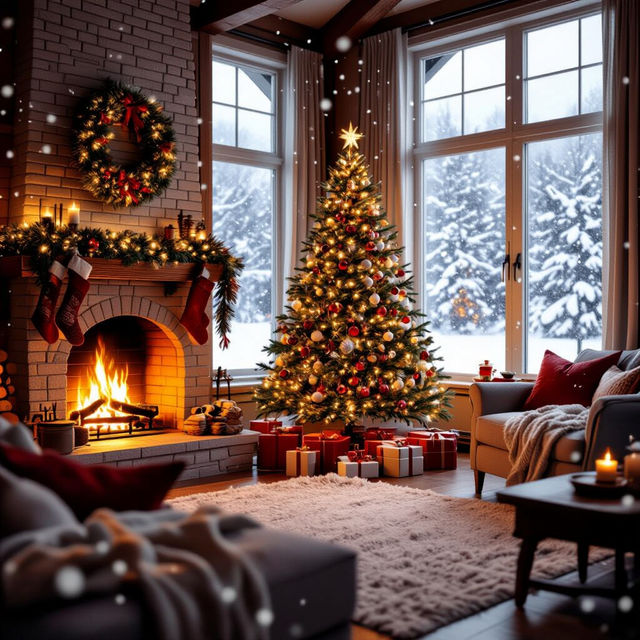
Create Festive Christmas Desktop Wallpaper with AI
Get into the holiday spirit with NightCafe's AI Christmas Desktop Wallpaper generator. Create unique, festive backgrounds to brighten your computer screen. Browse Christmas Desktop Wallpaper examples or create your own.
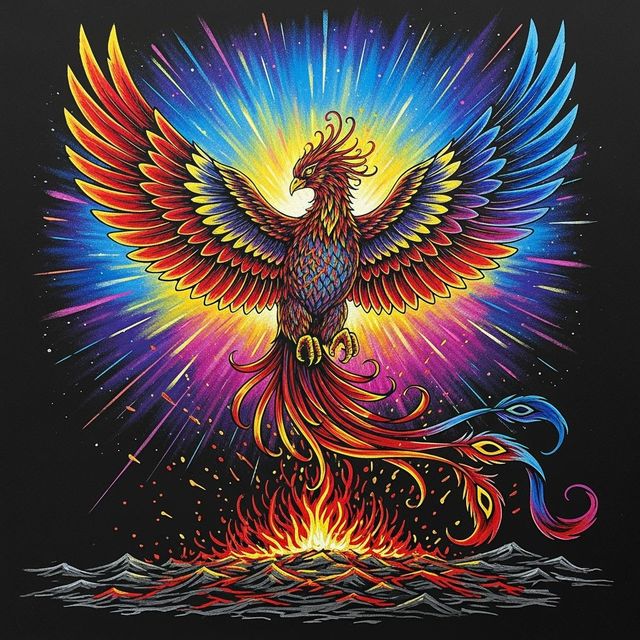
Create AI Scratch Art
Transform your creative ideas into unique scratch art images with NightCafe's AI Scratch Art Generator. Explore the possibilities of AI-generated art and create stunning pieces effortlessly. Browse scratch art examples or create your own.
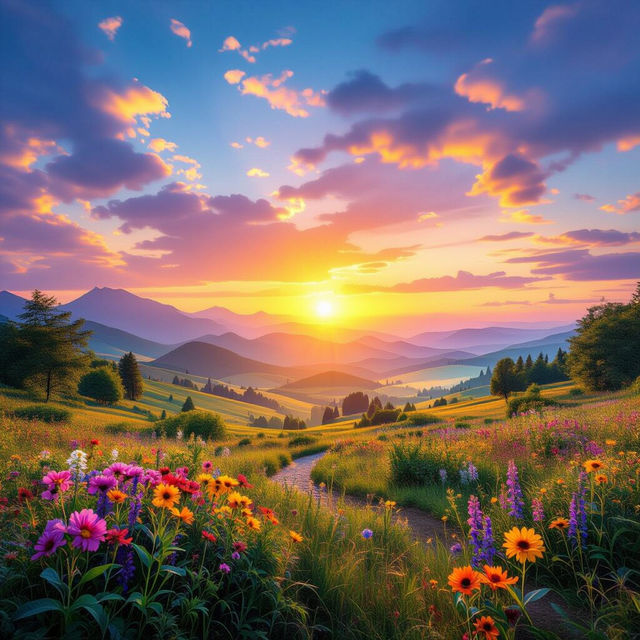
Browse Beautiful Wallpaper Generated By AI
Explore a stunning collection of beautiful wallpapers generated by AI. Find the perfect background for your devices, from serene landscapes to abstract designs. Discover the endless possibilities of AI-generated art.
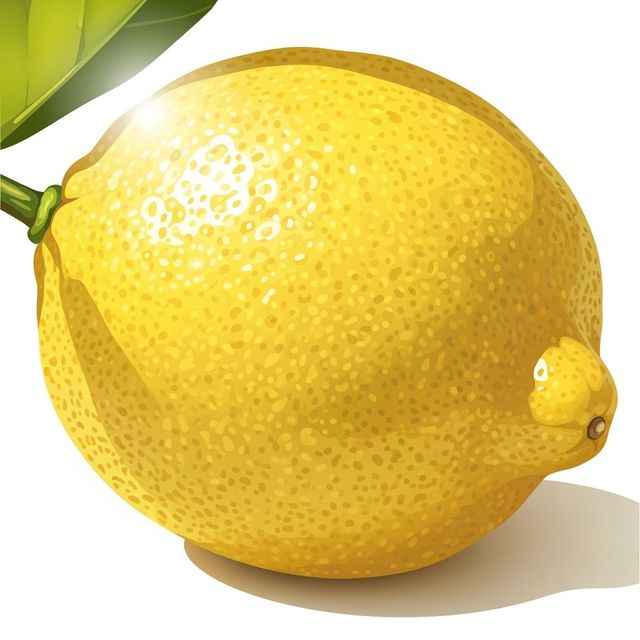
AI Lemon Drawing Generator
Create a vibrant lemon drawing with NightCafe's AI generator. Explore the possibilities of AI art and transform simple ideas into beautiful, detailed drawings. Browse examples or create your own lemon drawing today.
Frequently Asked Questions
Everything You Need to Know About Creating Pixel Art Grids with AI
What kind of pixel art grids can I create with NightCafe's AI generator?
You can create a wide variety of pixel art grids, ranging from simple patterns to complex scenes reminiscent of classic video games. Experiment with different prompts to explore diverse styles and themes.
How can I use the pixel art grids I generate?
These AI-generated pixel art grids can be used for a variety of purposes, including game development (as sprites, backgrounds, or textures), digital art projects, website design elements, or simply as inspiration for your own pixel art creations. They're perfect for adding a retro touch to any project.
What are some tips for writing effective prompts to generate the pixel art grid I want?
Be specific in your prompts. Include details about the subject matter (e.g., 'forest landscape,' 'cyberpunk city'), the color palette (e.g., 'limited to 16 colors,' 'vibrant and neon'), and the desired style (e.g., '8-bit,' 'isometric,' 'detailed'). Experiment with different keywords and combinations to achieve the best results.
Can I upscale or modify the pixel art grids after they are generated?
Yes, you can upscale the generated pixel art grids using various image editing software or online tools to increase their resolution without losing the pixelated aesthetic. You can also modify them to add your own personal touches, such as color adjustments, detail enhancements, or entirely new elements.
Are the pixel art grids I create with NightCafe's AI generator royalty-free?
Yes, you can use your AI generated pixel art grids for commercial purposes, such as branding or advertising. However, you must credit NightCafe as the creator of the image.