

- Galleries
- AI Pixel Art Showcase
Pixel Art Creations
Discover a vibrant gallery of AI-generated pixel art. Explore unique styles and get inspired to create your own pixel art using advanced AI tools on NightCafe.

As seen in








AI Pixel Art Showcase
A curated collection of pixel art generated by AI, showcasing retro aesthetics and modern interpretations of classic digital art styles.


Didn't find what you were looking for? Create your own below!
Create your own Pixel Art Creations images
Discover the magic of Text to Image AI by creating your own unique images. Edit the prompt below to customize your creation.
No payment or credit card required.

Endless Creative Possibilities
Explore AI-generated Pixel Art
Dive into a dazzling collection of pixel art, meticulously crafted by advanced AI. From nostalgic 8-bit landscapes to modern, intricate character designs, our gallery showcases the versatility of AI in creating stunning pixel art. These examples are inspired by the techniques found in popular Pixel Art Programs, offering a glimpse into what you can achieve.
How to Create Stunning Pixel Art With AI
Step 1
Describe Your Pixel Art Vision
Begin by describing the pixel art you envision in the prompt box. Think about the theme, characters, setting, and the overall aesthetic. For example, 'A retro cityscape with neon signs and a flying car, 16-bit style' or 'A fantasy warrior with pixelated armor, standing on a mossy rock'. The more detail you provide, the better the AI can capture your idea.
Step 2
Generate Your Pixel Art
Once your prompt is ready, click the 'Generate' button. The AI will process your description and create a unique piece of pixel art. You can experiment with different prompts to see a variety of results.
Step 3
Download and Share Your Creation
After the AI generates your pixel art, you can download the image in high resolution. If you're happy with your creation, share it with the NightCafe community or use it for your projects!

Your Vision, AI's Canvas
Generate AI Pixel Art With Nightcafe
Transform your ideas into captivating pixel art effortlessly. NightCafe's intuitive platform empowers you to Generate AI Pixel Art with NightCafe, leveraging powerful models to produce unique and high-quality results. Whether you're a seasoned artist or a beginner, our tools make creating professional-grade AI pixel art accessible and fun.
More Galleries
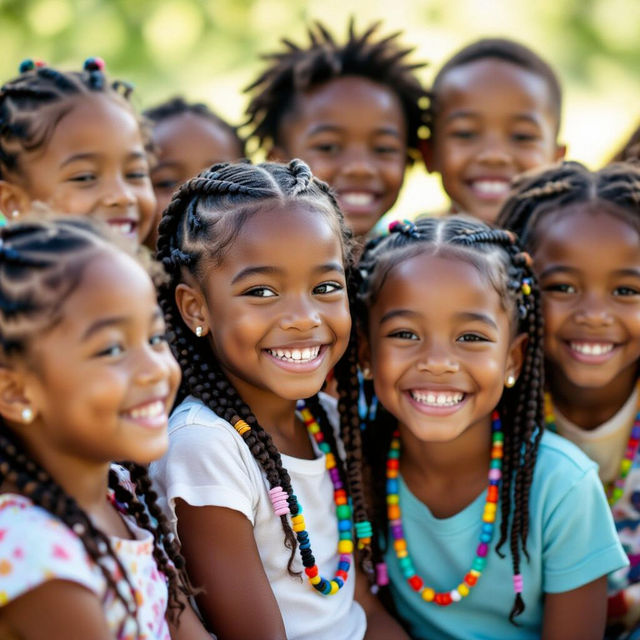
Beads Black Kids Braids Hairstyles Pictures
Discover stunning pictures of black kids' braids hairstyles adorned with beads. Get inspired by unique and creative styles perfect for children, all generated with AI.
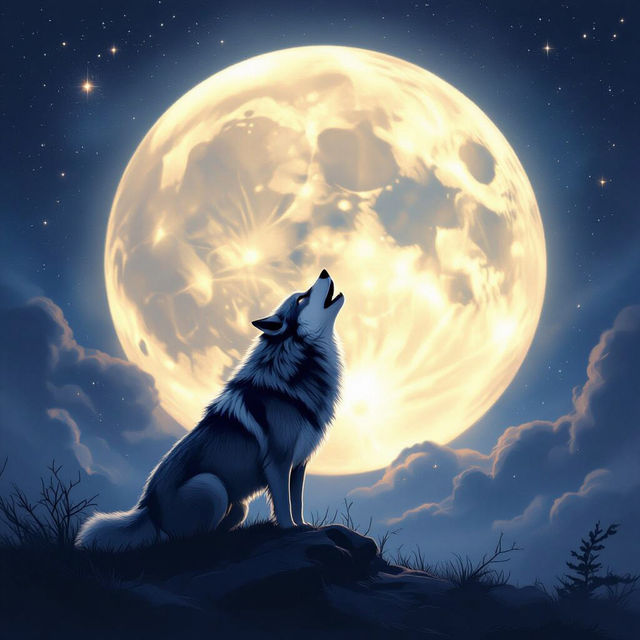
Roaring Moon Full Art
Explore stunning Roaring Moon Full Art pieces. Get inspired by unique AI-generated artwork and create your own captivating visuals with NightCafe.
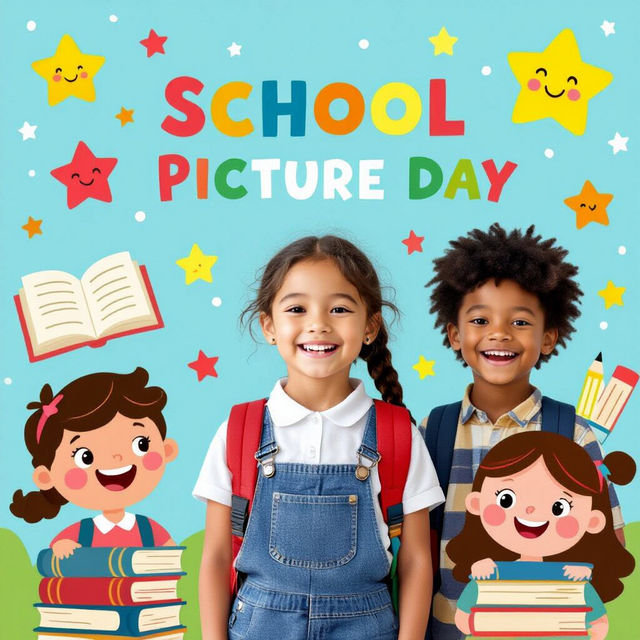
School Picture Day Backgrounds - AI Generated
Explore a vibrant collection of AI-generated school picture day backgrounds. Perfect for photographers and schools seeking unique, customizable backdrops that add a special touch to student photos.
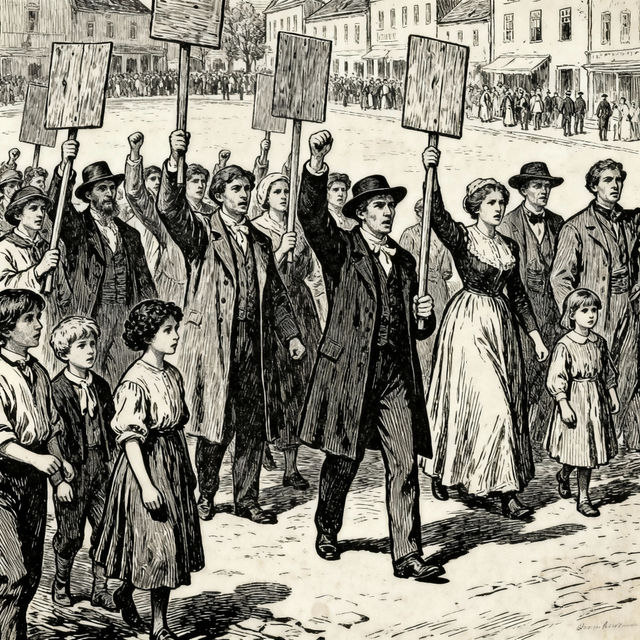
Poll Tax Drawing
Discover unique Poll Tax drawings created with AI. Browse historical and artistic interpretations, or generate your own powerful visual statements on NightCafe.
Frequently Asked Questions
Your Pixel Art AI Questions Answered
What makes AI-generated pixel art unique compared to traditional methods?
AI-generated pixel art can achieve intricate details, complex color palettes, and unique stylistic fusions that might be time-consuming or challenging to create manually. Our advanced models can interpret prompts to generate nostalgic 8-bit aesthetics or modern, sophisticated pixel designs, offering a vast creative playground beyond traditional limitations.
How can I create my own pixel art using NightCafe's AI tools?
To create your own pixel art, simply use the text-to-image generation tools available on NightCafe. Craft a descriptive prompt that includes keywords related to pixel art, such as '8-bit,' '16-bit,' 'pixelated character,' 'retro landscape,' or 'pixel art style.' Experiment with different models and styles offered on our platform to achieve the desired pixel art aesthetic.
Can I achieve specific pixel art styles like those found in retro video games?
Absolutely! By carefully crafting your prompts and selecting appropriate AI models, you can guide the generation towards specific pixel art styles. Try including terms like 'NES style,' 'SNES style,' 'Game Boy color palette,' 'isometric pixel art,' or referencing specific game aesthetics to influence the output.
What kind of prompts work best for generating high-quality pixel art?
For the best results, be specific in your prompts. Describe the subject matter, desired color scheme, mood, and composition. Incorporating terms like 'pixel art,' '8-bit,' '16-bit,' 'retro,' 'vibrant colors,' or 'detailed pixels' will help the AI understand your intent. You can also specify artistic influences or game styles for more targeted outputs.