

- Galleries
- Pixel Art UI Showcase
Pixel Art UI - Made With AI
Discover a vibrant collection of pixel art UI elements. Perfect for game developers and designers seeking retro inspiration, create your own unique pixel art interfaces with NightCafe.

As seen in








Pixel Art UI Showcase
A curated gallery of stunning AI-generated pixel art UI designs, offering a nostalgic and charming aesthetic for your creative projects.


Didn't find what you were looking for? Create your own below!
Create your own Pixel Art UI - Made With AI images
Discover the magic of Text to Image AI by creating your own unique images. Edit the prompt below to customize your creation.
No payment or credit card required.

Retro Charm, Modern Power
Explore Pixel Art User Interface Designs
Dive into a treasure trove of meticulously crafted Pixel Art UI elements. Our gallery showcases diverse styles, from vibrant fantasy interfaces to sleek sci-fi dashboards. Perfect for game developers and designers, these assets provide a nostalgic yet functional foundation for your next project. Create your own unique Pixel Art UI with ease.
Create Your Own Pixel Art UI
Step 1
Describe Your Pixel Art UI
Start by describing the pixel art UI you envision in the prompt box. Be specific about the style (e.g., fantasy, sci-fi), color palette, and any specific elements you want to include, like buttons, menus, or icons. The more detail you provide, the better the AI can match your retro-inspired vision.
Step 2
Generate Your UI Element
Once your prompt is ready, click the 'Generate' button. The AI will then process your description and create a unique pixel art UI element based on your input, bringing your retro design ideas to life.
Step 3
Download & Use Your Creation
After your pixel art UI is generated, you can download it in a high-resolution format perfect for your projects. Feel free to share your creation with the community or use it immediately in your game or application development!

Nostalgic Inspiration Awaits
Explore Retro Ui Design For Your Next Project
Rediscover the magic of classic interfaces with our extensive Retro UI Design collection. Whether you're building a charming indie game or a unique application, these pixel-perfect designs offer endless inspiration. Explore a variety of themes and color palettes to find the perfect aesthetic and bring your retro vision to life.
More Galleries
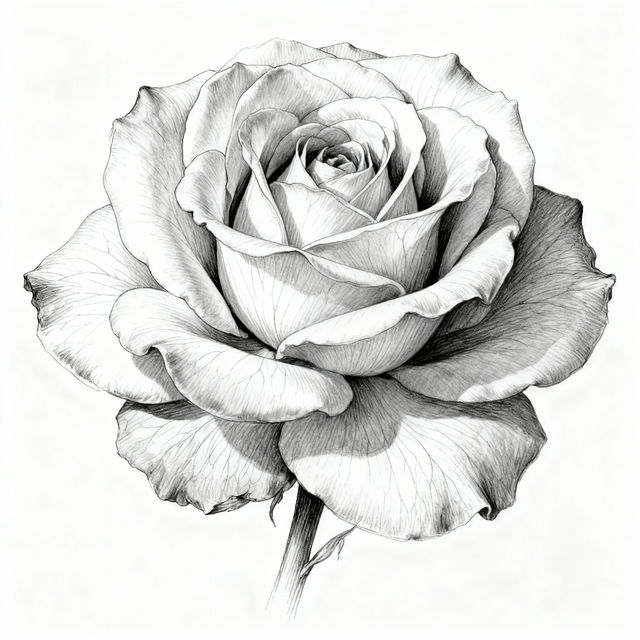
Single Flower Drawings - AI Generated Art
Explore a gallery of exquisite single flower drawings created with AI. Get inspired by delicate petals and elegant stems, then generate your own unique floral art.
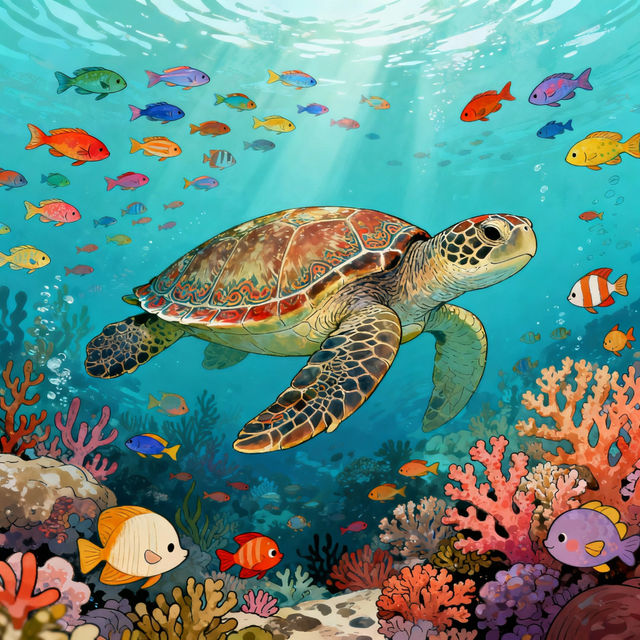
AI Turtle Drawings
Explore a gallery of AI-generated turtle drawings. Get inspired by unique artistic styles and create your own turtle artwork with NightCafe's AI tools.

Epoxy Floor Pictures - Stunning AI Creations
Discover a gallery of stunning epoxy floor pictures created by AI. Get inspired by unique designs and visualize the perfect look for your garage, basement, or commercial space.

Pictures of Rings - Created with AI
Explore a dazzling collection of AI-generated pictures of rings. Find inspiration for engagement rings, wedding bands, or unique jewelry designs. Create your own stunning ring art today!
Frequently Asked Questions
Your Pixel Art UI Questions Answered
What kind of pixel art UI elements can I create with NightCafe?
NightCafe allows you to create a wide variety of pixel art UI elements. This includes buttons, icons, menus, health bars, inventory slots, and more, all with a distinct retro or modern pixel art aesthetic. You can tailor these elements to fit fantasy, sci-fi, or any other theme for your game or application.
How can I ensure my generated pixel art UI fits my game's aesthetic?
To ensure your generated pixel art UI fits your game's aesthetic, start by using descriptive keywords in your prompt. Specify the desired color palette (e.g., '8-bit color palette,' 'limited colors'), the overall mood (e.g., 'dark fantasy,' 'chipper sci-fi'), and specific UI components you need (e.g., 'RPG inventory screen,' 'sci-fi HUD button'). Experimenting with different AI models and styles within NightCafe can also help you find the perfect look.
Can I use the pixel art UI I create for commercial game development?
Yes, the pixel art UI elements you create with NightCafe can be used for commercial game development and other projects. Ensure you review our Terms of Service for specific details on usage rights and attribution requirements.
What if the generated pixel art UI isn't exactly what I envisioned?
AI generation is an iterative process. If the initial results aren't perfect, try refining your prompt with more specific details about colors, shapes, and desired styles. You can also experiment with different negative prompts to exclude unwanted elements. NightCafe offers various tools and models, so exploring those options can lead you closer to your vision.