

- Galleries
- AI-Generated Pixl Art Showcase
Pixl Art - Made With AI
Discover a vibrant gallery of Pixl Art created by AI. Get inspired by unique retro designs and create your own pixelated masterpieces with NightCafe's AI tools.

As seen in








AI-Generated Pixl Art Showcase
A curated collection of AI-generated Pixl Art, featuring nostalgic 8-bit and 16-bit aesthetics. Perfect for inspiration or as unique digital assets.


Didn't find what you were looking for? Create your own below!
Create your own Pixl Art - Made With AI images
Discover the magic of Text to Image AI by creating your own unique images. Edit the prompt below to customize your creation.
No payment or credit card required.

Dive Into Retro Worlds
Explore Stunning Pixl Art Creations
Immerse yourself in a captivating collection of Pixl Art, where every piece is a nostalgic journey back to the golden age of gaming and digital design. Our AI meticulously crafts these retro-inspired visuals, offering a unique blend of classic aesthetics and modern artistic flair. Discover intricate details and vibrant palettes that celebrate the charm of pixelated art.
Create Your Own Pixel Art Masterpiece
Step 1
Describe Your Pixel Art Vision
Enter a detailed description of the pixel art you envision. Think about the characters, objects, colors, and overall mood you want to capture. For example: 'A knight in shining armor standing in front of a pixelated castle, 16-bit style, vibrant colors'. The more specific you are, the better the AI can bring your idea to life.
Step 2
Generate Your Pixel Art
Once you've crafted your perfect prompt, simply click the 'Generate' button. Our AI will get to work, transforming your text into a unique piece of pixel art. Grab a coffee, and in a short while, your creation will be ready!
Step 3
Download & Share Your Art
After your pixel art is generated, you can download it in high resolution to use as you please. Feel free to share your awesome retro creation with friends or the NightCafe community to inspire others!

Unleash Your Creativity
Generate Your Own Pixel Art Masterpieces
With our intuitive Pixel Art Generator, transforming your ideas into unique pixelated masterpieces has never been easier. Whether you're aiming for charming characters, dynamic scenes, or abstract designs, our AI tools empower you to create. Start generating your own pixel art today and bring your retro-inspired visions to life with NightCafe.
More Galleries
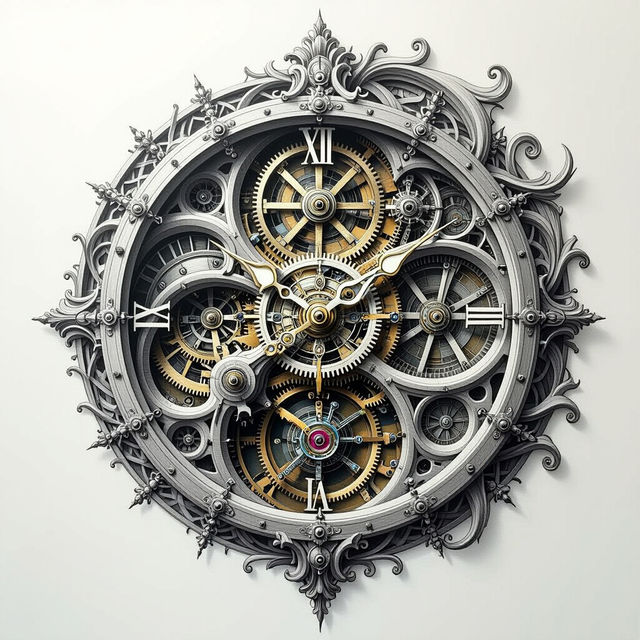
The Hardest Drawing In The World
Discover the 'Hardest Drawing In The World' created with AI. Browse intricate and complex artworks, pushing the boundaries of digital art and creativity.
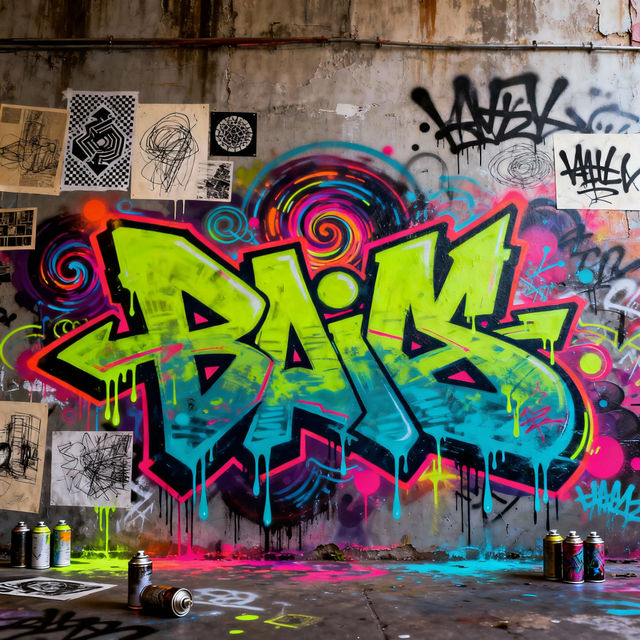
Trippy Easy Sketch Graffiti Art
Discover vibrant and trippy easy sketch graffiti art. Perfect for adding a unique, artistic flair to your projects. Generate your own stunning graffiti art with AI.
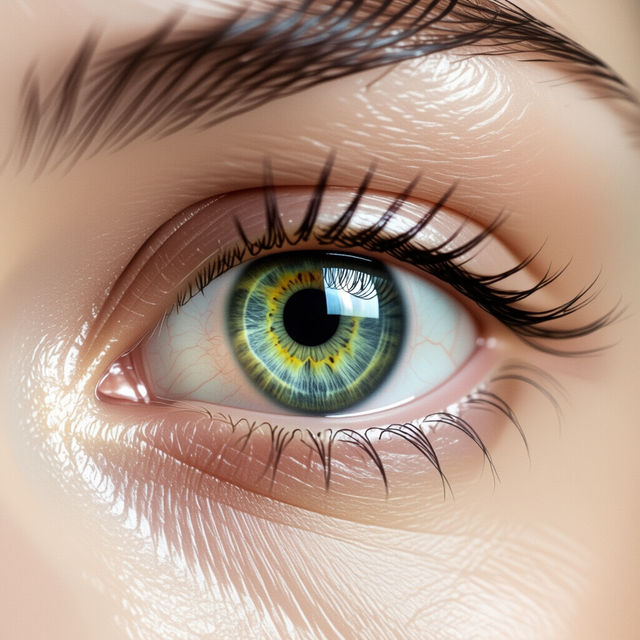
Eye Drawing Step By Step
Explore a gallery of eye drawings created step by step with AI. Learn techniques and find inspiration for your own realistic and stylized eye artwork.
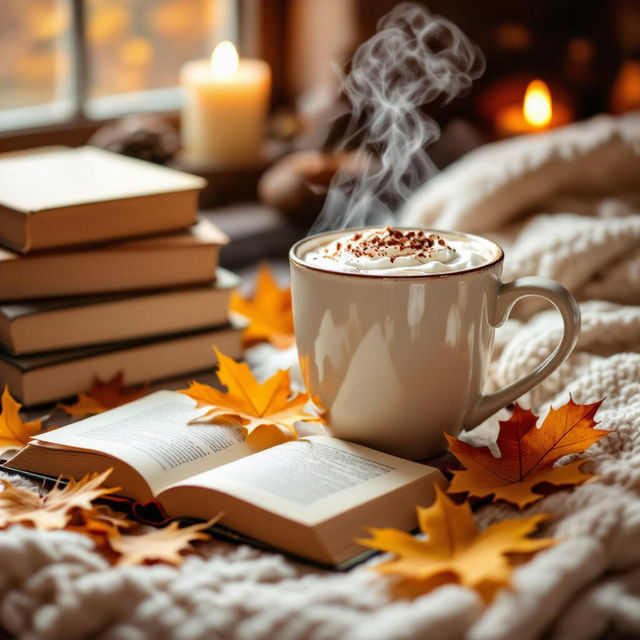
Cute November Wallpapers
Discover adorable AI-generated Cute November wallpapers. Perfect for your desktop or phone, these images capture the cozy essence of November. Create your own unique November wallpaper today!
Frequently Asked Questions
Your Questions About Our Pixl Art Gallery Answered
What exactly is Pixl Art and how is it generated by NightCafe's AI?
Pixl Art, also known as pixel art, is a form of digital art where images are created, and edited, on the pixel level. NightCafe's AI models are trained on vast datasets that include examples of classic pixel art. When you use our Pixel Art Generator, the AI interprets your text prompts and stylistic preferences to construct images using individual pixels, mimicking the aesthetic of retro video games and early digital graphics. It combines classic charm with modern AI capabilities to produce unique, pixelated masterpieces.
How can I create my own unique pixel art using NightCafe?
To create your own pixel art, start by accessing NightCafe's Pixel Art Generator. Begin with a descriptive text prompt that outlines the subject, style, and mood you envision. For example, you could prompt for 'a retro RPG character in a forest' or 'a pixelated cityscape at sunset.' Experiment with different keywords related to pixel art, such as '8-bit,' '16-bit,' 'retro game style,' or 'low resolution.' Our AI will then generate images based on your input, allowing you to iterate and refine your creations.
What kind of inspiration can I find in the Pixl Art Gallery?
The Pixl Art Gallery showcases a diverse range of retro-inspired designs generated by our AI. You'll find everything from charming characters and nostalgic game scenes to abstract patterns and detailed retro landscapes. Each piece highlights the unique aesthetic of pixelation, with vibrant palettes and intricate, blocky details. It's a great place to discover different interpretations of pixel art and gather ideas for your own AI-generated creations.
Are there specific settings or models recommended for creating the best pixel art?
While our AI is capable of generating great pixel art with various settings, experimenting is key. When using the Pixel Art Generator, pay attention to the available style options, as some may lean more towards a pixelated aesthetic. Incorporating keywords like 'pixel art,' '8-bit,' '16-bit,' or 'retro' into your prompts is highly effective. We encourage you to try different combinations of prompts and settings to see which ones yield the most satisfying retro results for your vision.