

- Galleries
- AI PowerPoint Backgrounds
PowerPoint Background Images - Made With AI
Elevate your presentations with unique PowerPoint background images generated by AI. Discover a variety of styles to make your slides stand out and impress your audience.

As seen in








AI PowerPoint Backgrounds
Explore a curated collection of AI-generated background images perfect for PowerPoint presentations, offering a professional and creative touch.


Didn't find what you were looking for? Create your own below!
Create your own PowerPoint Background Images - Made With AI images
Discover the magic of Text to Image AI by creating your own unique images. Edit the prompt below to customize your creation.
No payment or credit card required.

Elevate Your Slides Instantly
Stunning AI-generated Backgrounds For Presentations
Transform your presentations from ordinary to extraordinary with unique, AI-crafted backgrounds. Our gallery offers a diverse range of styles, ensuring you find the perfect visual theme to complement your content and captivate your audience. Each Powerpoint Background Image is designed for maximum impact and professionalism.
Create Stunning PowerPoint Backgrounds in 3 Easy Steps
Step 1
Describe Your Ideal Background
Start by entering a detailed description of the PowerPoint background you envision. Think about the theme of your presentation, your desired color palette, and the overall mood you want to convey. For example, try prompts like 'Abstract futuristic blue and gold geometric pattern for technology presentation' or 'Soft watercolor floral background for a nature-themed slideshow.' The more specific you are, the better the AI can match your needs.
Step 2
Generate Your Unique Background
Once you have crafted your perfect prompt, simply click the 'Generate' button. Our AI will then process your request and create a unique, professional background image tailored to your specifications, ready to make your slides pop.
Step 3
Download and Elevate Your Slides
After the image is generated, you can download it in high resolution to use in your PowerPoint presentation. Feel free to explore different variations or refine your prompt to generate more options. Share your impressive results with others or use them to elevate your next presentation!

Captivate Your Audience
AI-generated Presentation Background Art For Engaging Slides
Make your next presentation unforgettable with bespoke AI-Generated Presentation Background Art. These visually rich and dynamic designs are perfect for adding depth and personality to your slides, ensuring your message resonates. Elevate your storytelling with art that commands attention and enhances engagement.
More Galleries
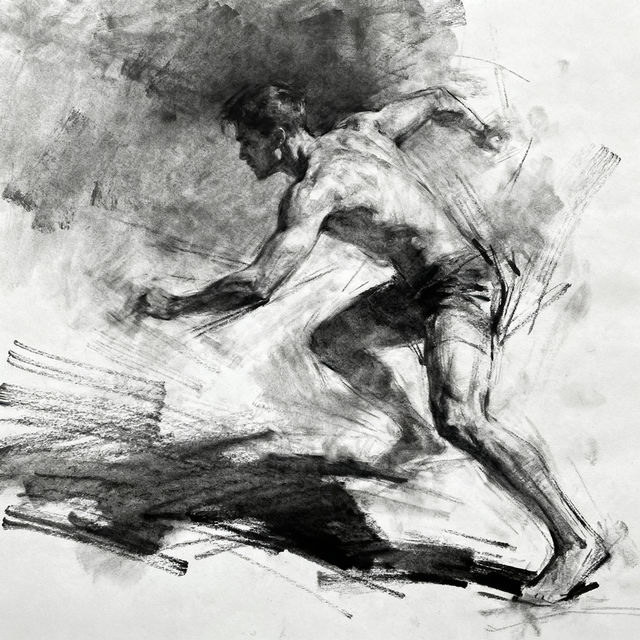
Sketch Person Art
Explore a gallery of AI-generated sketch person art. Get inspired by diverse styles and easily create your own unique sketch person images with NightCafe.
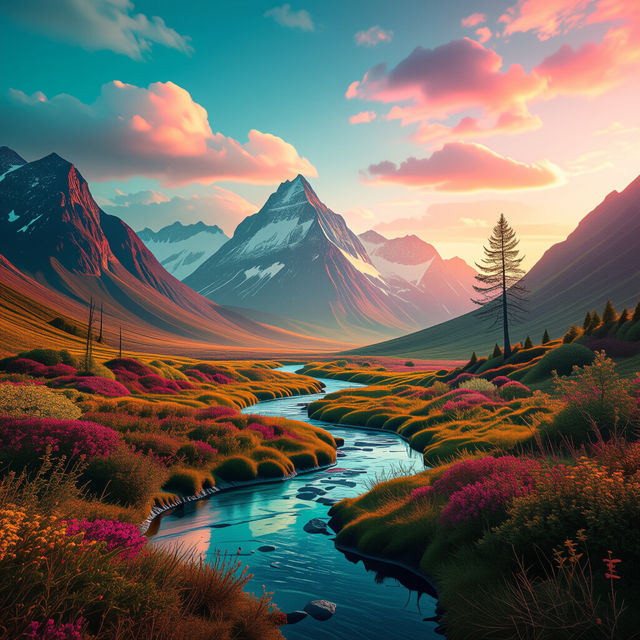
Camera Art - Made With AI
Discover the world of AI-generated camera art. Browse incredible images created with artificial intelligence and learn how to generate your own unique camera art pieces on NightCafe.
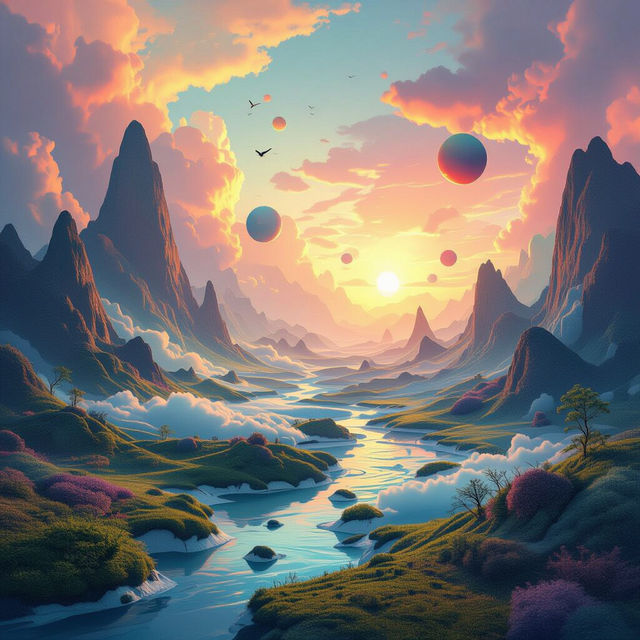
Writing Picture Prompts
Explore a diverse collection of AI-generated writing picture prompts designed to ignite your imagination. Find inspiration for stories, characters, and scenes to enhance your creative writing.

Maryland Pictures
Discover stunning AI-generated Maryland pictures, from scenic landscapes to iconic landmarks. Get inspired by the beauty of Maryland and create your own unique images.
Frequently Asked Questions
Everything You Need to Know About AI-Generated PowerPoint Backgrounds
How can AI-generated images improve my PowerPoint presentations?
AI-generated images can transform your presentations by providing unique, professional, and visually captivating backgrounds. Unlike generic stock photos, these custom designs add depth, personality, and a modern aesthetic to your slides, helping to hold your audience's attention and make your content more memorable.
What styles of PowerPoint backgrounds can I create with NightCafe?
NightCafe's AI offers a diverse range of styles for your PowerPoint backgrounds. Whether you need a minimalist, abstract, futuristic, natural, or artistic theme, you can generate images that perfectly match your presentation's tone and subject matter. Explore various AI models to discover the ideal look.
How do I choose the best AI model for my PowerPoint background image?
Consider the overall mood and theme of your presentation. For example, if you're presenting on technology, a more abstract or futuristic style might work well. For a business report, a clean, professional, or subtly textured background could be ideal. Experiment with different models like Flux, Imagen, or Stable Diffusion to see which one produces results closest to your vision.
Can I use these AI-generated PowerPoint backgrounds for commercial presentations?
Yes, you can use AI-generated images from NightCafe for commercial purposes, including professional presentations. Ensure you adhere to our Terms of Service for specific guidelines on usage and attribution, which helps us continue to provide these creative tools.
What makes these AI backgrounds better than standard stock images?
AI-generated backgrounds offer unparalleled uniqueness and customization. Instead of settling for common stock photos that many others might use, you can create bespoke visuals tailored precisely to your presentation's topic and desired aesthetic. This originality helps your slides stand out and leaves a stronger impression on your audience.