

- Galleries
- Pretty Flowers Drawing Gallery
Pretty Flowers Drawing
Explore a vibrant gallery of pretty flower drawings created with AI. Get inspired by unique floral designs and learn how to generate your own beautiful flower art.

As seen in








Pretty Flowers Drawing Gallery
A curated collection of exquisite AI-generated flower drawings, showcasing diverse floral species and artistic interpretations for inspiration.


Didn't find what you were looking for? Create your own below!
Create your own Pretty Flowers Drawing images
Discover the magic of Text to Image AI by creating your own unique images. Edit the prompt below to customize your creation.
No payment or credit card required.

Vibrant Floral Creations
Beautiful AI-generated Flower Art
Discover a breathtaking collection of pretty flowers drawing, meticulously crafted by AI. Our advanced models transform simple concepts into intricate floral masterpieces, offering endless inspiration for artists and nature lovers alike. Explore diverse styles and bring the beauty of nature to your digital canvas.
Create Your Own Stunning Floral Art
Step 1
Describe Your Dream Flower
Start by describing the flower or floral arrangement you envision in the prompt box. Be as specific as possible! Think about the type of flower, its colors, the background, and the overall mood you want to capture. For example, try "a vibrant watercolor painting of a blooming rose with dew drops on its petals, soft bokeh background."
Step 2
Generate Your Floral Masterpiece
Once you've crafted your perfect prompt, click the "Generate" button. Our AI will then work its magic, transforming your words into a unique and beautiful floral artwork.
Step 3
Download & Share Your Creation
After your artwork is created, you can download it in high resolution to use in your projects. Feel free to share your beautiful creation with the community and get inspired by other users' floral designs!

Your Vision, Realized
Generate Stunning Floral Art With AI
Unleash your creativity and generate stunning floral art with AI. Our intuitive tools empower you to create unique designs, from delicate blossoms to elaborate bouquets. Perfect for designers, illustrators, and anyone looking to add a touch of natural beauty to their projects. Effortlessly bring your floral visions to life.
More Galleries
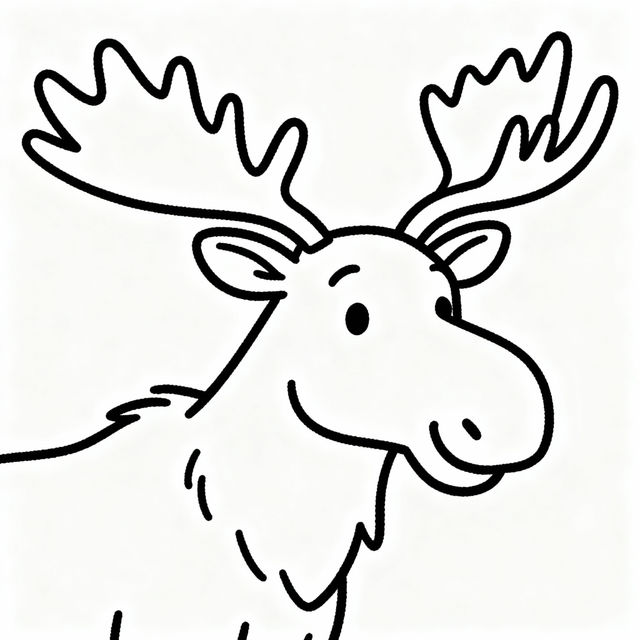
Easy Moose Drawings - Made With AI
Explore a collection of easy moose drawings created with AI. Perfect for inspiration or learning, generate your own unique moose art quickly and effortlessly on NightCafe.
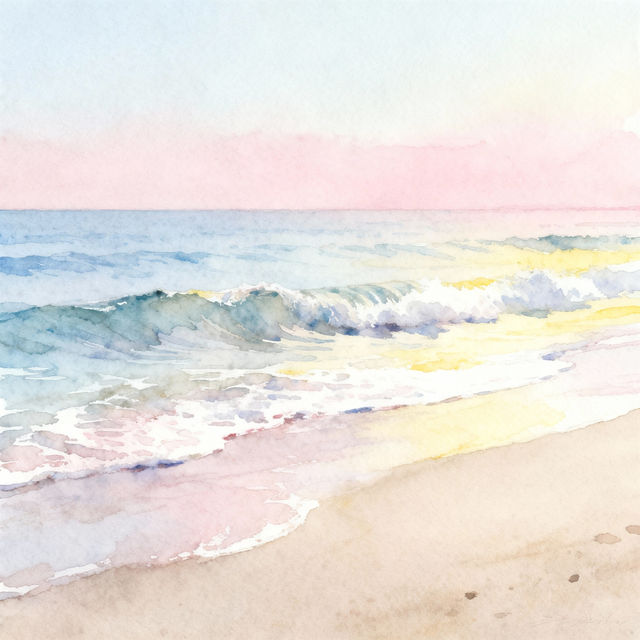
Water Waves Drawings - AI Generated Art
Discover a gallery of beautiful water waves drawings created by AI. Get inspired by ocean art and learn how to generate your own unique water wave designs with NightCafe.
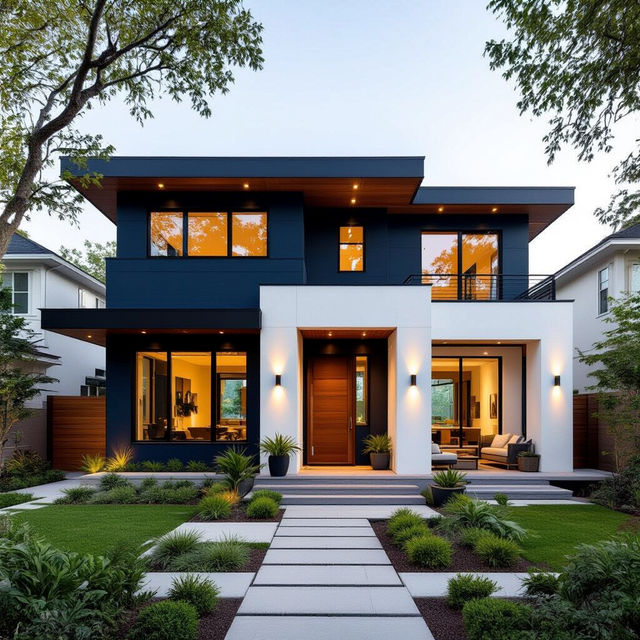
Exterior Paint Color Combinations Images
Explore stunning exterior paint color combinations for your home. Get inspired by AI-generated images and find the perfect palette to enhance your home's curb appeal.
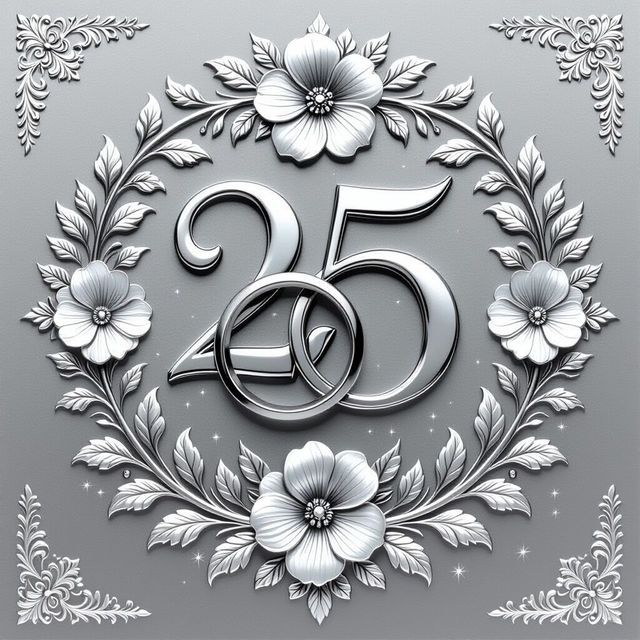
Silver Wedding Anniversary Wishes Images
Find beautiful Silver Wedding Anniversary Wishes Images to celebrate 25 years. Generate unique, heartfelt anniversary images that perfectly capture your special milestone.
Frequently Asked Questions
Your Questions About Generating Pretty Flower Art Answered
How can I create prompts for stunning AI-generated flower drawings?
To generate beautiful flower art, start by describing the type of flower you envision (e.g., 'rose', 'tulip', 'wildflower'). Then, specify the style you prefer, such as 'watercolor', 'pencil sketch', 'photorealistic', or 'abstract'. Adding details about the mood, color palette, and composition, like 'soft pastel colors', 'vibrant and bold', 'close-up', or 'in a garden setting', will help the AI create unique and compelling results.
What AI models are best for creating floral art?
NightCafe offers several powerful AI models that excel at generating detailed and beautiful images, including floral art. Models like Stable Diffusion and Imagen are known for their versatility and ability to produce high-quality, intricate results. Experiment with different models to see which best captures the specific style and aesthetic you're aiming for in your flower drawings.
Can I use the generated flower drawings for my projects?
Yes, the AI-generated flower drawings you create can be used for various projects. Whether you're a designer looking for unique floral elements, an illustrator seeking inspiration, or simply want to add natural beauty to your digital canvas, these images are a great resource. Please refer to our Terms of Service for specific usage rights and attribution requirements.
What if I'm not getting the exact flower look I want?
If your generated flower art isn't quite what you envisioned, try refining your prompt. Be more specific with your descriptions of the flower type, color, and style. You can also experiment with different negative prompts to exclude elements you don't want. Adjusting parameters like 'steps' or 'CFG scale' can also influence the outcome. Don't hesitate to iterate and try variations of your prompt.