

- Galleries
- Pixel Art Showcase
Procreate Pixel Art
Discover a vibrant gallery of Procreate pixel art. Get inspired by unique designs and learn how to create your own pixel art with AI.

As seen in








Pixel Art Showcase
A curated collection of AI-generated pixel art, showcasing diverse themes and intricate designs perfect for inspiration and digital art exploration.


Didn't find what you were looking for? Create your own below!
Create your own Procreate Pixel Art images
Discover the magic of Text to Image AI by creating your own unique images. Edit the prompt below to customize your creation.
No payment or credit card required.

Pixel Art Masterpieces Await
Explore Stunning Pixel Art Creations
Dive into a mesmerizing gallery showcasing the best of Procreate Pixel Art. From nostalgic game sprites to intricate modern designs, find endless inspiration for your own pixel art journey. Each piece is a testament to the creative potential unlocked by our AI.
Create Your Own Pixel Art
Step 1
Describe Your Pixel Art Vision
To begin, describe the pixel art you envision in the prompt box. Be specific about the subject, style (e.g., 8-bit, 16-bit), color palette, and any particular details you'd like to see. The more descriptive you are, the better the AI can translate your idea into pixel art.
Step 2
Generate Your Pixel Art
After entering your prompt, click the 'Generate' button. Our AI will process your description and create a unique piece of pixel art based on your input.
Step 3
Download & Share Your Art
Once your pixel art is generated, you can download it in a suitable format for your projects. Feel free to share your creation with the community or use it as inspiration for future designs!

Effortless Pixel Art Creation
Use A Pixel Art Generator For Unique Designs
Struggling to start? Our intuitive Pixel Art Generator empowers you to create unique designs with ease. Simply provide your ideas, and watch as the AI transforms them into stunning pixel art. Perfect for game developers, artists, and hobbyists looking to quickly generate assets.
More Galleries
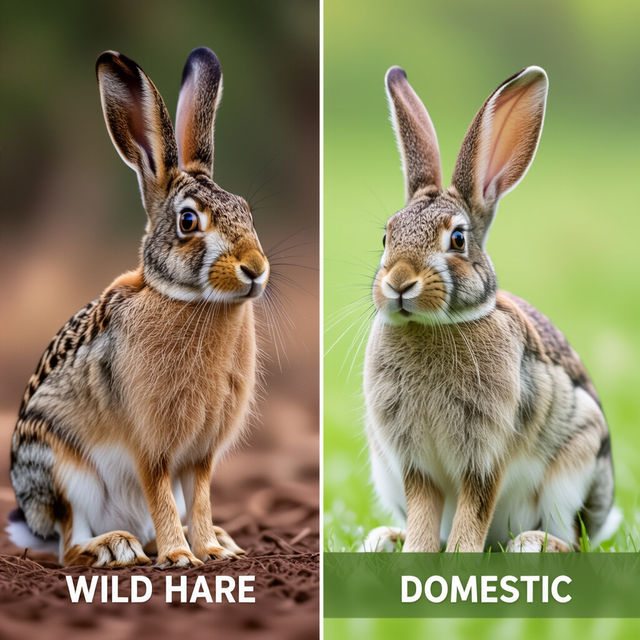
Hare vs Rabbit Comparison Images
Discover the subtle yet distinct differences between hares and rabbits through AI-generated comparison images. Explore unique artistic interpretations and learn about these fascinating creatures.
Disc Golf Art
Discover stunning AI-generated disc golf art. Perfect for enthusiasts and artists, explore unique designs and get inspired to create your own vibrant disc golf art.
Cute Frog Images
Discover a delightful collection of cute frog images created by AI. Perfect for nature lovers and art enthusiasts, find your next favorite amphibian artwork here.
Soft Pastel Drawings
Discover a gallery of stunning soft pastel drawings created with AI. Get inspired by the gentle textures and vibrant colors, then create your own unique pastel art.
Frequently Asked Questions
Your Pixel Art Questions Answered
What is Procreate Pixel Art and how is it created?
Procreate Pixel Art refers to digital artwork created using a pixel-by-pixel approach, often emulating the aesthetic of classic video games. Our AI generator allows you to create unique pixel art by simply describing your desired image. The AI then translates your text prompts into detailed pixel art, perfect for game assets, retro designs, or creative projects.
How can I get inspired by the Procreate Pixel Art gallery?
The gallery showcases a diverse range of pixel art, from nostalgic game sprites to contemporary intricate designs. Browse through the collection to discover various styles, color palettes, and compositions. Use these examples as a springboard for your own ideas, noting elements you like and how they might be incorporated into your own creations.
What kind of prompts work best for the Pixel Art Generator?
To get the best results, be descriptive with your prompts. Include details about the subject, style (e.g., 8-bit, 16-bit, modern pixel art), color scheme, and any specific elements you want to see. For example, instead of 'a cat,' try 'a fluffy orange cat sitting on a windowsill, 16-bit style, vibrant colors.'
Can I use the generated pixel art for my game or commercial projects?
Yes, the pixel art generated can be used for your game development, personal projects, or commercial endeavors. Ensure you review our Terms of Service for specific usage rights and attribution requirements. Our goal is to empower your creativity across all platforms.
What if I'm not satisfied with the generated pixel art?
If your initial generation isn't quite what you envisioned, try refining your prompt with more specific details or exploring different stylistic keywords. You can also experiment with regenerating the image or adjusting parameters if available. If you encounter persistent issues, please refer to our help section or contact support.