

- Galleries
- AI-Powered Realism Drawings
Realism Drawing - Made With AI
Discover the art of realism drawing with AI. Browse hyper-realistic images and learn how to create your own stunning, lifelike drawings using NightCafe's advanced AI tools.

As seen in








AI-Powered Realism Drawings
A curated collection of AI-generated drawings that push the boundaries of realism, offering breathtaking detail and lifelike quality.


Didn't find what you were looking for? Create your own below!
Create your own Realism Drawing - Made With AI images
Discover the magic of Text to Image AI by creating your own unique images. Edit the prompt below to customize your creation.
No payment or credit card required.

Lifelike Artistry, Effortlessly Created
Explore Stunning AI-generated Realism Drawings
Dive into a world where AI meets the meticulous craft of Realism Drawing. Our gallery showcases breathtaking images, from intricate portraits to detailed landscapes, all generated with advanced AI. Witness the power of technology to produce art that rivals traditional techniques, and get inspired to create your own lifelike masterpieces.
Create Your Own Realistic Masterpiece
Step 1
Describe Your Realistic Vision
Begin by describing the scene or subject you wish to render in hyper-realistic detail. Be specific about lighting, textures, and the overall mood you want to achieve. For example, try prompts like 'A weathered sailor with deep-set eyes, dramatic chiaroscuro lighting' or 'A dew-kissed spiderweb in a misty forest at dawn'. The more detail you provide, the closer the AI can get to your vision.
Step 2
Generate Your Realistic Artwork
Once you've crafted your detailed prompt, click the 'Generate' button. Our AI will process your description and begin creating a unique, high-fidelity image that strives for photorealism. Watch as the details emerge and the artwork takes shape based on your input.
Step 3
Download or Share Your Creation
After your realistic drawing is complete, you have the option to download it in its full glory. You can also share your lifelike creation with the NightCafe community, showcasing your ability to harness AI for stunning realism and gather inspiration from other artists.

Your Vision, Perfectly Rendered
Generate Photorealistic Art With AI
Transform your ideas into stunning Photorealistic Art using NightCafe's powerful AI tools. Whether you aim to Generate Photorealistic Art with AI for a specific project or simply explore your creative potential, our platform provides the means to achieve incredible detail and accuracy. Experience the future of art creation.
More Galleries
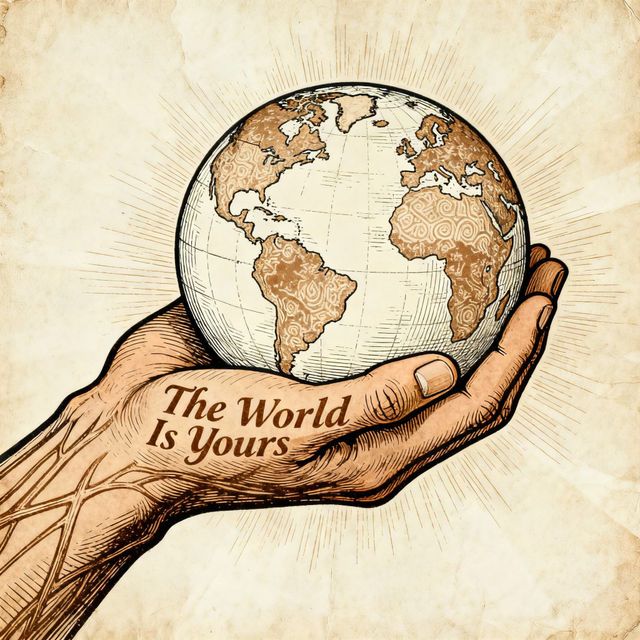
The World Is Yours Drawings
Explore a collection of unique 'The World Is Yours' drawings created with AI. Get inspired by these artistic interpretations and bring your own vision to life.
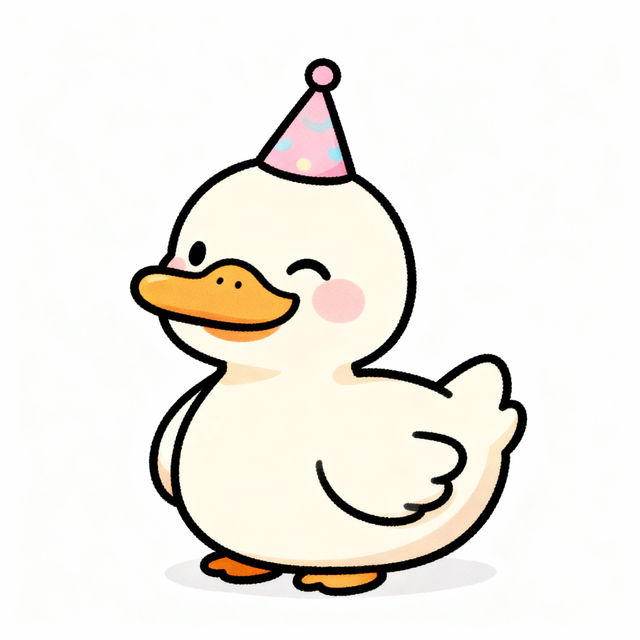
Kawaii Duck Drawing
Explore a delightful gallery of Kawaii Duck Drawings created by AI. Find inspiration and easily generate your own adorable duck art with NightCafe's creative tools.
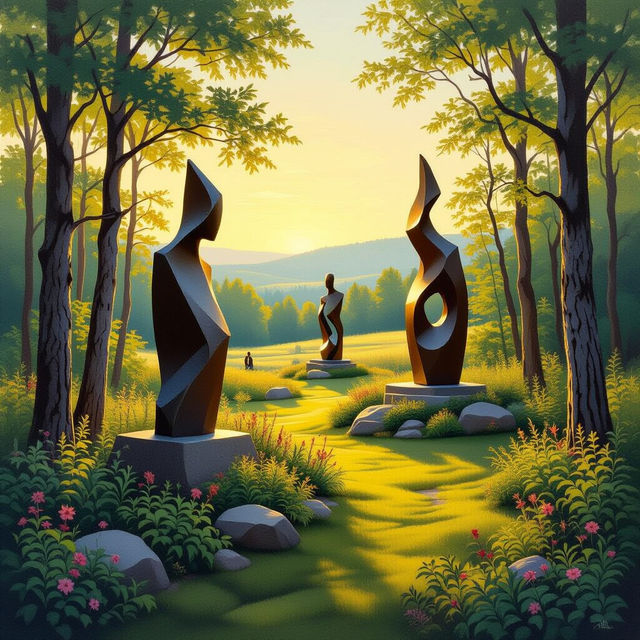
Michigan Legacy Art Park Art
Discover stunning AI-generated art inspired by the Michigan Legacy Art Park. Browse unique pieces that capture the essence of Michigan's landscapes and artistic heritage.
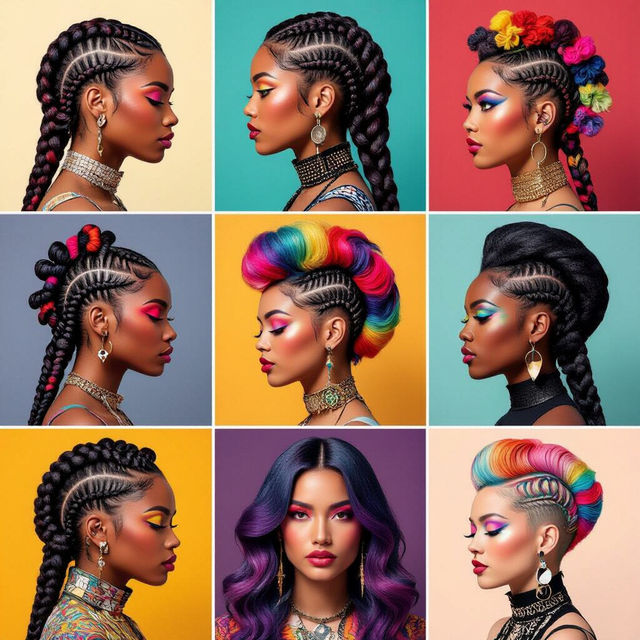
The Art Of Hair
Discover the endless possibilities in the art of hair. Browse stunning AI-generated hairstyles and get inspired to create your own unique looks.
Frequently Asked Questions
Your Questions About AI Realism Drawing, Answered
How can I generate hyper-realistic drawings with NightCafe?
To create hyper-realistic drawings, start with a detailed prompt that specifies the subject, setting, lighting, and desired level of detail. Experiment with descriptive keywords related to texture, form, and material. You can also leverage specific realism-focused AI models available on NightCafe for enhanced results.
What makes AI-generated realism different from traditional drawing?
AI-generated realism uses algorithms and vast datasets to produce images that mimic the detail and accuracy of traditional realism. While traditional drawing relies on manual skill and observation, AI can achieve intricate textures and lighting effects rapidly, offering a unique approach to lifelike art creation.
Can I use the realism drawings I create for commercial projects?
Yes, you can use the realism drawings you create with NightCafe for commercial projects. Please refer to our Terms of Service for specific details regarding usage rights and any attribution requirements.
What are the best prompts to achieve photorealistic results?
For photorealistic results, be highly descriptive. Include details like 'ultra-detailed,' '8K resolution,' 'cinematic lighting,' 'sharp focus,' and specify materials like 'smooth skin,' 'polished metal,' or 'rough wood grain.' Mentioning specific camera lenses or photographic terms can also enhance realism.