

- Galleries
- AI Dragon Drawings Gallery
Realistic Full Body Dragon Drawings
Explore stunning AI-generated realistic full body dragon drawings. Get inspired by mythical beasts and create your own unique dragon art with NightCafe's powerful tools.

As seen in








AI Dragon Drawings Gallery
A curated collection of hyperrealistic, full-body dragon drawings created with AI. Discover diverse dragon designs and unlock your own mythical creature creations.


Didn't find what you were looking for? Create your own below!
Create your own Realistic Full Body Dragon Drawings images
Discover the magic of Text to Image AI by creating your own unique images. Edit the prompt below to customize your creation.
No payment or credit card required.

Unleash Your Inner Artist
Create Your Own Dragon Art
Dive into a world of mythical creatures and bring your dragon fantasies to life. Our platform empowers you to craft unique, detailed dragon art, from majestic winged beasts to fierce, scaled warriors. Explore endless possibilities and generate your own stunning Realistic Full Body Dragon Drawing.
Create Your Own Dragon Masterpiece
Step 1
Describe Your Dragon
Begin by describing the dragon you envision in the prompt box. Think about its appearance, pose, environment, and any specific details like scales, wings, or fire. The more descriptive you are, the closer the AI will get to your ideal dragon drawing.
Step 2
Generate Your Dragon Art
Once your prompt is ready, hit the 'Generate' button. Our AI will then process your description and create a unique, realistic full-body dragon drawing just for you. Watch your mythical beast come to life!
Step 3
Download & Share Your Creation
After generation, you can download your stunning dragon artwork in high resolution. Feel free to share your creation with the community or use it as inspiration for your next masterpiece!

Effortless Dragon Creation
Generate Dragon Art With AI
Transform your ideas into breathtaking dragon art with our intuitive AI tools. Whether you're a seasoned artist or a beginner, our Dragon Art Generator makes it simple to Generate Dragon Art with AI. Explore diverse styles and create captivating dragon illustrations that perfectly match your vision.
More Galleries
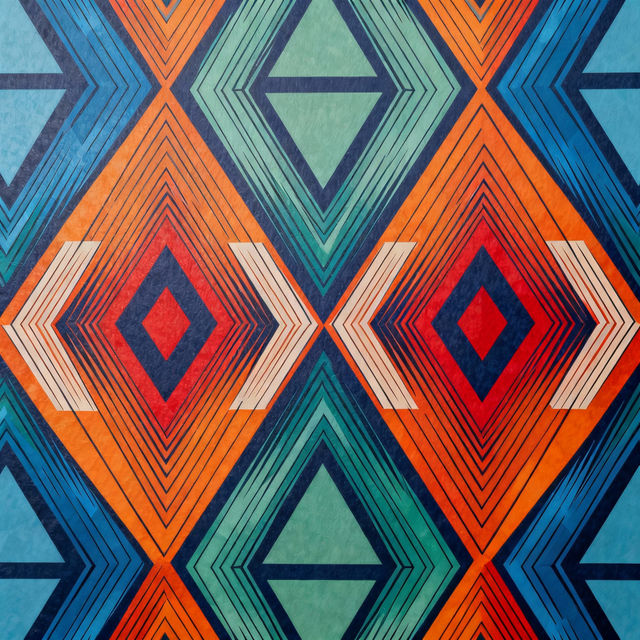
Geometric Wallpapers - Made With AI
Discover a vibrant collection of AI-generated geometric wallpapers. Perfect for adding a modern, abstract touch to your devices. Create your own unique geometric art.
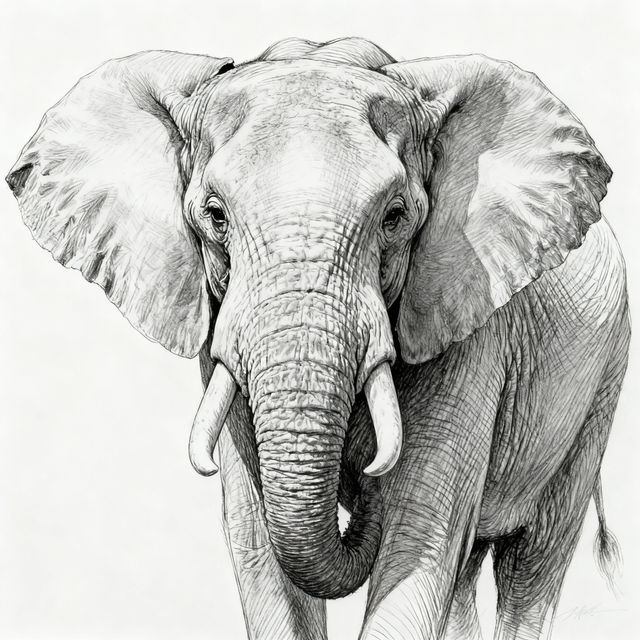
Sketch Elephant Drawings
Explore a gallery of unique sketch elephant drawings. Get inspired by AI artistry and create your own captivating elephant sketches with NightCafe's tools.
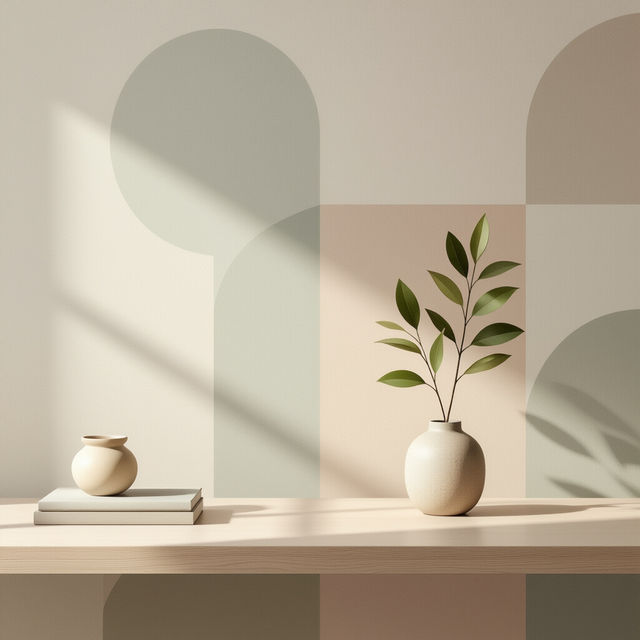
Minimalist Aesthetic Desktop Wallpaper
Discover stunning minimalist aesthetic desktop wallpapers. Perfect for a clean and stylish workspace. Browse and create your own unique desktop designs with AI.
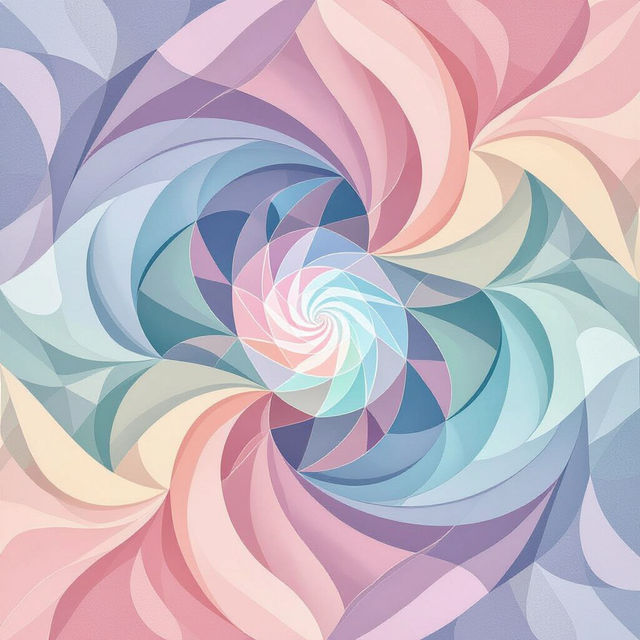
Aesthetic Wallpapers - Made With AI
Explore a vast collection of aesthetic wallpapers generated by AI. Find the perfect backdrop for your devices and unleash your creativity to design unique, personalized wallpapers.
Frequently Asked Questions
Your Questions About Realistic Full Body Dragon Drawings, Answered
How can I generate a realistic full body dragon drawing that stands out?
To create a unique and realistic full body dragon drawing, start with a detailed prompt. Describe the dragon's species, scales, wings, posture, and any specific environmental details. Experiment with different styles and aspect ratios to achieve the desired realism and full body view.
What AI models are best for creating realistic dragon art?
NightCafe offers a variety of powerful AI models, including Stable Diffusion and others, that excel at generating realistic imagery. For dragons, models known for their detail and ability to render complex textures like scales and wings are often the most effective. We encourage you to experiment with different models available in our creation tools to see which best suits your vision for a realistic dragon.
Can I customize the pose and environment of my AI-generated dragon?
Absolutely! By incorporating descriptive keywords into your prompt, you can guide the AI to generate dragons in specific poses (e.g., flying, roaring, perched) and within detailed environments (e.g., a volcanic lair, a snowy mountain, a mystical forest). The more precise your prompt, the closer the AI can get to your desired composition.
Are there any tips for ensuring the dragon is depicted as a full body image?
To ensure a full body depiction, explicitly mention 'full body' or 'entire body' in your prompt. You can also specify the dragon's pose in a way that naturally implies a full body view, such as 'a dragon standing majestically' or 'a dragon in flight from head to tail'. Adjusting the aspect ratio of your generation can also help in framing the complete dragon.