

- Galleries
- Object Removal Examples
Remove Objects From Image
Effortlessly remove unwanted objects from your images using our AI. Explore examples and learn how to clean up photos, perfect for editing and creative projects.

As seen in








Object Removal Examples
See the magic of AI object removal in action. This gallery showcases images with unwanted elements seamlessly erased, demonstrating the power of our tools.


Didn't find what you were looking for? Create your own below!
Create your own Remove Objects From Image images
Discover the magic of Text to Image AI by creating your own unique images. Edit the prompt below to customize your creation.
No payment or credit card required.

Clean Photos Instantly
AI-powered Object Removal
Our advanced AI makes it simple to remove unwanted elements from your photos. Whether it's a distracting photobomber or an unnecessary item, our system intelligently fills in the gaps, leaving a natural and polished result. Perfect for photographers and creatives looking to refine their images.
How to Remove Objects With AI
Step 1
Upload & Mask Unwanted Objects
Start by uploading the image you want to edit. Then, use the intuitive tools to 'paint' over the object you wish to remove. Be precise to ensure the AI understands exactly which element to erase from your photo.
Step 2
Generate Your Cleaned Image
Once you've masked the object, click the 'Generate' button. Our AI will intelligently analyze the surrounding areas and seamlessly remove the selected object, filling in the background naturally.
Step 3
Download & Refine Your Result
Review the generated image. If satisfied, download your perfected photo. You can also explore other variations or re-generate with adjustments for the best possible outcome.

Edit Like A Pro
AI Object Removal Tool For Seamless Photo Editing
Transform your photos with our intuitive AI Object Removal Tool. This powerful feature allows for seamless photo editing, making it easy to enhance your images for any purpose. Achieve professional-looking results effortlessly, whether you're retouching personal memories or preparing assets for creative projects.
More Galleries

LL Pop Art - Vibrant AI Creations
Discover a dazzling collection of LL Pop Art generated by AI. Explore unique styles and vibrant colors, then create your own eye-catching pop art on NightCafe.
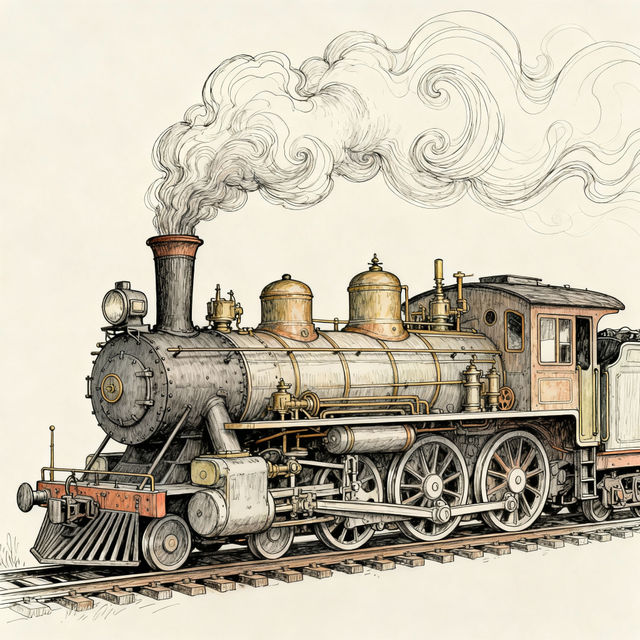
A Train Drawing - Created With AI
Discover unique train drawings made with AI. Browse artistic depictions of trains and create your own stunning train artwork with NightCafe's advanced AI tools.

Biomass Drawing
Discover intricate Biomass Drawings created by AI. Explore unique artistic styles and generate your own biomass-themed art to visualize complex biological systems.

Indigo Color Images
Explore a vibrant gallery of indigo color images. Discover unique AI-generated art and graphics in mesmerizing shades of indigo, perfect for inspiration or your next creative project.
Frequently Asked Questions
Answers to Your Top Questions About AI Object Removal
How does the AI object removal tool work?
Our advanced AI analyzes the surrounding areas of the object you want to remove. It then intelligently reconstructs the background, filling in the space where the object was with realistic textures and patterns, creating a seamless and natural-looking result.
What kind of objects can be removed from an image?
The AI object removal tool is effective at removing a wide variety of unwanted elements, from small distractions like blemishes or stray hairs to larger objects like people, vehicles, or clutter. The success often depends on the complexity of the background behind the object.
Can I use the AI object removal tool for commercial purposes?
Yes, you can use images where objects have been removed with our AI for commercial purposes. Please refer to our Terms of Service for specific details regarding usage rights and any attribution requirements.
What makes Nightcafe's object removal different from other photo editing tools?
Nightcafe's AI object removal is designed for ease of use and powerful results. Our sophisticated algorithms aim to provide a more automated and intuitive experience compared to traditional manual editing methods, often achieving impressive results with minimal user input.