

- Galleries
- People Removed From Image Gallery
Remove People From Image - AI Powered
Easily remove people from your images with our AI tool. Clean up photos, enhance compositions, and create perfect shots. Try removing people from images now on NightCafe.

As seen in








People Removed From Image Gallery
Explore stunning examples of images where people have been seamlessly removed by AI, showcasing a clean and focused final result. Perfect for inspiration.


Didn't find what you were looking for? Create your own below!
Create your own Remove People From Image - AI Powered images
Discover the magic of Text to Image AI by creating your own unique images. Edit the prompt below to customize your creation.
No payment or credit card required.

Perfect Compositions, Instantly
Effortlessly Remove People From Your Photos
Our advanced AI makes it simple to remove people from your images with just a few clicks. Whether you're tidying up a landscape, focusing on a subject, or perfecting a group shot, this tool ensures a clean and natural result. Experience the ease of professional photo editing, allowing you to create flawless images every time. Remove People From Image has never been this straightforward.
Effortlessly Remove People From Your Photos
Step 1
Identify What to Remove
Upload the image you want to edit and use the prompt box to describe the area or people you wish to remove. Be specific about the elements you want the AI to focus on and eliminate, such as 'remove the person on the left' or 'clear the background crowd'.
Step 2
Generate Your Cleaned Image
Once you've provided your instructions, click the 'Generate' or 'Remove People' button. The AI will process your image and meticulously remove the specified individuals, leaving your photo clean and natural.
Step 3
Download or Share Your Masterpiece
After the AI has finished editing, review the result. You can then download your perfected image or share it with others to showcase the impressive transformation.

Clean Up Your Shots
Edit Photos Seamlessly
Utilize the power of AI Object Removal to declutter your photographs. Our intelligent tool precisely identifies and removes unwanted elements, including people, without leaving artifacts. Enhance your photos by focusing on the essential details and achieving a professional, polished look. This AI Object Removal: Edit Photos Seamlessly feature transforms ordinary pictures into extraordinary ones.
More Galleries
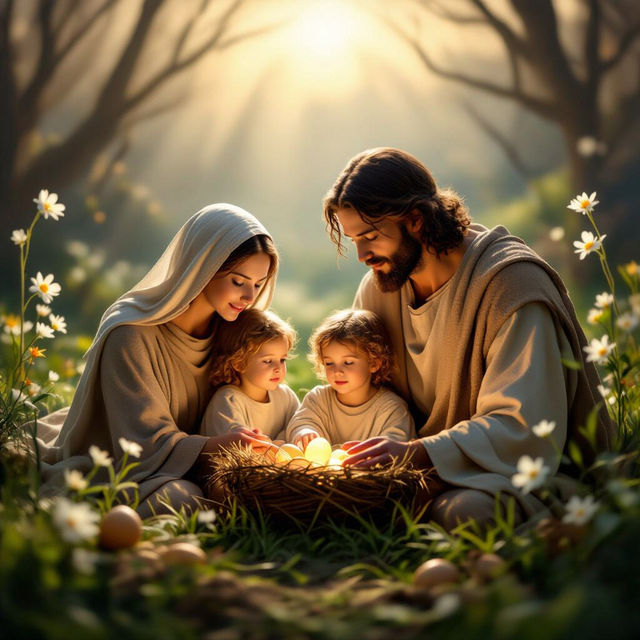
Holy Week Images 2025
Discover a collection of profound Holy Week Images 2025, perfect for reflection and inspiration. Create your own meaningful scenes with AI.
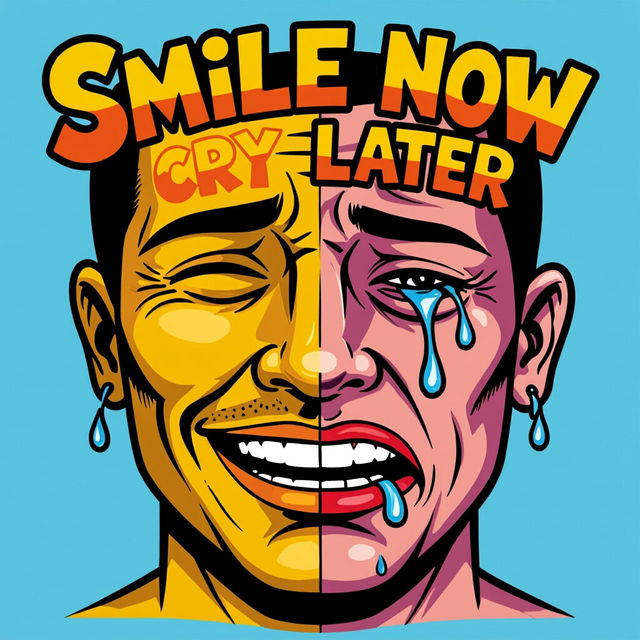
Smile Now Cry Later Art
Discover unique 'Smile Now Cry Later' art created by AI. Browse a diverse collection of this iconic tattoo style, perfect for inspiration or creating your own unique designs.
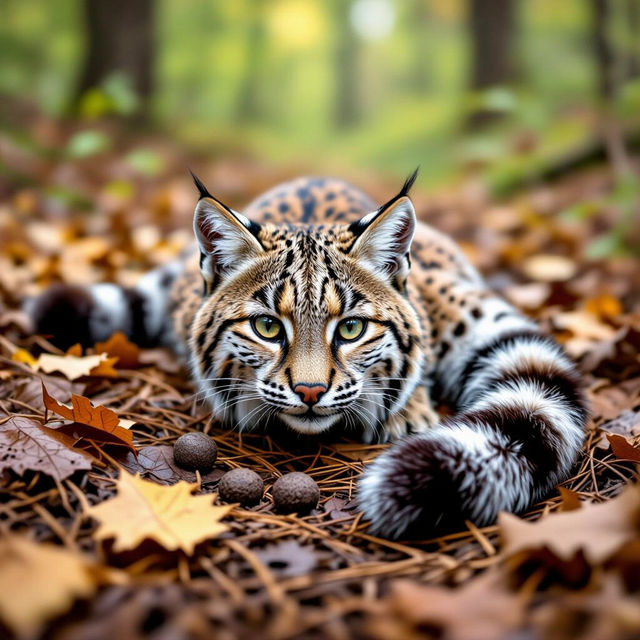
Bobcat Scat Images - AI Generated
Discover a variety of AI-generated bobcat scat images for educational or creative purposes. Browse realistic visuals and learn more about bobcat behavior and tracks.
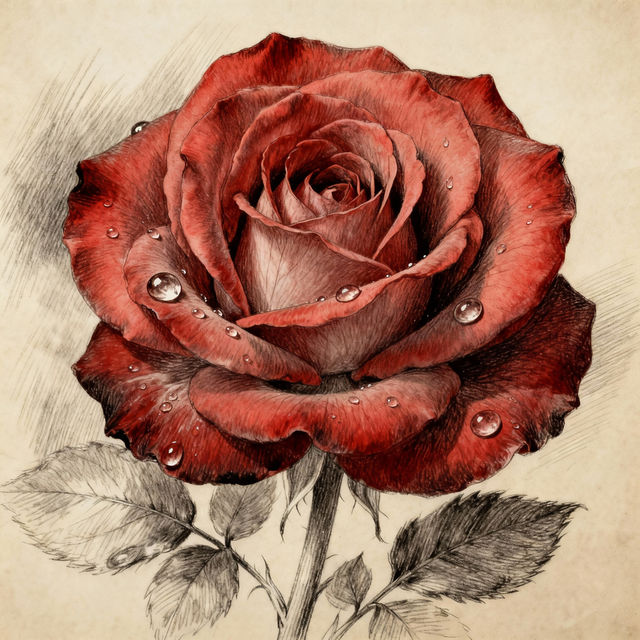
Rose Images Drawing - AI Generated
Explore a stunning collection of AI-generated rose images and drawings. Get inspired by intricate floral art and create your own unique rose designs with NightCafe.
Frequently Asked Questions
Everything You Need to Know About Removing People From Images
How does the AI remove people from my photos?
Our advanced AI analyzes your image to identify people as distinct objects. It then intelligently reconstructs the background in the areas where the people were, ensuring a seamless and natural-looking result without leaving obvious artifacts. The process is designed to be non-destructive to the rest of your photo.
What kind of images work best with this tool?
This tool is highly effective on a variety of images. It works well for cleaning up landscapes, tourist photos, or any scene where an unwanted person is present. For best results, ensure the person you wish to remove is not obscuring critical details of the background you want to preserve.
Can I remove multiple people from a single image?
Yes, our AI tool is capable of identifying and removing multiple people from a single image. Simply select the areas containing the individuals you wish to remove, and the AI will process the entire image to achieve a clean composition.
Will removing people affect the quality or resolution of my original photo?
Our AI aims to maintain the original quality and resolution of your image as much as possible. While the AI reconstructs parts of the image, it does so intelligently to preserve detail and clarity. The final output will be a high-quality edited image.