

- Galleries
- AI Risograph Art Gallery
Risograph Art - AI Generated
Discover the distinctive aesthetic of Risograph art. Browse unique AI-generated pieces in this style and learn how to create your own vibrant, textured artwork on NightCafe.

As seen in








AI Risograph Art Gallery
A curated collection of AI-generated artwork inspired by the unique look and feel of Risograph printing, showcasing bold colors and textured effects.


Didn't find what you were looking for? Create your own below!
Create your own Risograph Art - AI Generated images
Discover the magic of Text to Image AI by creating your own unique images. Edit the prompt below to customize your creation.
No payment or credit card required.

Vibrant, Textured Masterpieces
Explore Unique Risograph Style Art
Dive into a curated collection of AI-generated art inspired by the distinctive Risograph style. Each piece bursts with vibrant colors, subtle textures, and the unique charm of this printing technique. Discover endless creative possibilities and find inspiration for your next project within this gallery of unique Risograph Art.
Create Your Own Risograph Art
Step 1
Describe Your Vision
To begin, enter a detailed description of the Risograph-style artwork you envision in the prompt box. Think about the vibrant colors, textures, and the overall mood you want to capture. The more specific your prompt, the better the AI can replicate the unique Risograph aesthetic.
Step 2
Generate Your Art
Once your prompt is ready, click the "Generate" button. Our AI will process your description and create a unique piece of art with the distinct look and feel of Risograph printing.
Step 3
Download & Share
After your Risograph-inspired artwork is created, you can download your masterpiece in high resolution or share it with the NightCafe community to inspire others and receive feedback.

Create Your Vision
Generate Your Own Risograph Prints With AI
Empower your creativity with our AI tools to generate your own unique Risograph Prints. Effortlessly translate your ideas into striking visuals, mimicking the layered inks and characteristic textures of authentic Risograph. Start creating your own custom Risograph prints today and bring a touch of analog charm to your digital art.
More Galleries
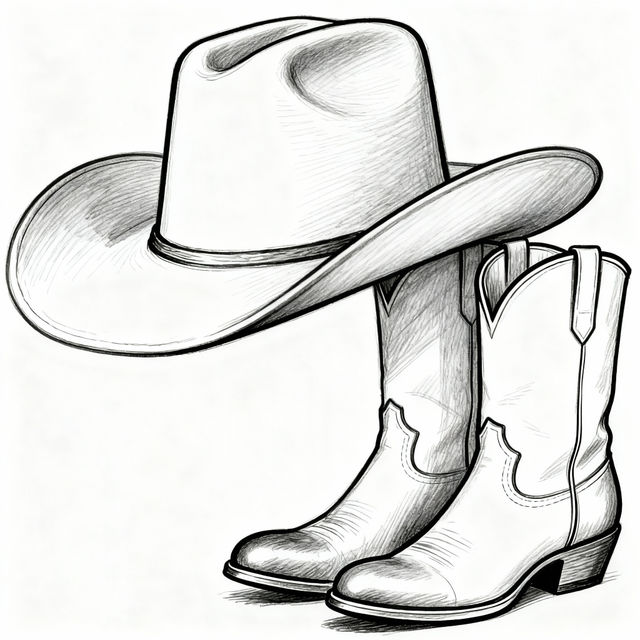
Simple Easy Western Drawings
Explore a gallery of simple, easy western drawings. Perfect for inspiration, learn how to create your own western-themed art with our AI tools.
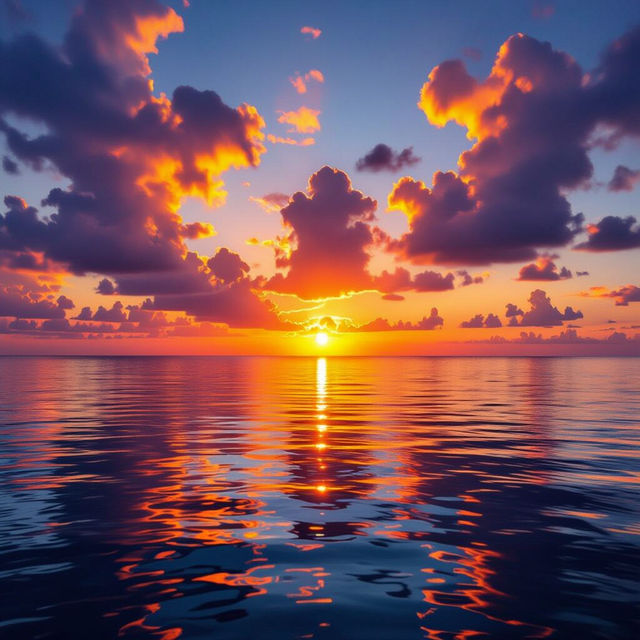
Best Sunset Pictures - Made With AI
Discover the best sunset pictures created by AI. Browse breathtaking AI-generated sunsets or create your own vibrant and unique sunset scenes with NightCafe.
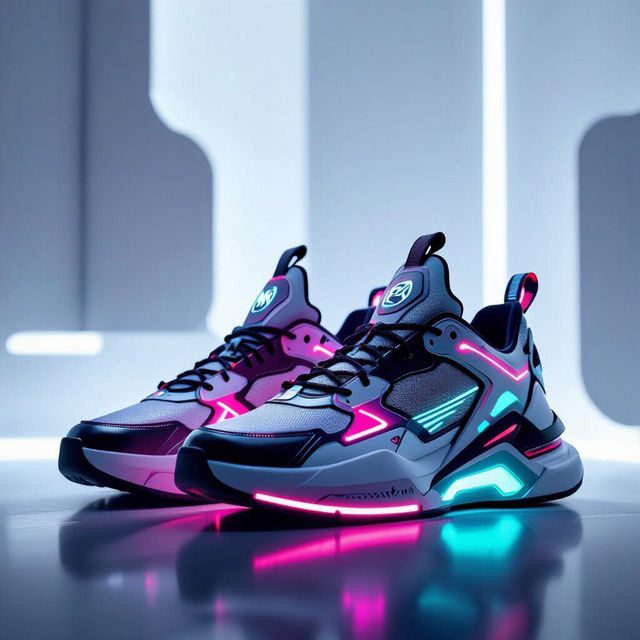
AI Shoe Images
Explore a diverse gallery of AI-generated shoe images. Get inspired by unique designs and create your own custom footwear with NightCafe's AI art generator.
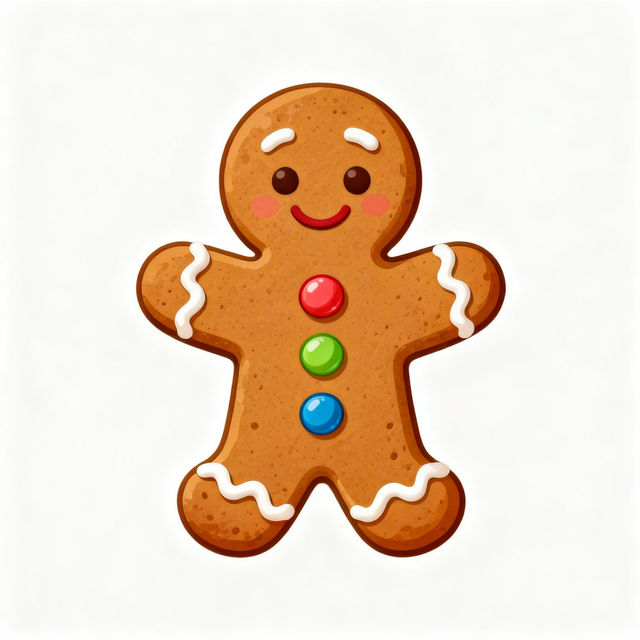
Easy Gingerbread Drawing
Explore a delightful gallery of easy gingerbread drawings. Get inspired and learn to create your own charming gingerbread art with our AI tools.
Frequently Asked Questions
Your Questions About Risograph AI Art, Answered
What is Risograph art, and how does it differ from other printing styles?
Risograph printing is a unique duplication method that uses soy-based inks and master rolls, similar to screen printing but with its own distinct characteristics. It's known for its vibrant, often fluorescent colors, subtle paper texture, and the characteristic 'misregistration' where colors don't perfectly align, creating a layered, organic look. This differs from digital printing, which aims for perfect alignment and a wider color gamut, and offset printing, which uses plates and a different ink system.
How can I create my own AI-generated Risograph art on NightCafe?
To create your own Risograph-style AI art, you'll use NightCafe's AI art generators. Start by crafting a descriptive prompt that includes elements of the Risograph aesthetic, such as 'vibrant colors,' 'textured,' 'layered inks,' or 'Risograph style.' You can also experiment with different AI models and settings within NightCafe to achieve the desired look. Our tools are designed to help you mimic the unique charm of this printing technique.
What kind of prompts work best for generating Risograph-style images?
For the best Risograph-style results, focus your prompts on the visual characteristics of the technique. Include terms like 'Risograph print,' 'vibrant duotone,' 'limited color palette,' 'textured paper,' 'grainy,' 'slight misregistration,' or 'layered colors.' You can also specify subjects and moods, and then add these stylistic descriptors to guide the AI. Experimenting with combining different color names (e.g., 'bright teal and fluorescent pink') can also yield interesting results.
Can I use the AI-generated Risograph art I create for commercial projects?
Yes, you can use your AI-generated Risograph art for commercial projects. Please refer to our Terms of Service for detailed information on usage rights and any specific attribution requirements.