

- Galleries
- River Drawing Gallery
AI River Drawing Generator
Create stunning river drawings with the AI River Drawing Generator. Transform your imagination into beautiful artwork. Explore the gallery for inspiration or start creating your own unique river scene today!

As seen in








River Drawing Gallery
Explore a curated collection of AI-generated river drawings. From peaceful streams to majestic rivers, discover diverse artistic styles and find inspiration for your next creative project.


Didn't find what you were looking for? Create your own below!
Create your own AI River Drawing Generator images
Discover the magic of Text to Image AI by creating your own unique images. Edit the prompt below to customize your creation.
No payment or credit card required.

Create Unique River Art
Generate A River Drawing
Unleash your inner artist and generate a stunning river drawing with our AI-powered tool. Simply input your vision and watch as the AI transforms your ideas into beautiful artwork. From serene landscapes to dynamic currents, the possibilities are endless. Start your river drawing today!
Create Your River Drawing
Step 1
Describe Your River Scene
Start by typing in a detailed description of the river drawing you envision. Include specifics like the type of river, surrounding landscape, time of day, and any unique features you want to see. The more details, the better the AI can capture your vision.
Step 2
Generate Your River Art
Once you've crafted your perfect prompt, click the 'Generate' button. The AI will then process your request and create a unique river drawing based on your input. This might take a few moments, so sit back and watch the magic happen!
Step 3
Download and Share Your Masterpiece
After the AI generates your river drawing, you can download it in high resolution to use as you wish. Feel free to share your artwork with friends, family, or the NightCafe community to showcase your creative vision!

Realistic Water Reflections
Capture Water Reflections In River Drawings
Capture the mesmerizing beauty of water reflections in your river drawings. Our AI excels at creating realistic and captivating reflections, adding depth and realism to your artwork. See how the sunlight dances on the water's surface with stunning clarity. Capture Water Reflections in River Drawings now!
More Galleries
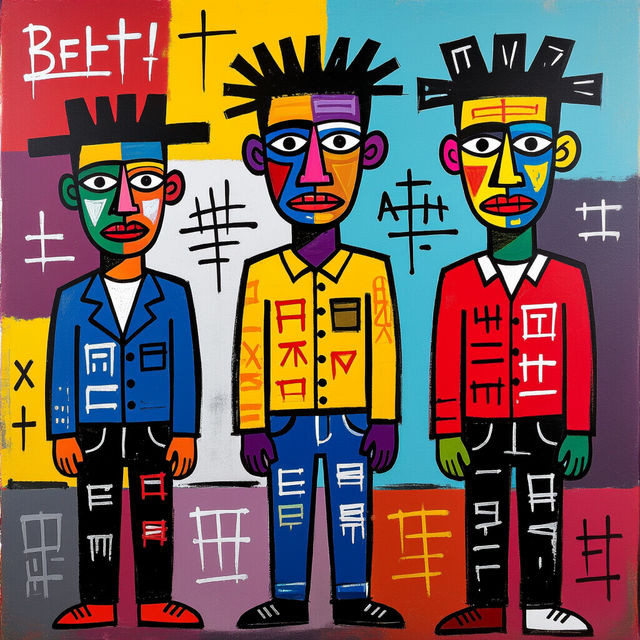
Create Basquiat Art with AI
Unleash your inner artist with our AI Basquiat Art generator. Create stunning, neo-expressionist artworks inspired by Jean-Michel Basquiat. Explore the gallery or create your own Basquiat Art.
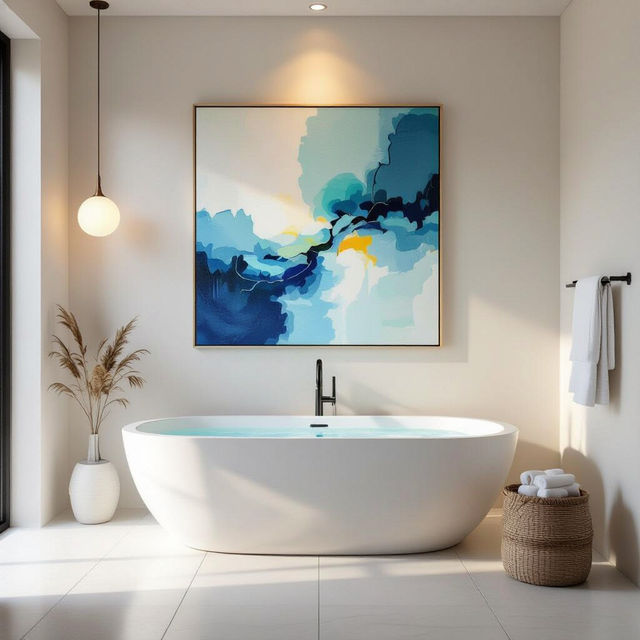
Elevate Your Space with AI Bathroom Art
Transform your bathroom into a gallery with our AI Bathroom Art generator. Discover unique, AI-generated pieces that add style and personality to your space. Browse our gallery or create your own bathroom art today.
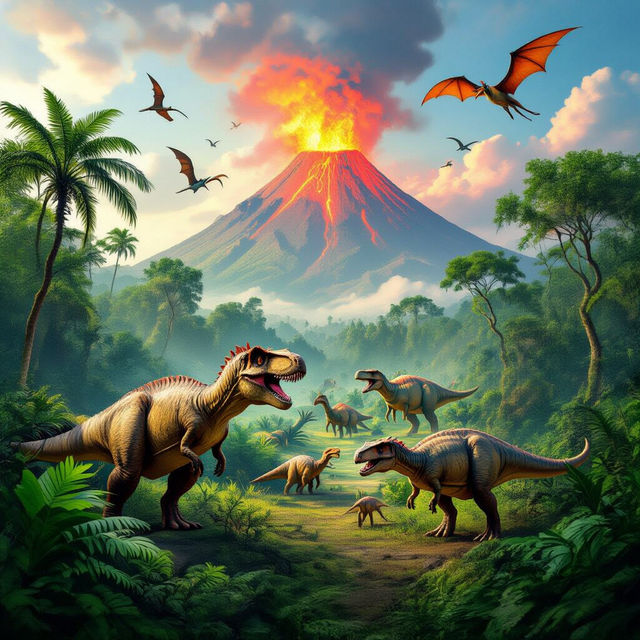
Roar into Adventure with Dinosaur Wallpaper
Transform your space with stunning dinosaur wallpaper. From fierce T-Rexes to gentle herbivores, our AI generates unique prehistoric scenes. Perfect for kids' rooms, offices, or any dinosaur enthusiast's space.
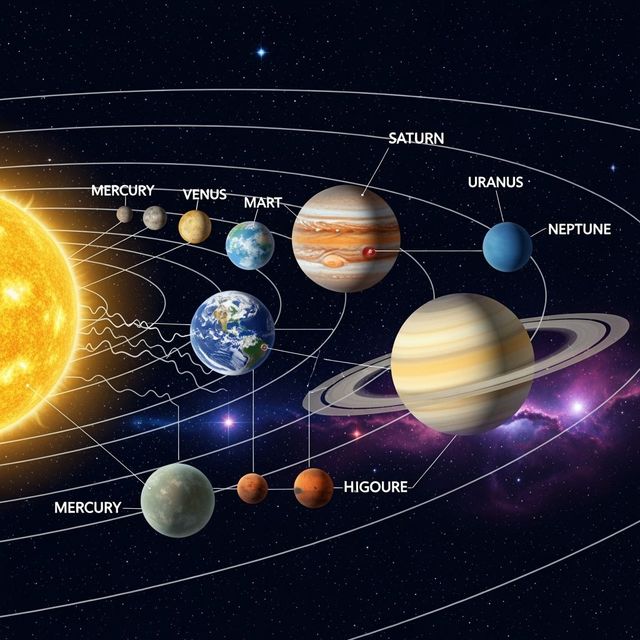
Create a Solar System Drawing With AI
Explore the cosmos with our AI Solar System Drawing generator. Transform your artistic visions into detailed, vibrant depictions of our celestial neighborhood. Browse Solar System Drawing examples or create your own.
Frequently Asked Questions
Everything You Need to Know About Generating River Drawings with AI
How do I generate a river drawing using AI?
Simply input a text prompt describing the river scene you envision. Be specific about the river's environment (e.g., forest, mountains, desert), the time of day, weather conditions, and any specific elements you want to include (e.g., trees, rocks, wildlife). The AI will then generate an image based on your description.
What kind of river scenes can I create with the AI River Drawing Generator?
The possibilities are virtually limitless! You can create serene landscapes with calm, reflective waters, dynamic scenes with rushing rapids, or even fantastical rivers flowing through alien landscapes. Experiment with different prompts to explore the full range of creative options.
Can I specify the art style for my AI-generated river drawing?
Yes! You can influence the art style by including keywords in your prompt that describe the desired aesthetic. For example, you can specify 'photorealistic', 'impressionistic', 'abstract', 'watercolor', or even reference specific artists like 'Monet' or 'Van Gogh' to guide the AI's artistic interpretation. You can also use different AI models to achieve different styles.
How can I improve the realism of the water reflections in my river drawing?
To enhance water reflections, include details in your prompt that describe the clarity of the water and the surrounding environment that should be reflected. Words like 'crystal clear water', 'still water', 'perfect reflection', and details about the objects being reflected (e.g., 'reflection of snow-capped mountains') can significantly improve the realism.
What if I'm not happy with the initial AI-generated river drawing?
Don't worry! You can refine your prompt and regenerate the image. Try adding more specific details, adjusting keywords, or experimenting with different art styles. You can also use the 'refine' or 'edit' features (if available) to make targeted adjustments to the generated image. Remember, iteration is key to achieving the perfect result!