

- Galleries
- AI Rose Sketch Drawings
Rose Sketch Drawings - AI Generated Art
Explore a gallery of exquisite rose sketch drawings. Perfect for artists and nature lovers, these AI-generated sketches capture the delicate beauty of roses. Create your own unique rose art.

As seen in








AI Rose Sketch Drawings
Discover a diverse collection of AI-generated rose sketch drawings, showcasing various artistic styles and interpretations of this classic flower.


Didn't find what you were looking for? Create your own below!
Create your own Rose Sketch Drawings - AI Generated Art images
Discover the magic of Text to Image AI by creating your own unique images. Edit the prompt below to customize your creation.
No payment or credit card required.

Exquisite Detail, Effortless Creation
Beautiful Rose Sketches Created With AI
Marvel at the intricate beauty of roses brought to life through AI artistry. Each Rose Sketch Drawing is a testament to the delicate balance of nature and technology, offering a unique perspective on these timeless blooms. Perfect for artists seeking inspiration or anyone wanting to add a touch of floral elegance to their collection.
Create Your Own Rose Sketch Drawing
Step 1
Describe Your Ideal Rose Sketch
To begin, enter a detailed prompt describing the rose sketch you envision. Be specific about the type of rose, the style of sketch (e.g., pencil, charcoal, ink), the background, and any mood or atmosphere you want to convey. The more descriptive your prompt, the better the AI can capture your artistic vision.
Step 2
Generate Your Artwork
Once your prompt is ready, simply click the "Generate" button. Our AI will process your description and create a unique rose sketch drawing based on your input. Watch as your idea transforms into a beautiful piece of art!
Step 3
Download or Share Your Masterpiece
After your rose sketch is generated, you have the option to download it in high resolution or share it with our vibrant community. Get feedback, inspire others, or simply enjoy your unique AI-generated rose artwork!

Your Vision, Our AI
Generate AI Rose Art With Nightcafe
Transform your ideas into stunning AI Rose Art with NightCafe's intuitive tools. Whether you're a seasoned artist or a beginner, you can Generate AI Rose Art with NightCafe effortlessly. Explore endless creative possibilities and craft unique rose compositions that reflect your personal style and vision.
More Galleries
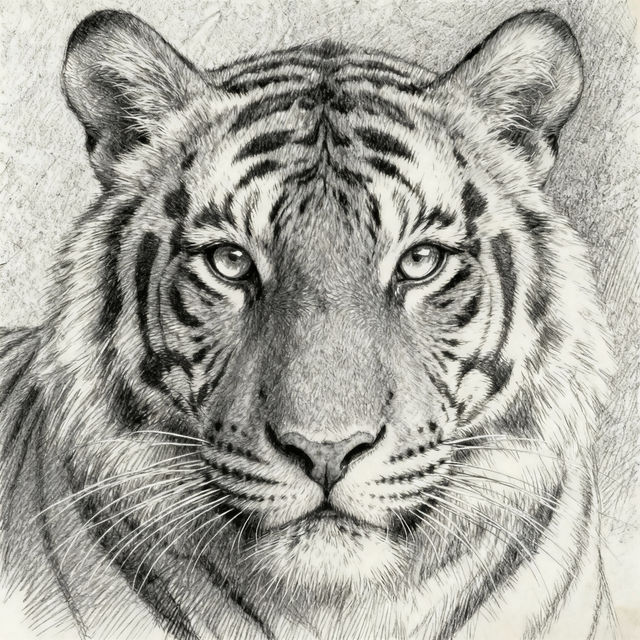
Tiger Sketch Art - Made With AI
Explore beautiful AI-generated tiger sketches. Find easy tiger sketch inspiration or create your own unique artwork with NightCafe's AI art generator.

CMC Wallpaper
Explore a vast collection of unique CMC wallpapers, perfect for personalizing your desktop or mobile devices. Get inspired and create your own custom wallpaper today.
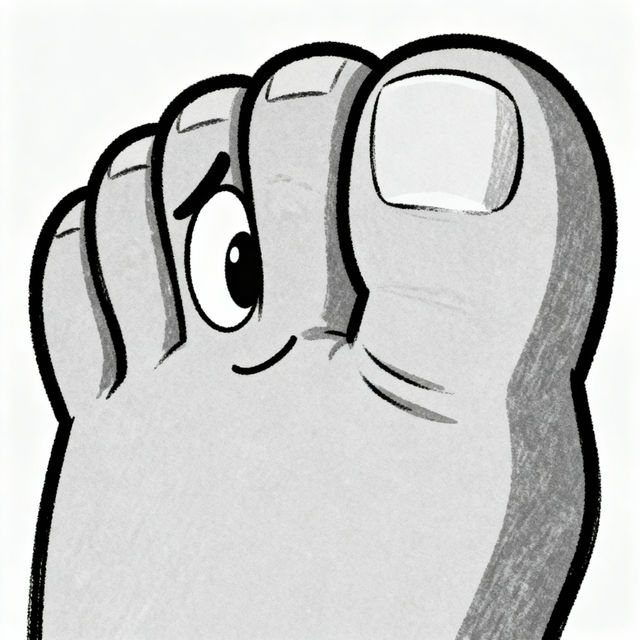
Draw Big Toe Sketch
Explore unique big toe sketches created by AI. Get inspired by creative interpretations and learn how to generate your own distinctive big toe art with NightCafe.
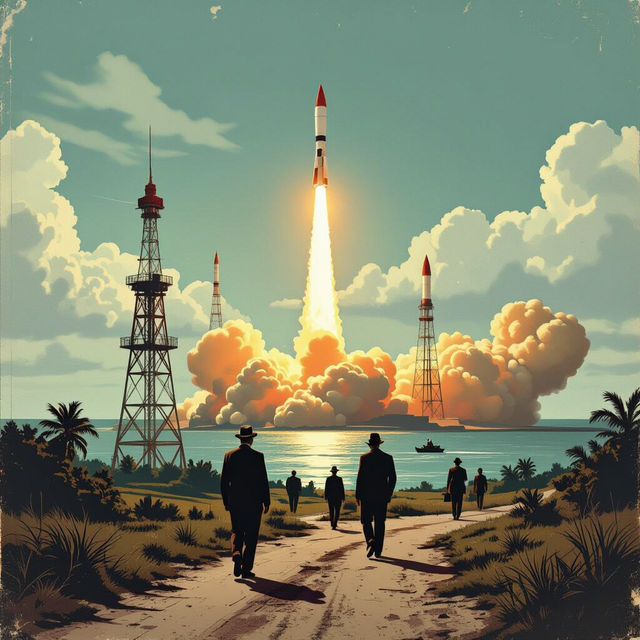
Cuban Missile Crisis Pictures - AI Generated
Discover compelling AI-generated Cuban Missile Crisis pictures. Explore historical moments reimagined and create your own unique historical art pieces on NightCafe.
Frequently Asked Questions
Your Questions About Rose Sketch Drawings, Answered
How can I generate my own AI Rose Sketch Drawing?
To generate your own AI Rose Sketch Drawing, navigate to our AI art generation tools. You can start with a text prompt describing the rose you envision, perhaps mentioning its color, pose, or the style of sketch you prefer. Experiment with different keywords and styles within the generation interface to achieve unique results.
What makes these AI Rose Sketch Drawings unique?
Each Rose Sketch Drawing is unique due to the complex algorithms and creative inputs used in its generation. By combining artistic styles, natural rose forms, and AI's interpretive capabilities, we create images that are both familiar and novel, capturing the delicate beauty of roses in ways traditional art might not. You can further personalize your creations by adjusting prompts and parameters.
Can I use these AI-generated rose sketches for my projects?
Yes, you can use the AI-generated rose sketches you create for various projects. Whether for personal inspiration, digital art collections, or even commercial use, these sketches offer a versatile artistic element. Please refer to our Terms of Service for specific usage guidelines and attribution requirements.
What if I'm not getting the rose sketch style I want?
If you're not achieving the desired rose sketch style, try refining your text prompts. Be more specific about the type of sketch (e.g., 'pencil sketch,' 'charcoal drawing,' 'line art'). You can also experiment with different AI models available on NightCafe, as each model interprets prompts uniquely. Adjusting parameters like 'chaos' or 'stylize' can also significantly alter the output.