

- Galleries
- Rose With Stem Drawings Gallery
Rose With Stem Drawing - AI Generated Art
Explore a gallery of exquisite rose with stem drawings created by AI. Get inspired and generate your own unique rose artwork with NightCafe's AI tools.

As seen in








Rose With Stem Drawings Gallery
Discover a charming collection of AI-generated rose with stem drawings, perfect for inspiration or as unique digital art pieces.


Didn't find what you were looking for? Create your own below!
Create your own Rose With Stem Drawing - AI Generated Art images
Discover the magic of Text to Image AI by creating your own unique images. Edit the prompt below to customize your creation.
No payment or credit card required.

Artistic AI Creations
Beautiful Rose Drawings Made With AI
Discover a stunning collection of Rose With Stem Drawing art, meticulously crafted by our advanced AI. Each piece offers a unique interpretation of this classic botanical subject, perfect for inspiration or as a base for your own creative endeavors. Explore the delicate lines and intricate details that only AI can render.
Create Your Own Rose With Stem Drawing
Step 1
Describe Your Rose Masterpiece
Begin by entering a detailed prompt describing the rose with stem drawing you envision. Include specifics like the style (e.g., realistic, watercolor, sketch), colors, lighting, and any particular details you want to see in the artwork. The more descriptive your prompt, the better the AI can capture your vision.
Step 2
Generate Your AI Rose Art
After crafting your prompt, click the 'Generate' button. The AI will process your request and create a unique rose with stem drawing based on your specifications. This is where your ideas begin to take visual form!
Step 3
Download or Share Your Creation
Once your rose drawing is generated, you can download it in high resolution to use as you please. You also have the option to share your creation with the NightCafe community, inspire others, and receive feedback on your AI art.

Your Vision, AI's Canvas
Generate Beautiful AI Rose Art With Nightcafe
Ready to create your own masterpiece? NightCafe empowers you to Generate Beautiful AI Rose Art with ease. Use our intuitive tools to transform your ideas into breathtaking rose illustrations, vibrant digital paintings, or unique graphic designs. Start generating your personalized AI Rose Art today and express your creativity.
More Galleries

Nile River Images - AI Generated
Discover breathtaking AI-generated Nile River images. From ancient pyramids to vibrant life along its banks, explore the beauty of the Nile. Create your own unique Nile River scenes with NightCafe.
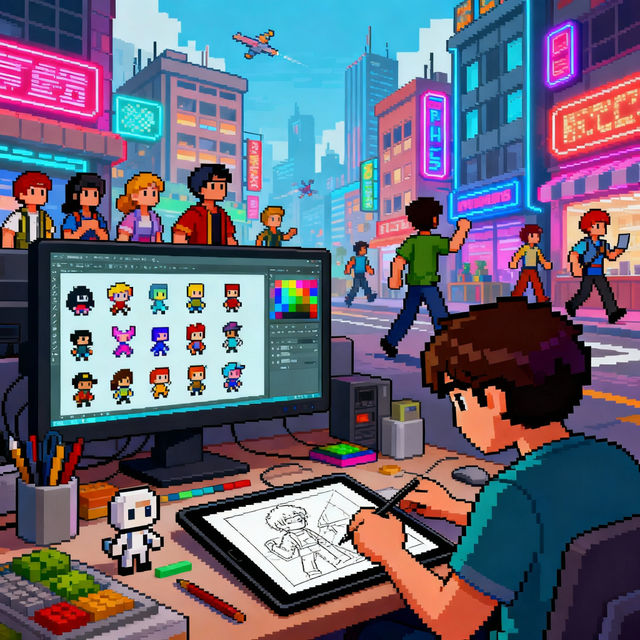
Pixel Art Jobs
Discover exciting pixel art jobs and career opportunities. Browse stunning AI-generated pixel art examples, perfect for inspiration or showcasing your skills in the job market.
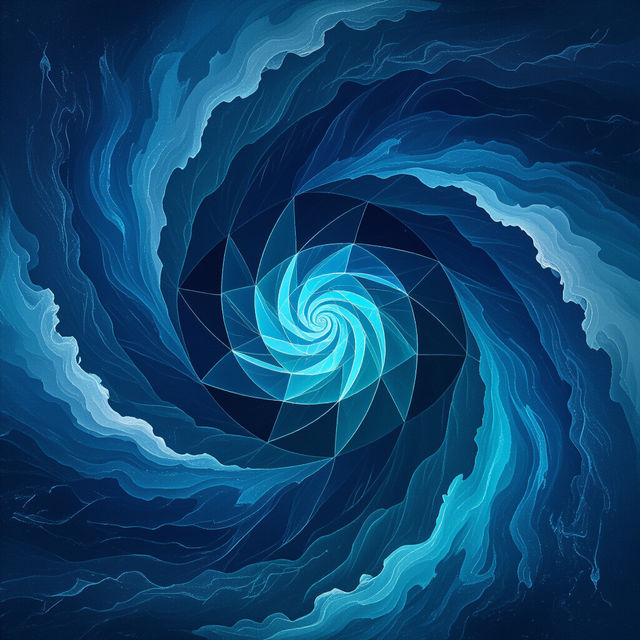
Pictures of Blue
Discover stunning AI-generated pictures of blue, from serene landscapes to abstract art. Find inspiration and create your own unique blue-themed images with NightCafe.

Drawing Christmas Tree
Explore beautiful AI-generated drawings of Christmas trees. Get inspired by festive designs and create your own unique Christmas tree art with NightCafe's AI tools.
Frequently Asked Questions
Learn More About Creating Rose With Stem Drawings
How can I generate my own AI rose with stem drawing?
To create your own AI rose with stem drawing, you can use NightCafe's AI art generation tools. Start by entering a descriptive prompt, such as 'a delicate rose with a long stem, watercolor painting' or 'a photorealistic rose with thorns and leaves'. You can then select different AI models and styles to achieve your desired artistic outcome. Experiment with keywords related to color, mood, and artistic medium to get unique results.
What makes NightCafe's AI art generation unique for botanical subjects like roses?
NightCafe's AI models are trained on vast datasets, allowing them to understand and interpret complex subjects like roses with intricate details such as petals, thorns, and leaves. Our advanced algorithms can render these elements with a high degree of realism or in various artistic styles, offering a unique perspective that might be challenging to achieve manually. The AI can capture delicate lines and textures, providing inspiration and a foundation for your own creative projects.
Can I use the AI-generated rose drawings for personal or commercial projects?
Yes, you can use the AI-generated rose drawings for both personal and commercial projects. For specific details regarding usage rights and any attribution requirements, please refer to NightCafe's Terms of Service.
What if I'm not happy with the first rose drawing I generate?
Don't worry if your first attempt isn't perfect! AI art generation involves experimentation. You can refine your prompt by adding more detail, changing keywords, or trying a different AI model. Adjusting parameters like 'creativity' or 'style' can also yield different results. Keep iterating on your prompts and settings until you achieve a rose drawing that matches your vision.