

- Galleries
- Sans Pixel Art Creations
Sans Pixel Art
Explore a unique gallery of Sans pixel art! Generate your own pixel art characters, inspired by the iconic Sans, with NightCafe's AI tools. Perfect for Undertale fans and pixel art enthusiasts.

As seen in








Sans Pixel Art Creations
A vibrant collection of Sans-themed pixel art, showcasing various styles and interpretations of the beloved character. Get inspired and create your own!


Didn't find what you were looking for? Create your own below!
Create your own Sans Pixel Art images
Discover the magic of Text to Image AI by creating your own unique images. Edit the prompt below to customize your creation.
No payment or credit card required.

Iconic Character Reimagined
Pixel Art Sans
Dive into a world of nostalgia with our specialized Sans Pixel Art generator. Bring your favorite skeleton character to life in stunning, retro-inspired detail. Whether for fan art, game assets, or just for fun, create unique pixelated versions of Sans that capture his iconic charm. Explore endless possibilities with our AI.
Create Your Own Sans Pixel Art
Step 1
Describe Your Pixel Art Vision
Start by crafting a detailed text prompt that describes the pixel art you envision. Be specific about the pose, expression, clothing, and any background elements you'd like to see. For example, try "Sans the skeleton in a dynamic action pose, pixel art, 16-bit style, vibrant colors, fighting a boss". The more descriptive you are, the better the AI can capture your idea.
Step 2
Generate Your Pixel Art
Once your prompt is ready, click the "Generate" button. Our AI will process your description and create a unique pixel art interpretation of Sans based on your input. This may take a few moments, so feel free to grab a snack while you wait!
Step 3
Download or Share Your Masterpiece
After generation, review your artwork. If you love it, click the download button to save your creation. You can also share it with friends or the NightCafe community to showcase your pixel art skills!

Unleash Your Inner Artist
Create Your Own Undertale Pixel Art
Go beyond the familiar and forge your own path in the world of Undertale. Our AI tools empower you to Create Your Own Undertale Pixel Art, designing unique characters, scenes, and items. Perfect for fans looking to expand the Undertale universe or create custom game sprites. Let your creativity flow with Undertale Pixel Art.
More Galleries
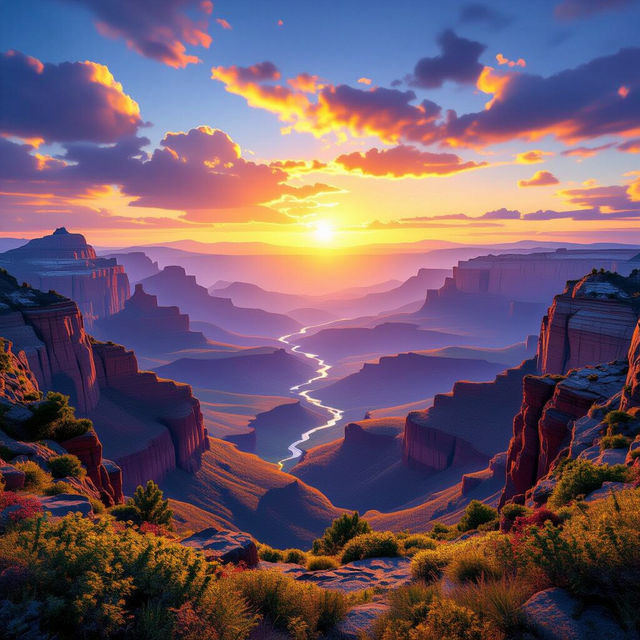
Wide Wallpapers - Made With AI
Discover breathtaking wide wallpapers perfect for your desktop. Generate custom wide screen wallpapers with AI, tailored to your style and needs, right here on NightCafe.
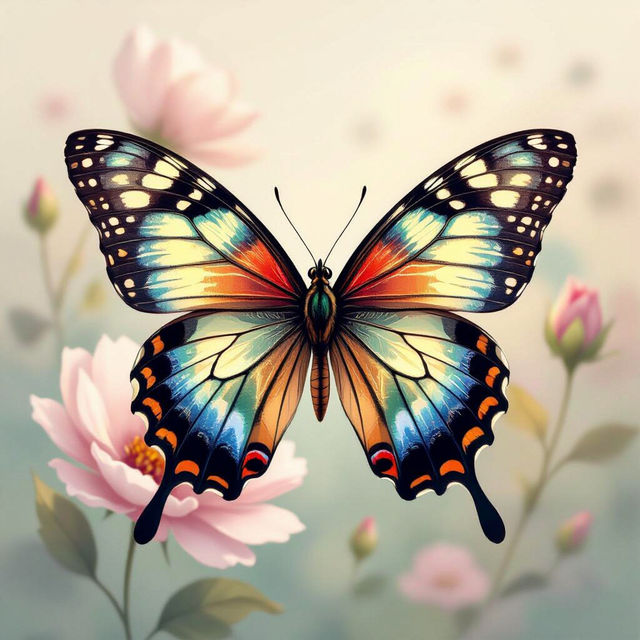
Butterfly Wall Art
Explore a vibrant gallery of butterfly wall art. Discover unique designs and easily create your own stunning butterfly-themed art pieces with NightCafe's AI.
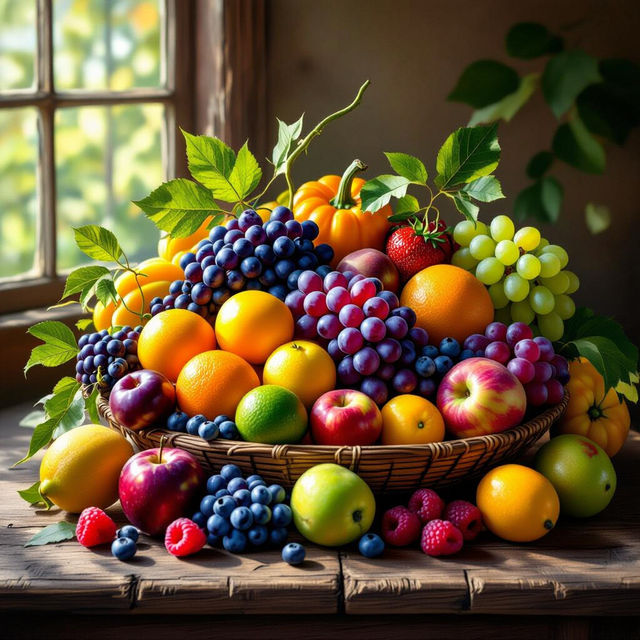
Fruit Art - Made With AI
Discover a vibrant gallery of AI-generated fruit art. Perfect for inspiration or use in your own designs, explore the beauty of digital fruit creations.
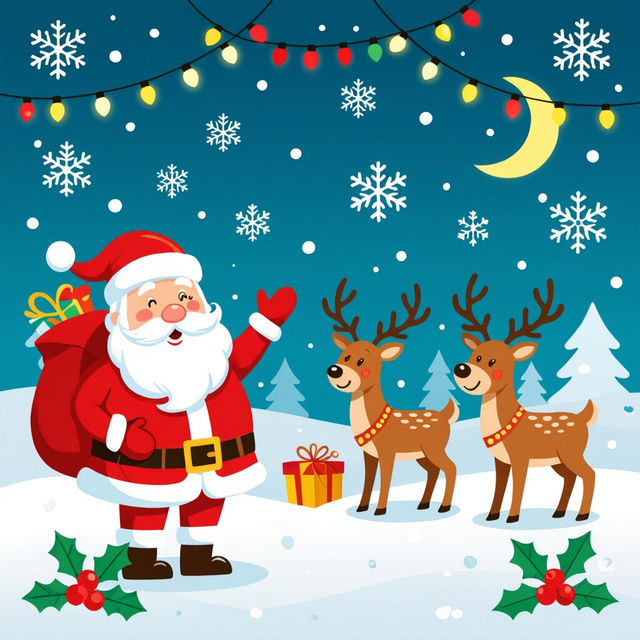
Free Christmas Clip Art To Copy And Paste
Discover a delightful collection of free Christmas clip art, perfect for copying and pasting into your holiday designs. Spread cheer with unique AI-generated festive images.
Frequently Asked Questions
Your Questions About Sans Pixel Art, Answered
How can I create pixel art of Sans that looks authentic?
To achieve an authentic Sans pixel art look, focus your prompts on specific pixel art styles and keywords like '8-bit', '16-bit', 'retro game sprite', and 'pixelated'. Mentioning 'Sans from Undertale' and describing his iconic features like his hoodie, shorts, and smile will guide the AI. Experiment with different color palettes common in classic pixel art games.
What are the best prompts for generating unique Undertale characters in pixel art style?
For unique Undertale characters, combine 'pixel art' or 'retro sprite' with descriptions of their personality, abilities, or appearance. You can also blend elements from different Undertale characters or create entirely new ones. Try prompts like 'pixel art character, Undertale inspired, [character description], 8-bit style' or 'custom Undertale NPC sprite, [unique traits], pixel art'.
Can I use the generated Sans pixel art for my own projects, like games or fan art?
Yes, the pixel art you create can be used for personal projects such as fan art, game assets, or even as inspiration for your own creations. Please refer to our Terms of Service for specific details regarding usage rights and any attribution requirements.
What if the generated pixel art isn't quite right? How can I refine it?
Refining your pixel art often involves iterating on your prompts. Try adding more specific details about the pose, expression, or background. You can also experiment with different AI models available on NightCafe, as each model interprets prompts uniquely. Adjusting parameters like 'stylize' or 'chaos' can also yield different results.