

- Galleries
- Saxophone Clip Art Gallery
Saxophone Clip Art - Made With AI
Explore a vibrant collection of AI-generated saxophone clip art. Perfect for musicians, designers, and enthusiasts, these unique graphics bring a musical flair to any project.

As seen in








Saxophone Clip Art Gallery
Discover a diverse gallery of AI-created saxophone clip art, offering unique visual elements for music-themed designs, invitations, and digital art.


Didn't find what you were looking for? Create your own below!
Create your own Saxophone Clip Art - Made With AI images
Discover the magic of Text to Image AI by creating your own unique images. Edit the prompt below to customize your creation.
No payment or credit card required.

Visualize Musical Artistry
AI-generated Saxophone Graphics
Dive into a world of creative possibilities with our AI-generated saxophone clip art. Each graphic is meticulously crafted to capture the soul of jazz and blues, offering unique visual elements perfect for album art, social media, or personal projects. Explore endless variations and find the perfect saxophone motif for your next masterpiece.
Create Your Unique Saxophone Clip Art
Step 1
Describe Your Vision
Begin by describing the saxophone clip art you envision. Be specific about the style (e.g., vintage, cartoonish, realistic), colors, background elements, and any particular mood or musical genre you want it to represent. The more detail you provide, the better the AI can match your creative vision.
Step 2
Generate Your Clip Art
Once you've crafted your prompt, simply click the "Generate" button. Our AI will process your description and create a selection of unique saxophone clip art designs just for you.
Step 3
Download & Use Your Art
After the AI generates your clip art, you can download your favorite designs in high resolution. Feel free to share them with friends or use them to add a musical touch to your projects!

Elevate Your Creative Vision
AI-generated Saxophone Graphics For Your Projects
Transform your designs with our collection of AI-generated saxophone graphics. Whether you're a musician needing promotional material or a designer seeking a unique aesthetic, these graphics offer unparalleled versatility. Infuse your projects with the smooth, soulful essence of the saxophone, created effortlessly with cutting-edge AI.
More Galleries
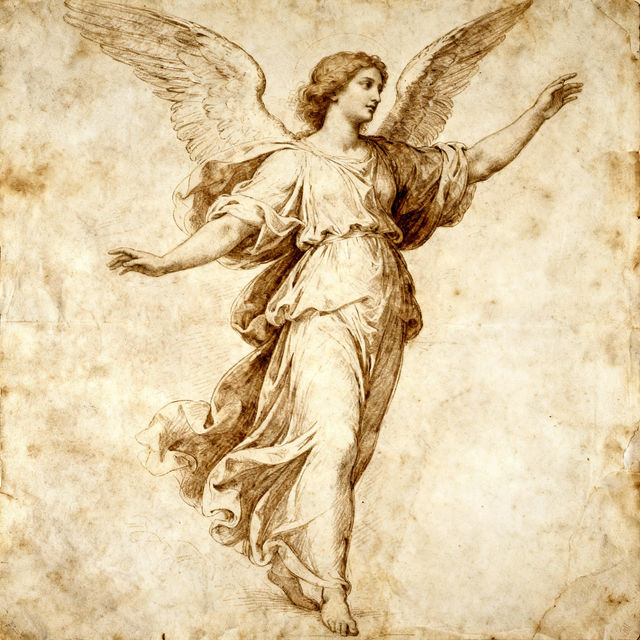
Raphael Drawing Art
Discover stunning AI-generated art inspired by Raphael's drawing techniques. Browse a gallery of classical masterpieces and create your own unique artwork with NightCafe.

Hypothesis Images
Generate compelling hypothesis images with AI. Explore a gallery of creative visuals to spark new ideas and visualize complex concepts. Create your own unique hypothesis images today.
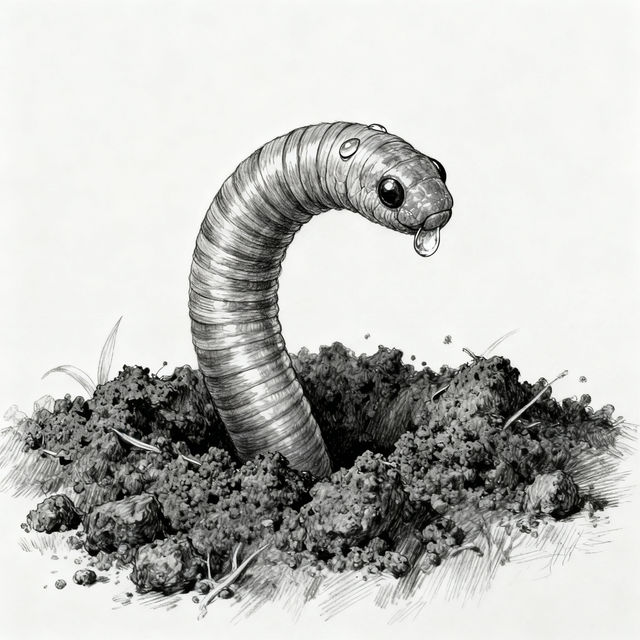
Earthworm Drawings
Discover a unique collection of AI-generated earthworm drawings. Perfect for artists, educators, or anyone fascinated by these essential creatures. Create your own earthworm art with NightCafe.
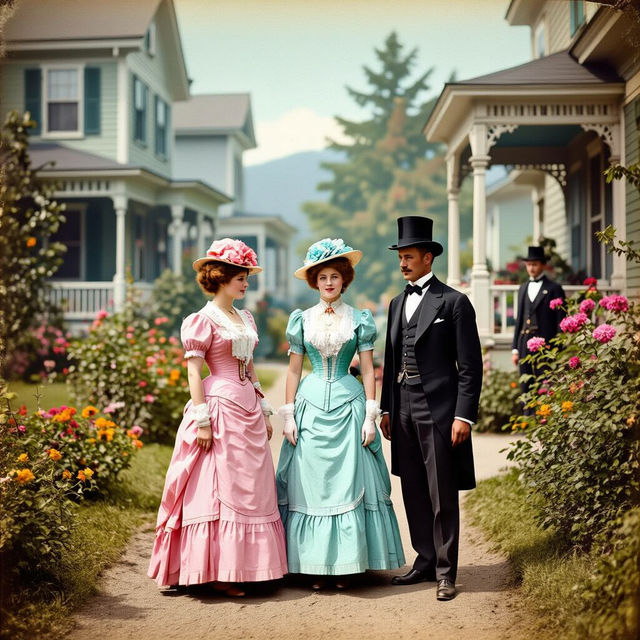
When Was Color Pictures Invented? Explore Early Color Photography
Explore the fascinating history of color photography. See how color pictures were invented and browse early examples generated by AI.
Frequently Asked Questions
Your Questions About Saxophone Clip Art, Answered
What makes this AI-generated saxophone clip art unique?
Our AI generates saxophone clip art by combining sophisticated algorithms with creative prompts. This process results in a diverse range of styles and interpretations, ensuring each graphic is distinct and captures the soulful essence of the saxophone in a way that standard clip art cannot. You'll find unique motifs perfect for adding a special musical flair to your projects.
How can I use this saxophone clip art in my projects?
This AI-generated saxophone clip art is incredibly versatile. Musicians can use it for album art, promotional posters, or social media graphics. Designers can incorporate it into websites, print materials, digital collages, or any project requiring a touch of musical aesthetic. Its unique nature makes it suitable for both personal and professional creative endeavors.
Can I create specific styles or variations of saxophone clip art?
Yes, NightCafe's AI models allow for extensive customization. While browsing the gallery, you can use the 'Create Similar' or 'Remix' features to explore variations based on existing images. When creating new art, you can experiment with different text prompts to guide the AI towards specific styles, colors, or moods for your saxophone clip art.
What if I need a saxophone clip art in a specific pose or color?
You can influence the output by being specific in your text prompts when creating new art. For instance, try prompts like 'a vintage tenor saxophone in a blue spotlight' or 'a minimalist alto saxophone silhouette in black and white.' If you find an image in the gallery that's close, use the 'Create Similar' or 'Remix' options to generate variations that might better match your needs.