

- Galleries
- Schematic Drawing Examples
Schematic Drawing Art
Explore a gallery of intricate AI-generated schematic drawings. Get inspired by technical art and diagrams, then create your own unique schematic designs with NightCafe.

As seen in








Schematic Drawing Examples
A curated collection of AI-created schematic drawings, showcasing technical precision and artistic flair. Perfect for inspiration or as a base for your own creations.


Didn't find what you were looking for? Create your own below!
Create your own Schematic Drawing Art images
Discover the magic of Text to Image AI by creating your own unique images. Edit the prompt below to customize your creation.
No payment or credit card required.

Inspire Your Next Blueprint
AI-generated Schematic Drawings
Dive into a world of meticulously crafted AI-generated schematic drawings. Our advanced models translate complex ideas into clear, artistic blueprints, perfect for sparking innovation in engineering, product design, or even abstract art. Get inspired by the intricate details and unique perspectives found only in AI-driven technical art.
Create Your Own AI Schematic Designs
Step 1
Describe Your Schematic Concept
Begin by entering a detailed text prompt describing the schematic drawing you envision. Be specific about the subject, style (e.g., blueprint, technical diagram, wireframe), and any particular elements or complexity you want the AI to include. The more detail you provide, the better the AI can capture your idea.
Step 2
Generate Your Schematic Art
After refining your prompt, click the "Generate" button. The AI will process your description and begin creating a unique schematic drawing based on your specifications. This may take a few moments as the AI interprets your input.
Step 3
Download and Share Your Design
Once your schematic drawing is complete, you can download it in high resolution for your projects. Feel free to share your creation with the community or use it as inspiration for future designs!

Visualize Complex Concepts
Generate Technical Diagram Art With AI
Transform your ideas into stunning technical diagram art with the power of AI. Whether you need to visualize scientific processes, intricate machinery, or abstract concepts, our tools help you generate unique and professional diagrams. Explore the possibilities of AI-assisted design and bring your most complex visions to life with clarity and artistic flair.
More Galleries

Leyendecker Art - Inspired by AI
Discover the timeless charm of Leyendecker Art, reimagined with AI. Browse our gallery for inspiration or create your own unique pieces in this classic style.
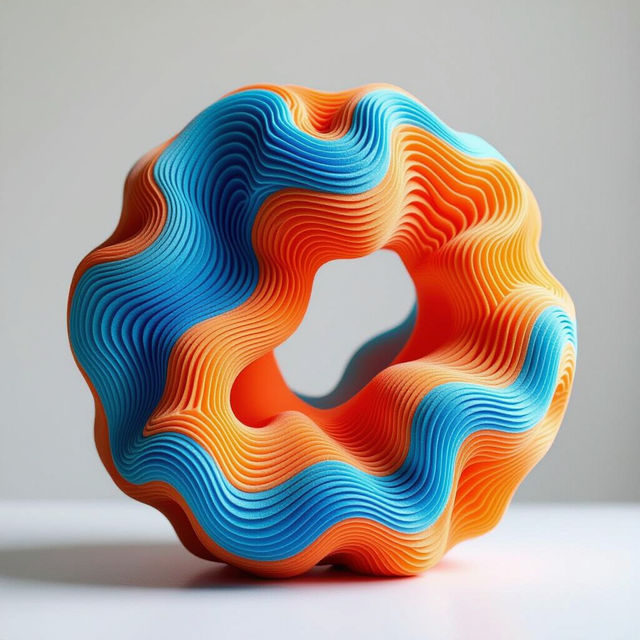
3D Pen Art Creations
Discover the intricate world of 3D pen art. Browse inspiring examples and learn how to create your own unique 3D pen art masterpieces with AI.
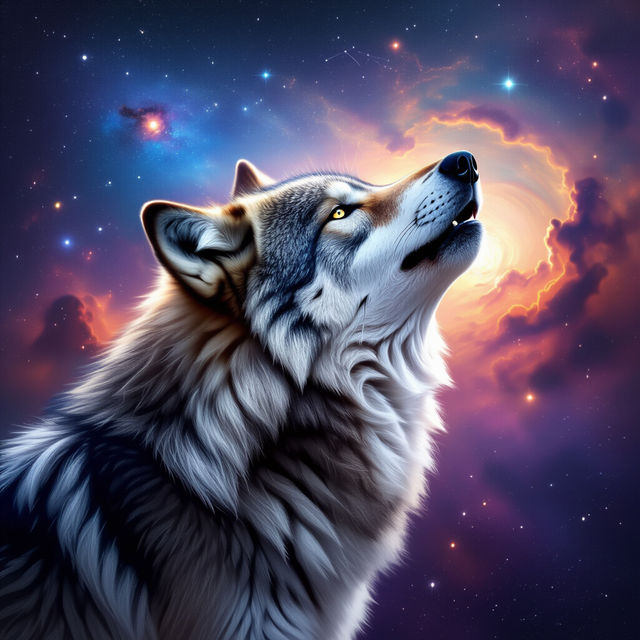
Galaxy Wolf Wallpaper
Explore breathtaking galaxy wolf wallpapers. Our AI generator brings celestial wolves to life, perfect for your desktop or phone background. Create your own cosmic wolf art now!

Good Morning Happy Sunday Images
Find beautiful Good Morning Happy Sunday images. Browse our collection and create your own unique Sunday morning art with AI on NightCafe.
Frequently Asked Questions
Everything You Need to Know About Schematic Drawing Art
What exactly are AI-generated schematic drawings?
AI-generated schematic drawings are unique images created by artificial intelligence models, inspired by technical diagrams, blueprints, and scientific illustrations. They leverage AI to translate complex ideas, concepts, or prompts into visually organized and often intricate artistic representations that resemble technical drawings.
How can I create my own schematic drawing art?
To create your own schematic drawing art, you'll use NightCafe's AI art generation tools. Start by crafting a descriptive text prompt that outlines the subject, style, and elements you want in your schematic. You can specify components, connections, layouts, and even the overall aesthetic (e.g., 'blueprint style,' 'circuit diagram,' 'mechanical schematic'). Experiment with different prompts and settings to achieve your desired outcome.
What kind of prompts work best for schematic drawing art?
Effective prompts often include keywords related to technical drawing, such as 'schematic,' 'diagram,' 'blueprint,' 'technical drawing,' 'circuit board,' 'mechanical parts,' 'flowchart,' or 'architectural plan.' You can also specify the subject matter (e.g., 'a schematic of a futuristic city,' 'a diagram of a biological cell,' 'a blueprint for a robot arm') and desired style (e.g., 'clean lines,' 'detailed,' 'minimalist,' 'isometric view').
Can I use these AI-generated schematics for technical documentation or projects?
While our AI can generate images that resemble technical schematics, they are primarily intended for artistic and inspirational purposes. For critical technical documentation, engineering, or safety-related projects, it's essential to have them reviewed and verified by qualified professionals. Always ensure your final usage complies with relevant standards and regulations.