

- Galleries
- Scrap Art Gallery
Scrap Art - Made With AI
Discover the unique world of AI-generated scrap art. Browse inspiring examples and learn how to create your own distinctive pieces with NightCafe's powerful tools.

As seen in








Scrap Art Gallery
A diverse collection of AI-generated scrap art, showcasing imaginative compositions and unique textures created from digital 'scraps'.


Didn't find what you were looking for? Create your own below!
Create your own Scrap Art - Made With AI images
Discover the magic of Text to Image AI by creating your own unique images. Edit the prompt below to customize your creation.
No payment or credit card required.

Spark Your Creativity
Explore Unique Scrap Art Ideas
Dive into a vibrant collection of AI-generated scrap art, where discarded materials are transformed into stunning visual narratives. Our gallery showcases diverse techniques and imaginative concepts, offering endless inspiration for your next project. Discover how everyday objects can become extraordinary art.
Create Your Own Scrap Art Masterpiece
Step 1
Describe Your Scrap Art Vision
Begin by describing the scrap art you envision in the prompt box. Think about the textures, colors, and types of 'scraps' you want the AI to incorporate. For example, try prompts like 'A robot made of old clock parts and rusty metal' or 'A whimsical landscape with torn paper and bottle caps.' The more detail you provide, the more unique your creation will be!
Step 2
Generate Your Unique Creation
Once your prompt is ready, hit the 'Generate' button. Our AI will then get to work, transforming your words into a fascinating piece of scrap art, blending industrial textures with artistic flair.
Step 3
Download & Share Your Art
After your scrap art is generated, you can download it in high resolution to use in your projects or share it with the NightCafe community. Get inspired by others and showcase your own distinctive pieces!

Effortless Junk Art
Generate Junk Art Images With AI
Transform your vision into reality with our AI tools. Easily generate striking junk art images that blend industrial textures with artistic flair. Perfect for unique digital art, conceptual projects, or simply exploring the aesthetic of repurposed items. Let AI help you create captivating junk art.
More Galleries
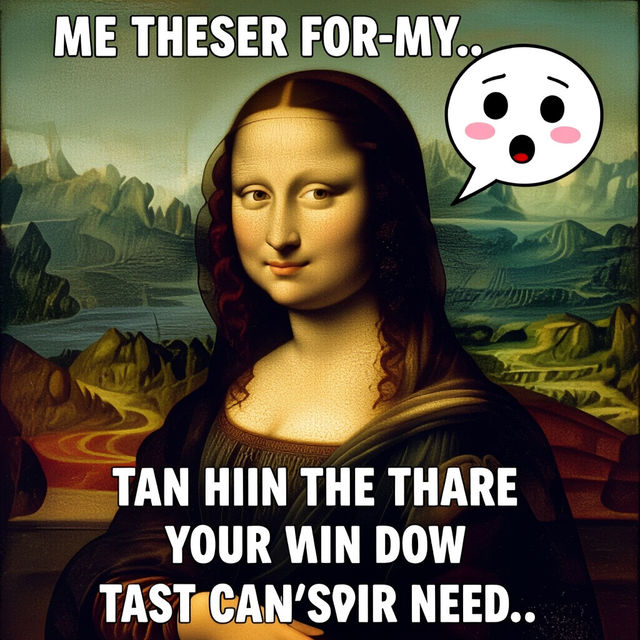
Renaissance Art Memes
Explore a gallery of Renaissance Art Memes, reimagined with AI. Find inspiration and create your own humorous twists on classic art.
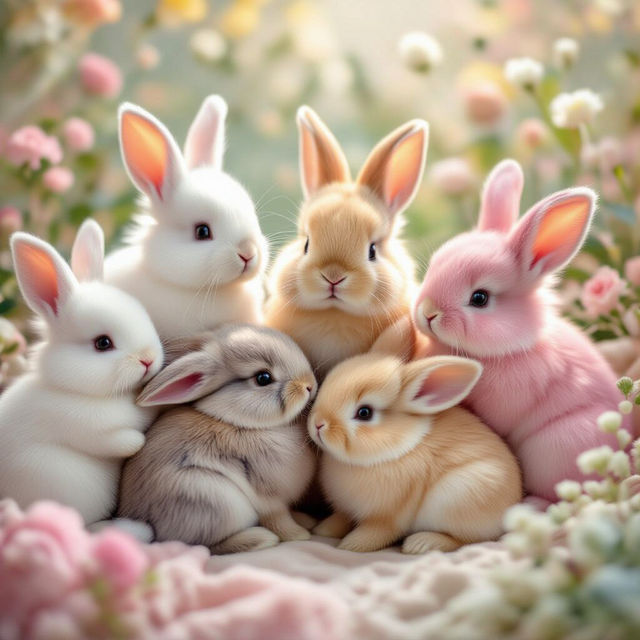
Wallpaper Bunnies
Discover a delightful collection of wallpaper bunnies created with AI. Perfect for adding a touch of cuteness to your devices. Browse and generate your own adorable bunny wallpapers now!
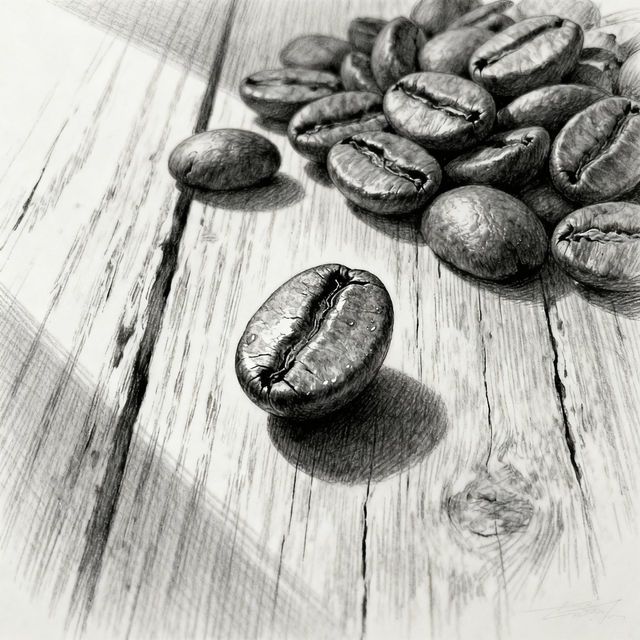
Coffee Bean Drawings - AI Generated Art
Discover unique coffee bean drawings created with AI. Browse our gallery for inspiration and generate your own artistic coffee bean designs on NightCafe.
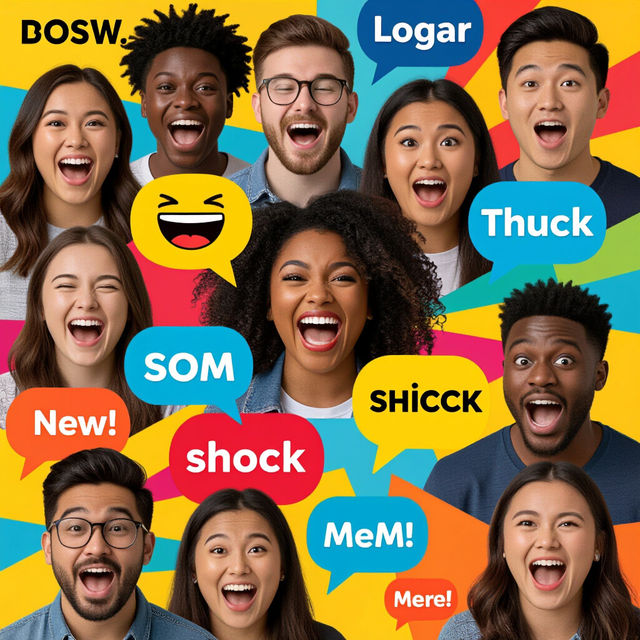
Reaction Images Meme Generator
Need to express yourself? Use our Reaction Images Meme Generator to create custom reaction images and memes. Browse popular meme templates and generate unique reactions with AI.
Frequently Asked Questions
Your Questions About AI Scrap Art Answered
What is AI-generated scrap art?
AI-generated scrap art is a unique art form where artificial intelligence is used to create images that mimic the aesthetic of scrap art. This involves combining elements that resemble discarded materials, industrial textures, and repurposed objects into a cohesive and imaginative visual piece. Our tools allow you to explore this style by blending digital creativity with the raw essence of junk art.
How can I create my own scrap art using NightCafe?
To create your own AI scrap art, start by crafting a detailed prompt that describes the materials, textures, and overall composition you envision. Think about keywords related to 'junk art,' 'repurposed materials,' 'industrial textures,' 'collage,' and specific objects you want to include. Experiment with different AI models and settings within NightCafe to achieve the desired look and feel for your unique creations.
What kind of 'scrap' elements can the AI incorporate?
The AI can incorporate a vast range of 'scrap' elements based on your prompts. This includes textures and imagery associated with metal scraps, wood fragments, discarded plastics, old machinery parts, torn paper, fabric remnants, and more. You can guide the AI to blend these elements with artistic flair, creating compositions that feel both chaotic and intentional, much like traditional scrap art.
Can I use the AI-generated scrap art for my projects?
Yes, the AI-generated scrap art you create can be used for various projects, including digital art, conceptual designs, website graphics, or even as inspiration for physical art pieces. Always refer to NightCafe's Terms of Service for specific usage rights and any attribution requirements.