

- Galleries
- AI Screen Printing Images Showcase
Screen Printing Images - AI Generated
Discover vibrant screen printing images generated by AI. Get inspired by unique designs and create your own striking screen prints with NightCafe's powerful tools.

As seen in








AI Screen Printing Images Showcase
A curated collection of AI-generated images inspired by the bold aesthetics and textures of screen printing, perfect for design inspiration.


Didn't find what you were looking for? Create your own below!
Create your own Screen Printing Images - AI Generated images
Discover the magic of Text to Image AI by creating your own unique images. Edit the prompt below to customize your creation.
No payment or credit card required.

Vibrant And Bold Designs
Explore Unique Screen Printing Art
Dive into a world of striking visuals with our AI-generated screen printing images. Perfect for artists and designers seeking inspiration, this gallery showcases the versatility and boldness of the screen printing aesthetic, reimagined through artificial intelligence. Discover patterns and compositions you won't find anywhere else.
Create Your Own Screen Prints
Step 1
Describe Your Screen Print Idea
Begin by describing the screen print design you envision in the prompt box. Think about the colors, textures, and subjects that define your desired aesthetic. For example, try prompts like "bold geometric patterns in neon colors" or "abstract floral design with a distressed texture."
Step 2
Generate Your Screen Print
Once your prompt is ready, click the "Generate" button. Our AI will process your description and create a unique screen print image based on your specifications. You can iterate by refining your prompt and generating again until you achieve the perfect result.
Step 3
Download and Share
After your screen print image is generated, you have the option to download it in high resolution for your projects. You can also share your creation with the NightCafe community to inspire others and receive feedback.

Create Your Own Masterpieces
Generate Unique AI Screen Prints With Nightcafe
Unleash your creativity and generate unique AI screen prints effortlessly with NightCafe Creator. Our powerful tools allow you to experiment with styles and themes, bringing your artistic visions to life. Whether for t-shirts, posters, or digital art, easily craft distinctive designs that stand out.
More Galleries
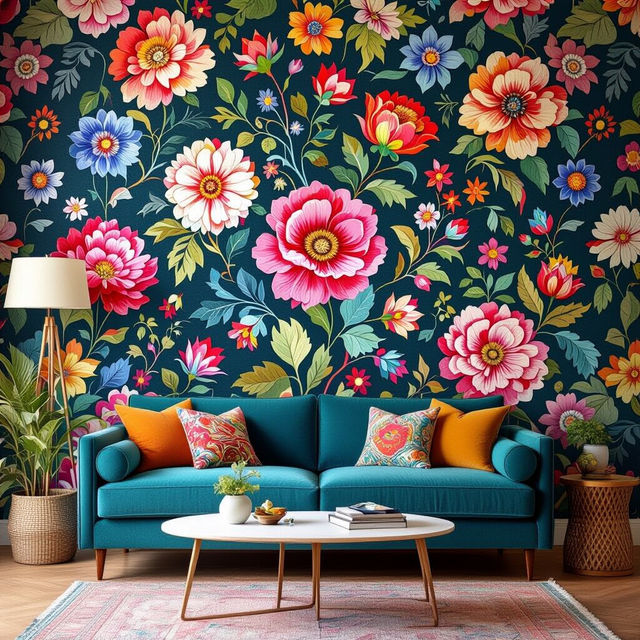
Large Pattern Wallpaper - Made With AI
Explore a stunning collection of large pattern wallpapers, perfect for adding a bold statement to any space. Generate your own unique designs with AI on NightCafe.
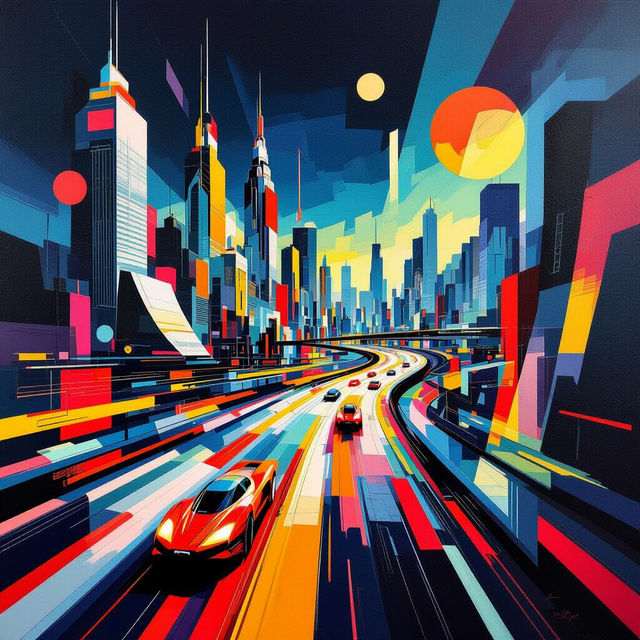
Futurism Art Examples
Discover stunning Futurism art examples generated by AI. Get inspired by dynamic visions of the future and create your own unique pieces with NightCafe.
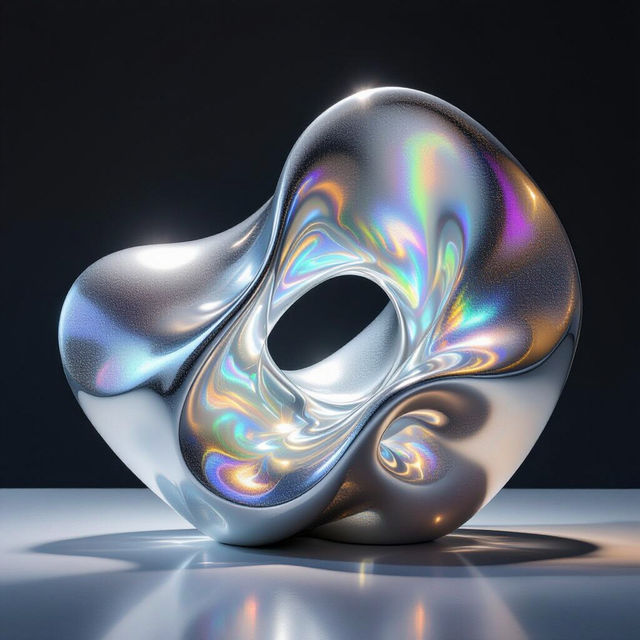
Silver Image Art
Discover a unique collection of AI-generated silver images. Perfect for inspiration or creating your own metallic masterpieces, explore the beauty of silver art with NightCafe.
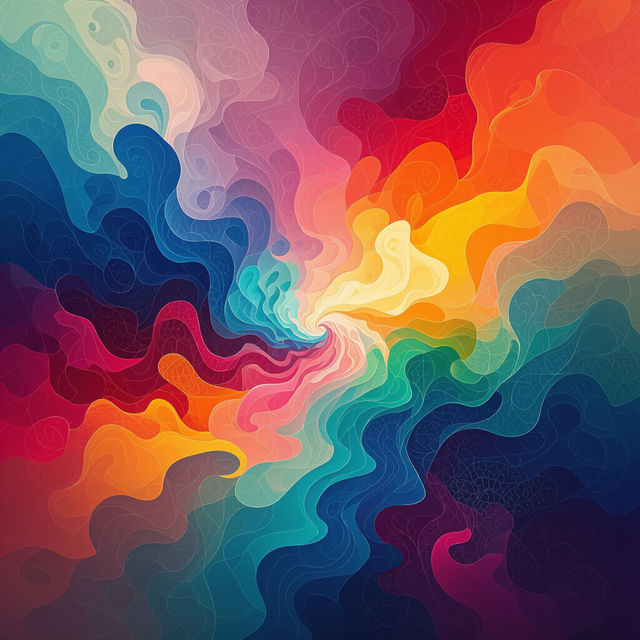
AI Art Gallery
Discover a diverse gallery of AI-generated art. Explore unique styles and get inspired to create your own masterpieces with advanced AI tools.
Frequently Asked Questions
Your Questions About AI Screen Printing Images, Answered
What makes AI-generated screen printing images unique?
AI-generated screen printing images offer a unique blend of traditional screen printing aesthetics with the boundless creativity of artificial intelligence. This means you can discover patterns, compositions, and color combinations that are entirely novel and often impossible to achieve with manual methods. They capture the boldness and vibrancy characteristic of screen printing while introducing unexpected artistic elements.
How can I use the AI screen printing images from NightCafe?
The AI screen printing images generated by NightCafe are incredibly versatile. They are perfect for artists and designers looking for inspiration for their next project. You can use them as a basis for creating your own t-shirt designs, posters, digital art, or even as unique textures and backgrounds. The gallery serves as a springboard for your own creative endeavors using our powerful AI tools.
Can I generate my own custom AI screen prints using NightCafe?
Absolutely! NightCafe Creator empowers you to generate your own unique AI screen prints. By experimenting with different prompts, styles, and themes within our powerful tools, you can bring your specific artistic visions to life. Whether you have a particular color palette in mind or a concept you want to explore, our platform allows you to craft distinctive designs that stand out.
Are these AI screen prints suitable for commercial use?
Yes, the AI-generated screen printing images you create with NightCafe can be used for commercial purposes, such as for merchandise, marketing materials, or branding. Please refer to our Terms of Service for specific details regarding usage rights and attribution requirements.