

- Galleries
- Sketch Age Transformations Gallery
Explore Sketch Age Transformations with AI
Witness the magic of AI as it transforms sketches into aged masterpieces. Explore a gallery of sketch age transformations, revealing the beauty of aging through art. Start creating your own aged sketch today!

As seen in








Sketch Age Transformations Gallery
A curated collection of AI-generated aged sketches, showcasing the evolution of art through time. Each piece captures the essence of aging, transforming simple sketches into timeless works of art.


Didn't find what you were looking for? Create your own below!
Create your own Explore Sketch Age Transformations with AI images
Discover the magic of Text to Image AI by creating your own unique images. Edit the prompt below to customize your creation.
No payment or credit card required.

Unlock Artistic Potential
Discover The Art Of Sketch Aging
Explore the fascinating process of Sketch Age transformation with our AI tools. Witness how simple sketches evolve into aged masterpieces, showcasing the beauty and character that time adds to art. Experiment with different styles and subjects to create unique and captivating aged sketch portraits.
Transform Sketches into Aged Masterpieces
Step 1
Upload Your Sketch and Describe Your Vision
Begin by uploading or creating a sketch that you'd like to see aged. Provide any specific details or preferences regarding the aging process in the prompt box. The more details you provide, the more tailored the results will be!
Step 2
Generate the Aged Transformation
With your sketch uploaded and your prompt set, click the 'Generate' button to initiate the AI aging transformation. Watch as the AI breathes life and experience into your artwork, revealing the beauty of age.
Step 3
Download and Share Your Aged Sketch
Once the aged transformation is complete, download your new masterpiece and share it with the world! Showcase the captivating results of AI-powered aging on your favorite social platforms, or save it for your personal collection.

Instant Age Transformations
Use An Aging Filter To Show The Passage Of Time
Effortlessly visualize the effects of time with our AI Aging Filter. Transform any sketch into a representation of its aged counterpart, illustrating the passage of time and its impact. Use an Aging Filter to Show the Passage of Time and reveal the hidden stories within each line and stroke.
More Galleries
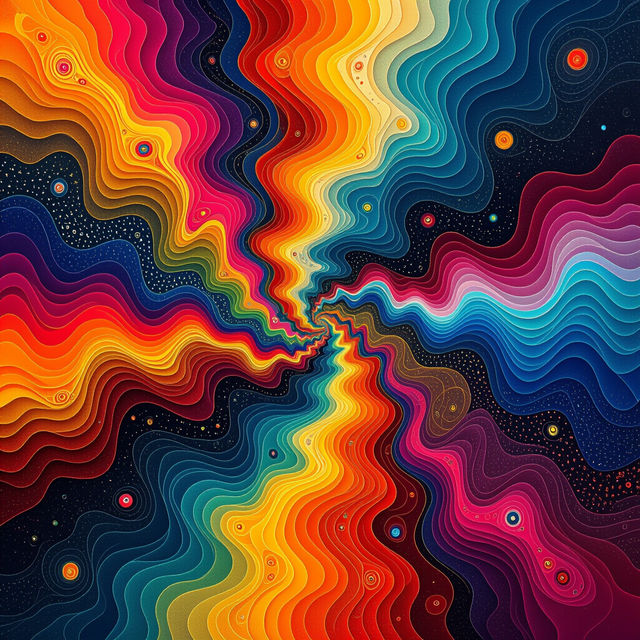
Explore AI-Generated Value Art
Discover the world of AI-generated Value Art. Explore unique pieces created by artificial intelligence, showcasing the intersection of technology and artistic expression. Browse and be inspired.
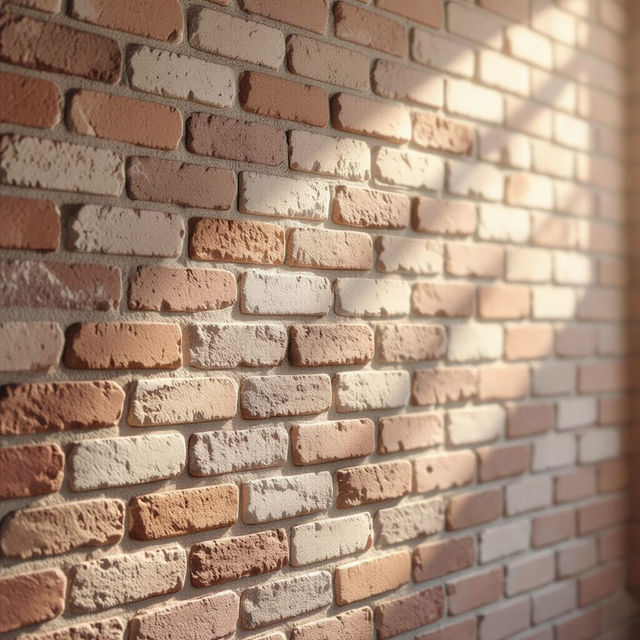
AI-Generated Brick Wallpaper
Transform your digital space with AI-generated brick wallpaper. Explore a variety of styles, from rustic to modern, and discover the perfect backdrop to enhance any room's aesthetic.

Recover Recently Deleted Photos Using AI
Accidentally deleted precious memories? Discover how NightCafe's AI can assist in recovering recently deleted photos. Explore the possibilities and restore your cherished moments effortlessly with AI-enhanced recovery techniques.

AI-Generated Landscape Pictures
Explore breathtaking AI-generated landscape pictures. Our AI creates stunning visuals, from serene nature scenes to dramatic vistas. Perfect for backgrounds, art, or inspiration.
Frequently Asked Questions
Frequently Asked Questions About Sketch Age Transformations
How does the AI transform sketches into aged versions?
Our AI utilizes advanced algorithms to analyze the features of your sketch and realistically simulate the effects of aging. This includes adding wrinkles, age spots, and subtle changes in texture to create a believable aged transformation.
What types of sketches work best for AI age transformation?
The AI works well with a variety of sketch types, including portraits, landscapes, and even abstract designs. However, sketches with clear lines and well-defined features tend to produce the most compelling and realistic aged transformations. Experiment with different styles to see what works best for you!
Can I control the degree of aging applied to my sketch?
While the tool automatically applies aging effects, you can influence the outcome by adjusting the original sketch. For instance, emphasizing certain lines or adding more detail in areas prone to aging (like around the eyes and mouth) can lead to more pronounced effects.
Are the aged sketch transformations realistic?
Our AI is trained to produce realistic aging effects, taking into account factors like skin texture, bone structure, and common signs of aging. However, the perceived realism can also depend on the quality and detail of the original sketch. Experiment with different source materials to achieve your desired level of realism.
Can I use the AI-generated aged sketches for commercial purposes?
Yes, you can use the AI generated aged sketches for commercial purposes, such as branding or advertising. However, you must credit NightCafe as the creator of the image.