

- Galleries
- Sketch Map Gallery
Sketch Map Art
Explore a gallery of AI-generated sketch maps, perfect for fantasy worlds, game design, or creative projects. Use NightCafe to bring your own unique map ideas to life.

As seen in








Sketch Map Gallery
Discover a diverse collection of AI-created sketch maps, showcasing intricate details and artistic styles for inspiration and use in your next adventure.


Didn't find what you were looking for? Create your own below!
Create your own Sketch Map Art images
Discover the magic of Text to Image AI by creating your own unique images. Edit the prompt below to customize your creation.
No payment or credit card required.

Your Vision, Mapped Out
Generate Your Own Sketch Maps
Dive into the creation of your own unique worlds with our AI-powered sketch map generator. Whether for sprawling fantasy realms, intricate game levels, or personal creative projects, bring your distinct map ideas to life with a few simple prompts. Explore endless possibilities and craft visually stunning, hand-drawn style maps.
Create Your Unique Sketch Map
Step 1
Describe Your Map
To begin, enter a detailed description of the map you envision in the prompt box. Specify elements like the terrain (mountains, rivers, forests), points of interest (castles, cities, ruins), and the overall style (e.g., ancient parchment, hand-drawn sketch, fantasy). The more detail you provide, the more accurately the AI can bring your map to life.
Step 2
Generate Your Map Art
Once your prompt is ready, click the "Generate" button. The AI will process your description and create a unique sketch map based on your input. You can experiment with different prompts to see a variety of artistic interpretations.
Step 3
Download & Share Your Map
After the map is generated, you have the option to download it in high resolution for your projects. You can also share your creation with the NightCafe community to inspire others and receive feedback on your unique cartography.

Innovative Map Creation
Generate Unique Maps With AI
Leverage the power of advanced AI to generate truly one-of-a-kind maps. Our platform excels at Map Generation, allowing you to create unique maps that stand out. Perfect for game designers, authors, or anyone needing custom cartography, this tool transforms your concepts into intricate, visually engaging map art.
More Galleries
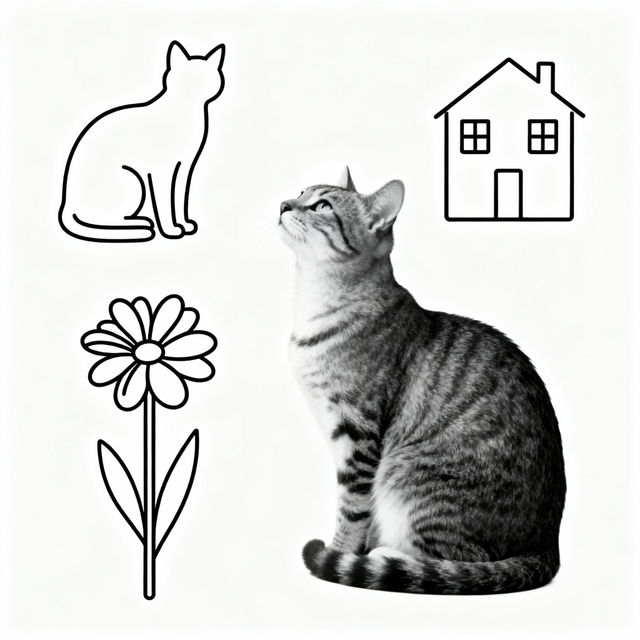
Easy To Draw Drawings
Discover a gallery of easy to draw drawings, perfect for beginners. Get inspired and learn to create your own simple drawings with AI.
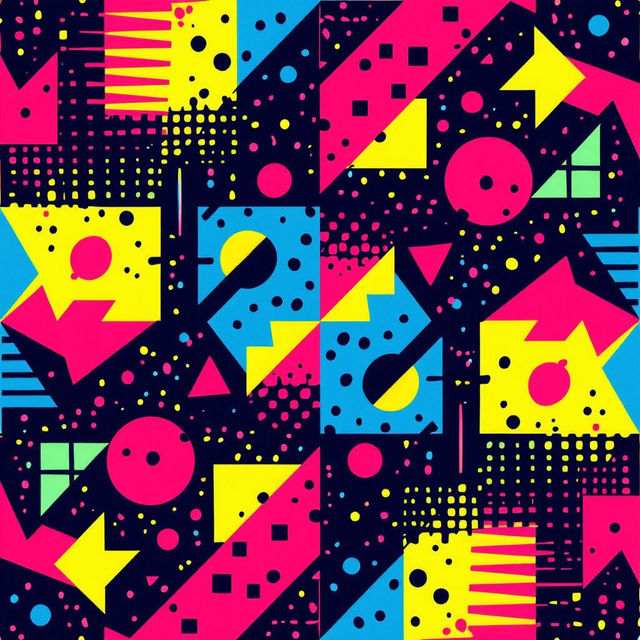
90's Wallpaper
Step back in time with our collection of 90's wallpaper. Featuring vibrant colors and iconic styles, these AI-generated designs bring retro nostalgia to your desktop and mobile devices.
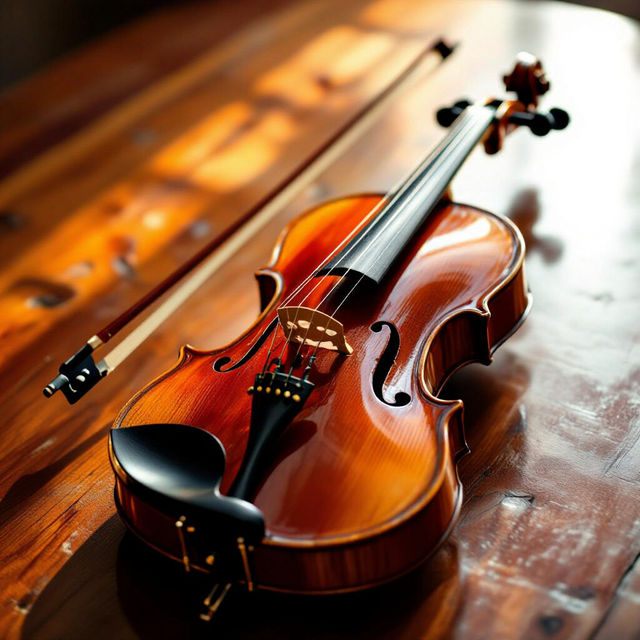
Picture Of Violin - AI Generated Art
Discover breathtaking AI-generated images of violins. Explore a gallery of unique violin art and create your own musical masterpiece with NightCafe.
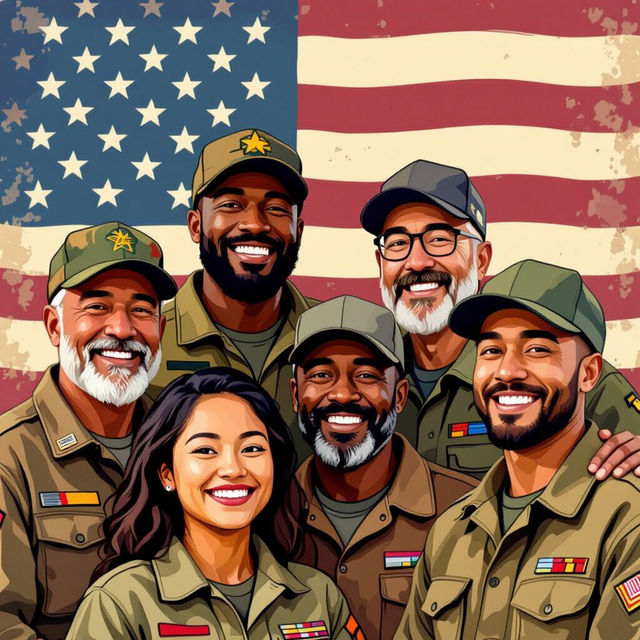
Thank You Happy Veterans Day Images
Explore a gallery of heartfelt 'Thank You Happy Veterans Day Images'. Find inspiration and create your own unique tributes to honor our veterans with AI.
Frequently Asked Questions
Frequently Asked Questions About AI Sketch Map Art
How can I create the best prompts for generating sketch maps?
To generate effective sketch maps, start by describing the overall theme and style (e.g., 'ancient fantasy map', 'sci-fi star chart'). Include key geographical features you want (mountains, rivers, cities, coastlines), and specify any desired details like scale, compass rose, or a particular aesthetic like 'hand-drawn' or 'parchment'.
What kind of projects are these AI-generated sketch maps suitable for?
These AI-generated sketch maps are incredibly versatile. They are perfect for fantasy world-building, creating unique maps for board games or video games, illustrating stories or novels, designing tabletop RPG settings, or even for unique personal art projects and creative endeavors.
Can I generate maps of specific sizes or resolutions?
While the AI focuses on generating the map's content and style, you can often influence the general aspect ratio through your prompt. For specific resolutions or sizes, you may need to use image editing software after generation to resize or crop the map to your exact requirements.
How do I ensure my generated map looks like a sketch?
You can emphasize a 'sketch' or 'hand-drawn' style directly in your prompt. Words like 'sketch', 'doodle', 'ink drawing', 'pencil sketch', or 'rough draft' can help guide the AI towards the desired aesthetic. Experiment with different stylistic keywords to achieve the perfect hand-drawn look.