

- Galleries
- AI-Generated Sketch Notes Gallery
Sketch Notes Examples - Made With AI
Explore a variety of AI-generated sketch notes examples. Get inspired by creative visual note-taking styles and generate your own unique sketch notes.

As seen in








AI-Generated Sketch Notes Gallery
Discover a diverse gallery of sketch notes examples created by AI, perfect for visual learners and anyone looking to enhance their note-taking methods.


Didn't find what you were looking for? Create your own below!
Create your own Sketch Notes Examples - Made With AI images
Discover the magic of Text to Image AI by creating your own unique images. Edit the prompt below to customize your creation.
No payment or credit card required.

Spark Your Creativity
Inspiring Sketch Notes Ideas
Dive into a world of innovative visual note-taking with our collection of AI-generated sketch notes examples. Discover unique layouts, dynamic diagrams, and engaging illustrations that transform complex information into easily digestible visuals. Let these examples ignite your imagination and inspire your next note-taking session.
Create Your Own Sketch Notes
Step 1
Describe Your Sketch Notes Idea
Start by describing the topic or concept you want to visualize in your sketch notes. Be specific about the key ideas, keywords, and the overall style you envision. For instance, you could prompt with 'mind map of sustainable farming practices with hand-drawn icons' or 'flowchart explaining the water cycle with a minimalist aesthetic'. The more detail you provide, the better the AI can capture your vision.
Step 2
Generate Your Visual Notes
Once you've crafted your prompt, hit the 'Generate' button. Our AI will process your description and create a unique set of sketch notes tailored to your input. Watch as your ideas transform into visual representations!
Step 3
Download or Share Your Creation
After the sketch notes are generated, explore the results. You can download your favorite designs in high resolution or share them with others to inspire their note-taking journeys. Use them for presentations, study aids, or personal brainstorming!

Effortless Design Creation
Generate Visual Note Taking Designs With AI
Transform your ideas into stunning visual note taking designs effortlessly. Our AI tools empower you to generate unique and professional-looking sketch notes, perfect for presentations, study guides, or creative brainstorming. Visualize your thoughts and communicate them with impact, all through intuitive AI-powered design.
More Galleries

Memorial Picture Ideas
Explore beautiful memorial picture ideas to honor loved ones. Use AI to generate unique and touching tributes that capture cherished memories. Find inspiration for your perfect memorial.
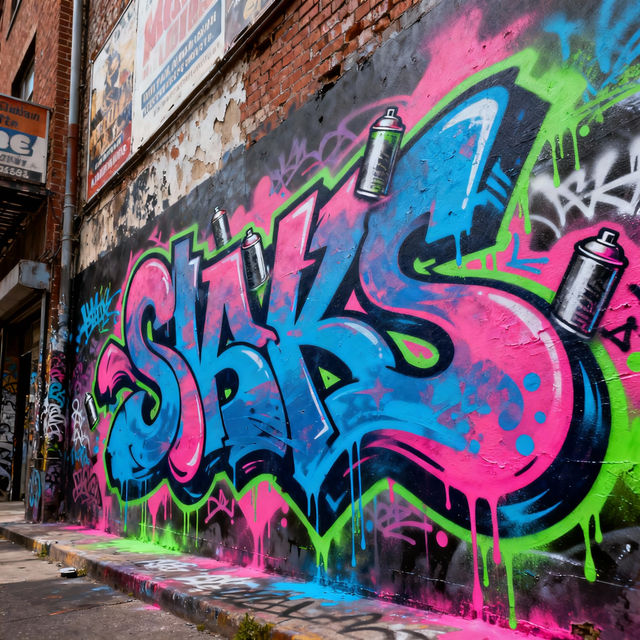
Graffiti Art Styles - Created with AI
Discover diverse Graffiti Art Styles brought to life by AI. Browse vibrant examples and generate your own unique graffiti art pieces with NightCafe's powerful tools.
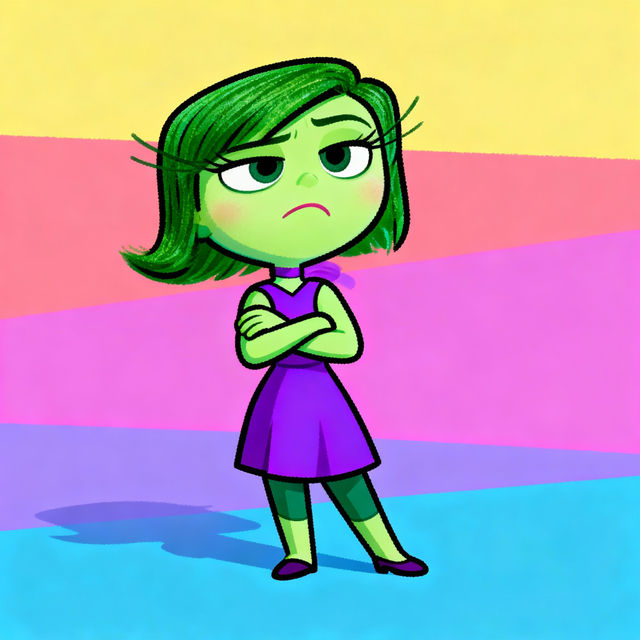
Disgust Inside Out Drawing
Discover unique drawings of Disgust from Inside Out, created with AI. Perfect for fans seeking artistic interpretations of the beloved character. Generate your own Disgust art today!

Kawaii Kuromi Wallpapers
Explore an enchanting collection of Kawaii Kuromi wallpapers, perfect for adding a touch of adorable charm to your devices. Get inspired and create your own unique Kuromi designs.
Frequently Asked Questions
Your Questions About AI-Generated Sketch Notes, Answered
How can I generate my own unique sketch notes using NightCafe?
To create your own AI-generated sketch notes, start by entering a descriptive prompt that outlines the topic, key ideas, and desired visual style. You can experiment with different keywords related to visual note-taking, diagrams, mind maps, and specific artistic styles to guide the AI. Explore the various AI models available on NightCafe to find the one that best suits your vision for sketch notes.
What makes these AI-generated sketch notes examples inspiring?
These examples showcase the versatility and creativity of AI in transforming information into visual notes. They demonstrate unique layouts, dynamic diagrams, and engaging illustrations that can simplify complex subjects. By exploring these diverse styles, you can gain inspiration for new ways to organize and present information, making your own notes more engaging and memorable.
Can I use the AI-generated sketch notes for my presentations or study materials?
Absolutely! The AI-generated sketch notes are designed to be versatile and can be used for a variety of purposes, including presentations, study guides, personal brainstorming, or even blog posts. Our tools empower you to create professional-looking visuals that effectively communicate your ideas and enhance understanding.
What kind of prompts work best for generating effective sketch notes?
Effective prompts for sketch notes often include the core subject matter, desired visual elements (like icons, arrows, or flowcharts), the overall mood or tone, and the intended style (e.g., minimalist, hand-drawn, technical). For instance, a prompt like 'AI-generated sketch notes about project management, using simple icons, flowcharts, and a clean, modern style' can yield great results. Experimentation is key!