

- Galleries
- AI Snake Art Gallery
Snake Pictures Drawing - AI Generated Art
Explore a gallery of AI-generated snake pictures and drawings. Get inspired by diverse artistic styles and create your own unique snake art with NightCafe's AI tools.

As seen in








AI Snake Art Gallery
Discover a captivating collection of AI-generated snake drawings, showcasing a variety of styles from realistic to abstract. Perfect for inspiration or unique artwork.


Didn't find what you were looking for? Create your own below!
Create your own Snake Pictures Drawing - AI Generated Art images
Discover the magic of Text to Image AI by creating your own unique images. Edit the prompt below to customize your creation.
No payment or credit card required.

Artistic Vision Realized
Creative Snake Drawings
Dive into a world of intricate and imaginative snake drawings, brought to life by our advanced AI. Explore a vast collection of Snake Pictures Drawing, perfect for artists seeking inspiration or unique visual elements for their projects. Each piece is a testament to the creative potential of AI in generating detailed and stylized artwork.
Create Your Own Unique Snake Art
Step 1
Describe Your Snake
Begin by describing the snake you envision in the prompt box. Be specific about its species, colors, pose, and the artistic style you desire (e.g., 'a majestic cobra in a vibrant watercolor style,' 'a slithering python with iridescent scales in a photorealistic rendering'). The more detail you provide, the closer the AI can get to your unique vision.
Step 2
Generate Your Snake Art
Once your prompt is ready, click the 'Generate' button. Our AI will process your description and begin creating a unique piece of snake art just for you. You can experiment with different prompts and settings to see the variety of results.
Step 3
Download & Share Your Masterpiece
After your artwork is generated, you can download it in high resolution for your personal or commercial use. Feel free to share your creation with the NightCafe community or on social media to inspire others!

Your Vision, Amplified
Generate Unique Snake Art With AI
Transform your ideas into stunning visuals with our powerful Snake Art Generator. Effortlessly Generate Unique Snake Art with AI, from abstract interpretations to photorealistic renderings. Whether you're a hobbyist or a professional, our tools empower you to create captivating snake-themed art that stands out.
More Galleries
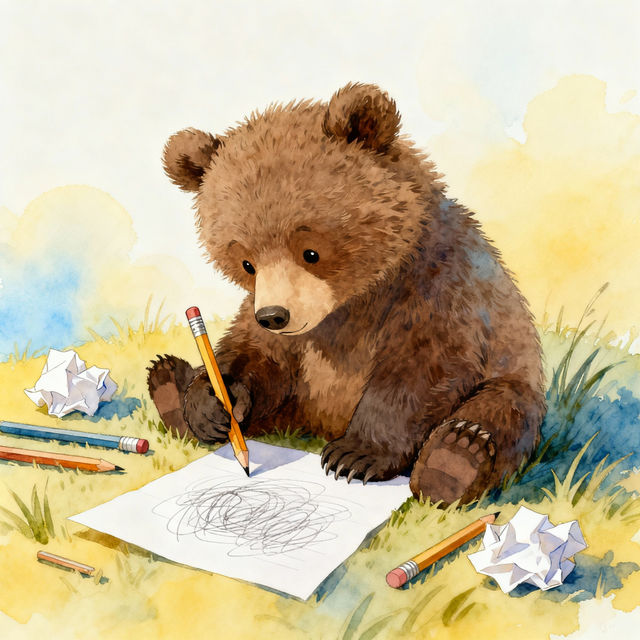
Easy Grizzly Bear Drawing
Explore our gallery of easy grizzly bear drawings created with AI. Find inspiration and learn how to draw majestic grizzly bears in various artistic styles.

iPhone Aesthetic Christmas Wallpapers
Discover beautiful iPhone aesthetic Christmas wallpapers. Perfect for the holidays, these AI-generated designs will bring festive cheer to your phone screen.
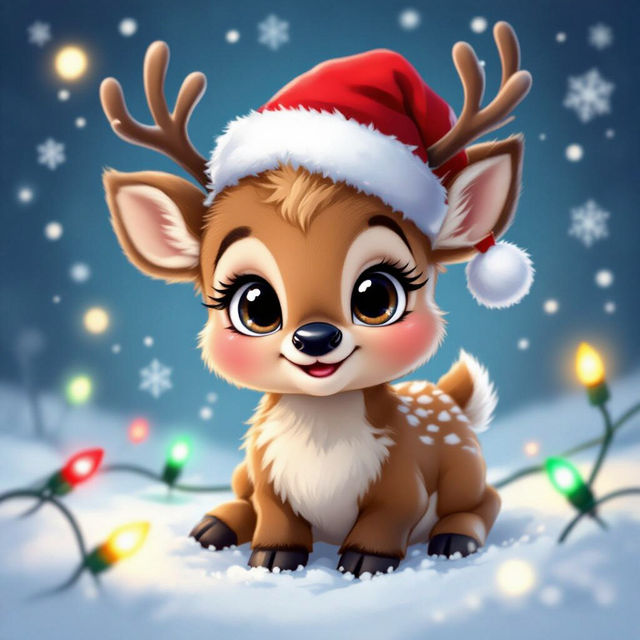
Christmas Cute Pictures - Made With AI
Discover a heartwarming collection of Christmas cute pictures generated by AI. Perfect for holiday cards, social media, or just spreading cheer. Create your own festive art on NightCafe!
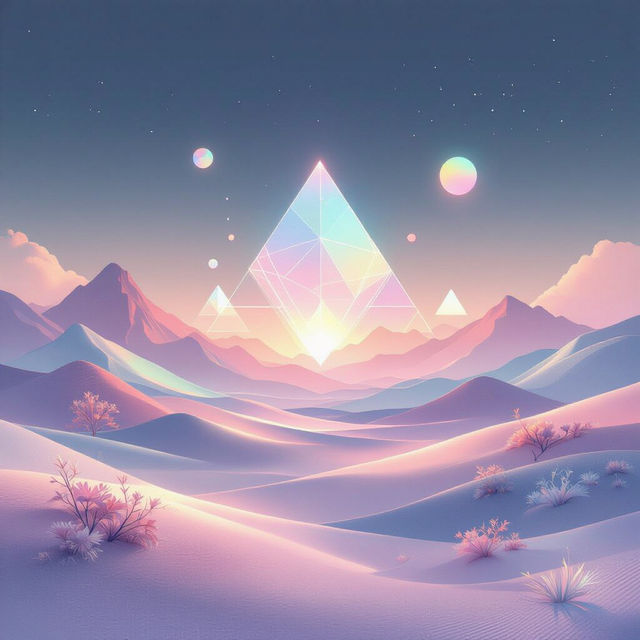
Wallpapers For Computer Aesthetic
Explore a stunning collection of aesthetic computer wallpapers. Find the perfect background to match your style and enhance your desktop. Create your own unique computer wallpapers with AI.
Frequently Asked Questions
Your Questions About AI Snake Art, Answered
How can I generate my own unique snake art using NightCafe's AI?
To create your own snake art, navigate to our AI art generation tools. Start by crafting a descriptive prompt that includes keywords like 'snake', 'drawing', and specify any desired styles, colors, or moods. Experiment with different AI models available on NightCafe to find the one that best suits your vision for unique snake artwork.
What kind of snake art styles can the AI create?
Our AI can generate a wide variety of snake art styles, from intricate drawings and abstract interpretations to photorealistic renderings. You can explore styles inspired by different artistic movements, or combine elements to create something entirely new. The more detailed your prompt, the more tailored the output will be.
Can I use the AI-generated snake pictures for my projects?
Yes, the AI-generated snake pictures and drawings created with NightCafe can be used for your projects. Depending on your subscription and our Terms of Service, you may be able to use them for personal or commercial purposes. Please refer to our Terms of Service for detailed information on usage rights and attribution requirements.
What if I'm not getting the snake art I envisioned?
If your generated snake art isn't quite what you expected, try refining your prompt. Add more specific details about the snake's pose, the background, the lighting, or the artistic style. You can also experiment with different negative prompts to exclude elements you don't want. Trying different AI models or adjusting generation settings can also yield varied results.