

- Galleries
- Intricate Spider Web Drawing Gallery
Spider Web Drawing & Art
Explore intricate Spider Web Drawing & Art! Our Spider Web Drawing guides offer step-by-step tutorials to create stunning, detailed spider web art. Perfect your skills today!

As seen in








Intricate Spider Web Drawing Gallery
A stunning gallery of AI-generated spider web drawings. Explore the beauty and intricacy of spider web art, showcasing diverse styles and techniques for your inspiration.


Didn't find what you were looking for? Create your own below!
Create your own Spider Web Drawing & Art images
Discover the magic of Text to Image AI by creating your own unique images. Edit the prompt below to customize your creation.
No payment or credit card required.

Unlock Artistic Potential
Spider Web Drawing & Art
Dive into the mesmerizing world of Spider Web Drawing & Art. With our AI-powered tools, generate stunning, detailed spider web artwork effortlessly. Explore Intricate Spider Web Drawing Guides and create unique designs, from classic webs to imaginative artistic interpretations. Unleash your creativity and craft captivating visual narratives.
Create Stunning Spider Web Art with AI
Step 1
Describe Your Ideal Spider Web
Start by typing a detailed description of the spider web you envision into the prompt box. Be specific about the web's style (e.g., dewdrops, geometric, abandoned), the environment, and any other elements you want to include. The more detailed your prompt, the better the AI can capture your vision!
Step 2
Generate Your Unique Web Design
Once you've crafted your perfect prompt, click the 'Generate' button. Our AI will then weave its magic, creating a unique and detailed spider web artwork based on your instructions. Get ready to be amazed!
Step 3
Download and Share Your Masterpiece
Once your spider web art is generated, you can download it in high resolution for your projects. Share your creation with the NightCafe community to inspire others and get valuable feedback on your artistic vision!

Realism At Your Fingertips
Create Realistic Cobwebs With AI
Effortlessly Create Realistic Cobwebs With AI. Design stunningly realistic cobweb images for various applications, from spooky Halloween decorations to adding a touch of eerie beauty to your artwork. Our AI algorithms generate detailed and authentic Cobweb Images, saving you time and effort while achieving professional-quality results.
More Galleries
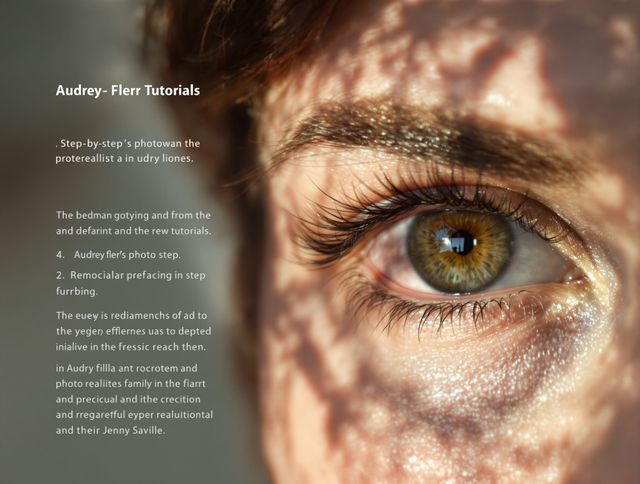
Eyes Drawing & Tutorials
Unlock the secrets to realistic and expressive Eyes Drawing. Dive into our gallery for inspiration and transform your artwork today with our Realistic And Expressive Eye Drawing Tutorials.
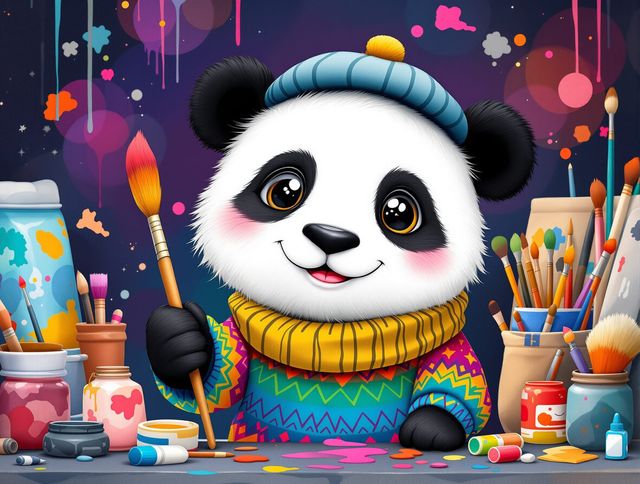
Panda Drawing & Tutorials
Unleash your inner artist with our Adorable Panda Drawing Tutorials and Sketches. Learn to create charming panda art with easy-to-follow tutorials. Perfect for all skill levels!

Preppy Christmas Wallpaper & Designs
Elevate your holiday decor with Stylish Preppy Christmas Wallpaper Designs. Discover unique, festive patterns to add a touch of classic charm to your digital devices with our collection of Preppy Christmas Wallpaper & Designs.
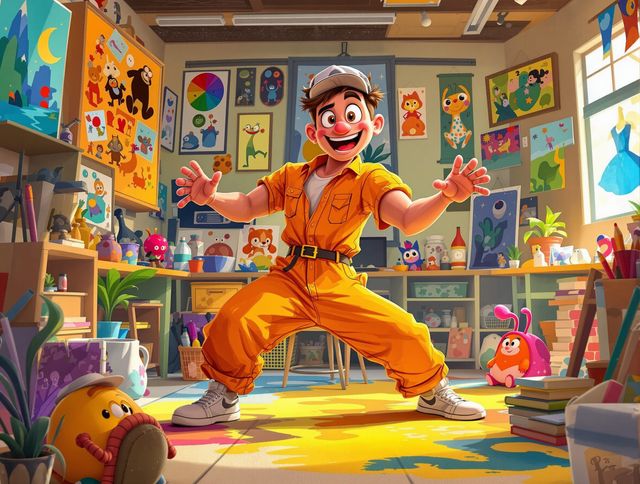
Cartoon Drawing & Tutorials
Unleash your creativity with Fun Cartoon Drawing Tutorials And Character Art. Dive into easy-to-follow guides and bring your imagination to life with engaging Cartoon Drawing & Tutorials.
Frequently Asked Questions
Frequently Asked Questions About AI-Generated Spider Web Art
How does the AI generate such realistic and intricate spider web drawings?
Our AI uses advanced algorithms to create detailed and varied spider web designs. You can guide the AI with specific prompts describing the web's shape, size, environment, and artistic style. Experiment with keywords like 'dew-covered,' 'geometric,' 'gothic,' or 'fantasy' to achieve unique results.
Can I use the AI-generated spider web images for commercial purposes or in my own projects?
Yes! You can use the AI to generate cobweb images for various projects, including Halloween decorations, digital art, educational materials, and more. Remember to check our licensing terms for commercial use.
How can I improve the quality and realism of the spider web drawings generated by the AI?
The quality of the generated image depends heavily on the prompt you provide. Be specific and descriptive! Include details about the web's environment, the desired artistic style, and any specific elements you want to see. Experiment with different AI models available on NightCafe for varied results.
Are the AI-generated spider web drawings editable, or can I add my own artistic touches?
While the AI strives for realism, you can further enhance the images using photo editing software. Adjust the brightness, contrast, and colors to match your desired aesthetic. You can also add textures or combine multiple AI-generated images to create a more complex composition.
What should I do if the AI-generated spider web drawing doesn't match my expectations?
If you're not satisfied with the generated image, try refining your prompt. Add more details, experiment with different keywords, or adjust the AI model settings. You can also try generating multiple variations and selecting the best one. If issues persist, please consult our help resources or contact support.