

- Galleries
- Spooky Desktop Wallpaper Gallery
Spooky Desktop Wallpaper
Transform your desktop with eerie and captivating spooky desktop wallpapers. Explore a gallery of chilling AI-generated art to set the perfect haunting mood for your computer.

As seen in








Spooky Desktop Wallpaper Gallery
Discover a collection of hauntingly beautiful AI-generated spooky desktop wallpapers. Perfect for adding a touch of the macabre to your digital space.


Didn't find what you were looking for? Create your own below!
Create your own Spooky Desktop Wallpaper images
Discover the magic of Text to Image AI by creating your own unique images. Edit the prompt below to customize your creation.
No payment or credit card required.

Instantly Haunting Your Screen
Creepy Desktop Backgrounds For Your Pc
Elevate your computer's aesthetic with our collection of truly creepy desktop backgrounds. Each Spooky Desktop Wallpaper is meticulously crafted by AI to bring an unsettling yet captivating atmosphere to your workspace, ensuring a unique and chilling visual experience.
Create Your Own Spooky Desktop Wallpaper
Step 1
Describe Your Spooky Scene
To begin, enter a descriptive prompt in the text field. Think about the spooky elements you want to see, such as haunted houses, ghostly figures, eerie forests, or specific Halloween themes. The more detail you provide, the better the AI can capture your vision for a chilling desktop background.
Step 2
Generate Your Haunting Background
After crafting your perfect prompt, simply click the 'Generate' button. Our AI will then work its magic, transforming your words into a unique and haunting desktop wallpaper that's sure to set a spooky mood.
Step 3
Download & Share Your Creation
Once your spooky wallpaper is ready, you can download it in high resolution to adorn your desktop. Feel free to share your eerie creations with others or explore more designs to find the ultimate haunting background!

Your Ultimate Spooky Season
Generate Haunting Halloween Backgrounds
Get into the spirit of the season by generating your own unique Halloween Backgrounds. Our AI tools allow you to create custom, haunting visuals perfect for your desktop, ensuring your setup screams Halloween from dusk till dawn. Generate Haunting Halloween Backgrounds with ease.
More Galleries
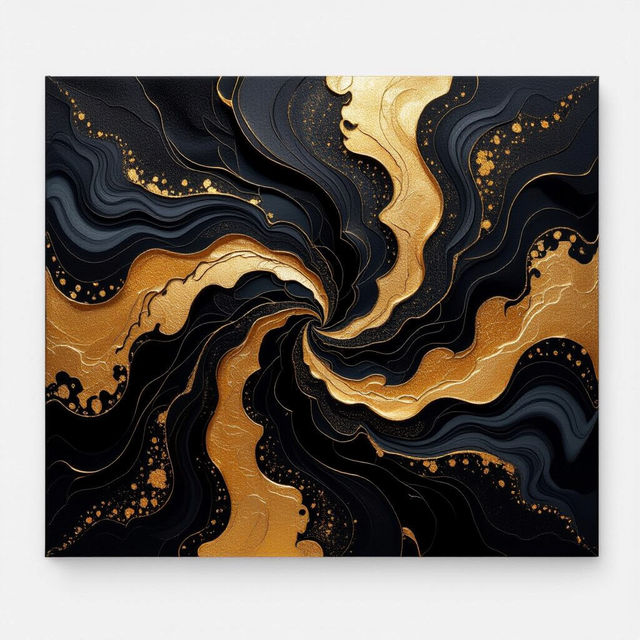
Black And Gold Abstract Wall Art
Explore sophisticated black and gold abstract wall art. Perfect for adding a touch of luxury, these AI-generated pieces inspire unique decor. Create your own masterpiece.
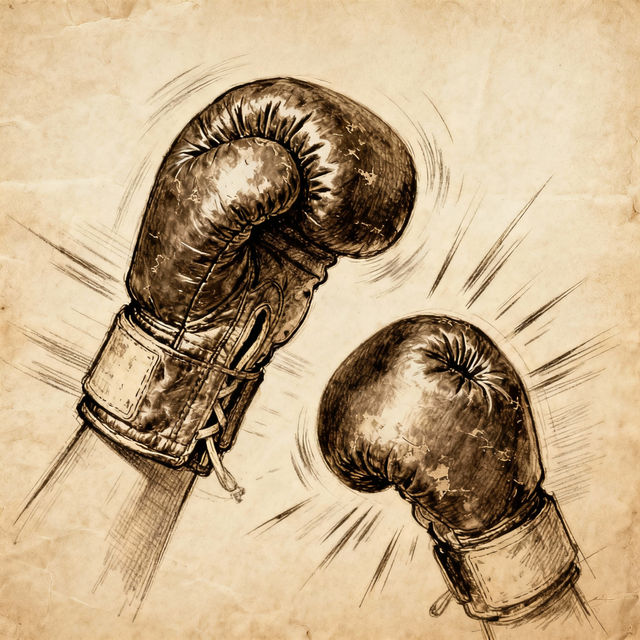
Drawing Boxing Gloves - AI Generated Art
Discover a diverse collection of AI-generated boxing glove drawings. Perfect for artists, designers, and boxing enthusiasts looking for unique visual inspiration. Create your own.
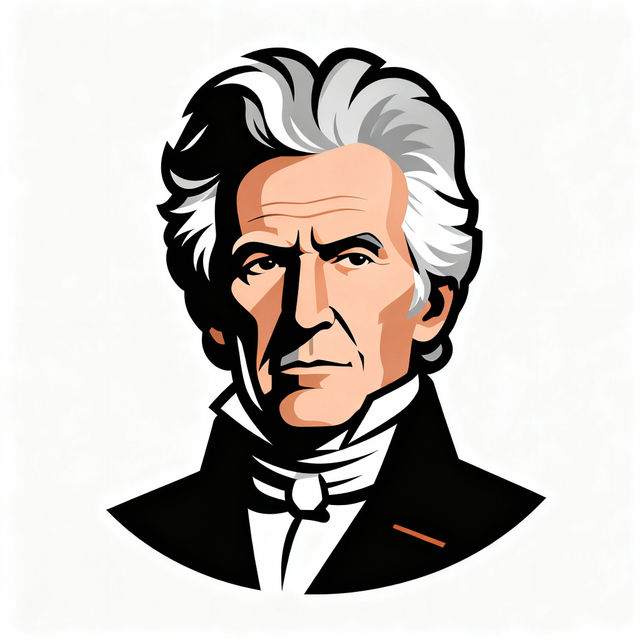
Andrew Jackson Clip Art
Explore a collection of Andrew Jackson clip art and historical images generated by AI. Perfect for presentations, educational materials, or creative projects. Create your own unique Andrew Jackson visuals.
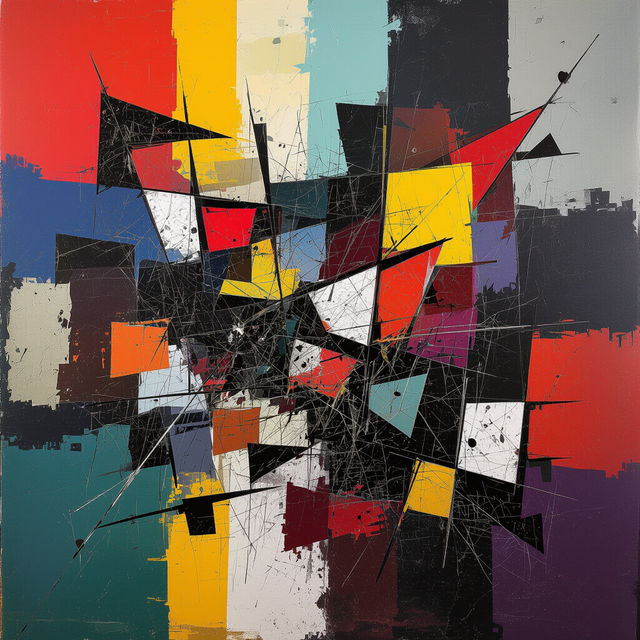
Anti Art - Created With AI
Discover a unique collection of anti-art generated by AI. Explore unconventional styles and challenge artistic norms with these thought-provoking creations. Create your own anti-art on NightCafe.
Frequently Asked Questions
Your Questions About Spooky Desktop Wallpapers, Answered
How can I generate a spooky desktop wallpaper that perfectly matches my style?
To create your ideal spooky desktop wallpaper, start by describing the eerie atmosphere you envision. Include details about the theme (e.g., haunted house, creepy forest, ghostly figure), the mood (e.g., unsettling, mysterious, terrifying), and any specific elements you'd like to see. Experiment with different keywords and styles to achieve the most captivating and haunting result for your desktop background.
What kind of spooky themes or styles can I expect from these AI-generated wallpapers?
Our AI is capable of generating a wide variety of spooky themes and styles, from classic haunted mansions and shadowy figures to more abstract and unsettling cosmic horror. You can explore gothic aesthetics, supernatural scenes, creepy creatures, and chilling landscapes. The AI can adapt to prompts requesting specific artistic styles, such as photorealistic, painterly, or even abstract, ensuring a diverse range of haunting visuals.
Can I use the spooky desktop wallpapers I generate for personal use on my computer?
Absolutely! All spooky desktop wallpapers generated using NightCafe's tools are intended for personal use on your desktop or other personal devices. You can download and set them as your background to bring a chilling atmosphere to your workspace.
Are there any tips for creating a desktop wallpaper that is both spooky and functional?
When creating your spooky desktop wallpaper, consider readability for your icons and taskbar. Opt for darker themes with good contrast for text and icons. You might also want to avoid overly busy or distracting elements in the central area of the screen where your icons are typically placed. A well-crafted spooky wallpaper can enhance your desktop without hindering usability.