

- Galleries
- Spooky iPhone Halloween Wallpaper Gallery
Spooky Halloween Wallpaper for iPhone
Discover a terrifyingly good collection of spooky Halloween wallpapers perfect for your iPhone. Get inspired and create your own hauntingly beautiful designs to set the mood this season.

As seen in








Spooky iPhone Halloween Wallpaper Gallery
Explore a curated gallery of eerie and festive Halloween wallpapers, specifically designed for iPhones. Find the perfect spooky aesthetic to celebrate the season.


Didn't find what you were looking for? Create your own below!
Create your own Spooky Halloween Wallpaper for iPhone images
Discover the magic of Text to Image AI by creating your own unique images. Edit the prompt below to customize your creation.
No payment or credit card required.

Hauntingly Beautiful Designs
Iphone Halloween Wallpapers
Transform your iPhone into a portal to the eerie with our stunning collection of Spooky Halloween Wallpaper iPhone designs. From haunted castles to grinning pumpkins, find the perfect backdrop to capture the spirit of the season. Set the mood for trick-or-treating or a cozy night in with these captivating visuals.
Create Your Own Spooky iPhone Wallpaper
Step 1
Describe Your Halloween Vision
Begin by describing the Halloween scene or elements you envision for your iPhone wallpaper. Be specific about colors, creatures, settings, and the overall mood – think haunted houses, grinning jack-o'-lanterns, eerie forests, or spectral figures. The more detail you provide, the more tailored your spooky creation will be!
Step 2
Generate Your Haunting Wallpaper
After crafting your perfect prompt, hit the 'Generate' button. Our AI will then conjure a unique and terrifyingly beautiful Halloween wallpaper tailored to your specifications, ready to haunt your iPhone screen.
Step 3
Download & Share Your Spooky Art
Once your ghostly masterpiece is ready, you can download it in high resolution to grace your iPhone. Feel free to share your spine-chilling creation with friends or the community and inspire others with your seasonal artistry!

Your Personal Art Generator
Generate Spooky Halloween Art For Your Iphone
Unleash your creativity with our Halloween Art Generator! Effortlessly Generate Spooky Halloween Art for your iPhone, bringing your darkest visions to life. Whether you desire a creepy graveyard scene or a playful ghost, our AI empowers you to craft unique, personalized wallpapers that are perfectly terrifying.
More Galleries
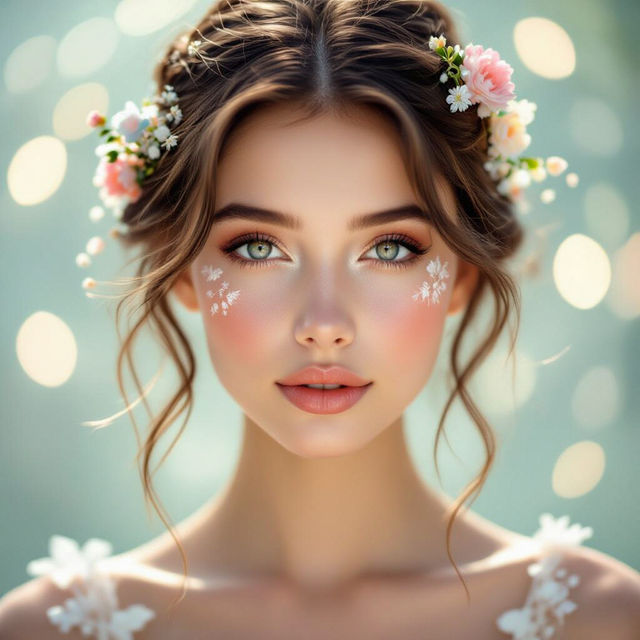
Aesthetic Profile Pictures for Girls
Discover unique aesthetic profile pictures for girls. Get inspired by AI-generated art and create your own perfect avatar to express your style online.

Rain Drop Drawings - AI Generated Art
Discover stunning AI-generated rain drop drawings. Perfect for artists and designers seeking unique inspiration. Create your own captivating rain drop art with NightCafe.
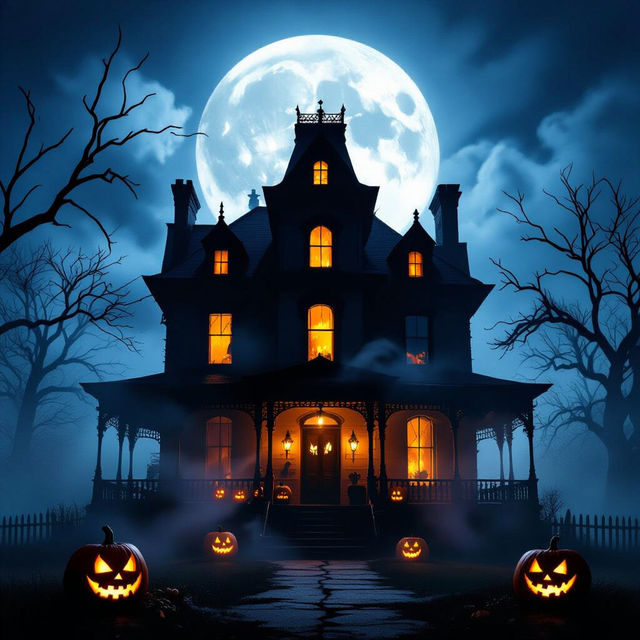
Spooky Pictures For Halloween
Discover eerie and Spooky Pictures For Halloween! Browse our collection of hauntingly beautiful AI-generated images, perfect for your Halloween celebrations. Create your own unique spooky pictures today.
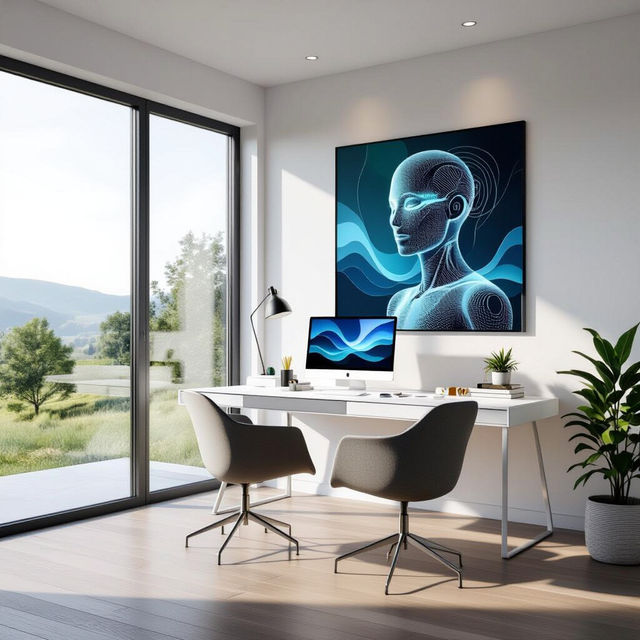
Home Office Art - Made With AI
Discover unique AI-generated Home Office Art to personalize your workspace. Browse inspiring pieces and create your own custom art to boost productivity and style.
Frequently Asked Questions
Your Spooky Halloween iPhone Wallpaper Questions Answered
How can I create the most effective spooky Halloween wallpaper for my iPhone?
To create the best spooky Halloween wallpaper, start by thinking about the specific elements that define Halloween for you. Consider adding keywords related to classic Halloween imagery like 'ghosts,' 'pumpkins,' 'graveyards,' 'haunted houses,' 'bats,' or 'spiders.' You can also specify a mood, such as 'creepy,' 'eerie,' 'terrifying,' or 'playful.' Experiment with different art styles like 'gothic,' 'vintage horror,' or 'cartoonish spooky' to find the perfect aesthetic for your iPhone.
What kind of spooky themes work best for iPhone wallpapers?
For iPhone wallpapers, themes that are visually striking and fit the screen aspect ratio are ideal. Consider themes like a lone haunted house under a full moon, a close-up of a menacing jack-o'-lantern, a misty graveyard with silhouetted figures, or a playful scene with cute ghosts. Dark, atmospheric backgrounds with pops of color (like orange or eerie green) often work well to create a captivating and spooky effect.
Can I use the generated Halloween wallpapers for personal use on my iPhone?
Yes, absolutely! The AI-generated Halloween wallpapers are perfect for personalizing your iPhone and setting the mood for the season. You can download and use them as your device background to showcase your unique style and embrace the spirit of Halloween.
What makes these Halloween wallpapers 'hauntingly beautiful'?
The 'hauntingly beautiful' aspect comes from the blend of classic Halloween motifs with artistic AI generation. Our AI can create images that are both eerie and aesthetically pleasing, using atmospheric lighting, detailed textures, and imaginative compositions. Whether it's the subtle glow of a pumpkin or the dramatic shadows of a haunted scene, the AI aims to capture a captivating and beautiful side to the spooky season.