

- Galleries
- Squirrel Drawing Gallery
Create a Squirrel Drawing With AI
Unleash your creativity with NightCafe's AI Squirrel Drawing Generator. Create unique and charming squirrel drawings effortlessly. Browse our gallery or create your own squirrel masterpiece today!

As seen in








Squirrel Drawing Gallery
Explore our delightful collection of AI-generated squirrel drawings, showcasing various artistic styles and poses. Get inspired and discover the endless possibilities of AI art.


Didn't find what you were looking for? Create your own below!
Create your own Create a Squirrel Drawing With AI images
Discover the magic of Text to Image AI by creating your own unique images. Edit the prompt below to customize your creation.
No payment or credit card required.

Instant Artistic Creation
Generate Squirrel Art
Transform simple ideas into stunning squirrel art with our AI generator. Whether you're looking for a cartoon squirrel drawing or a realistic portrait, our tool provides endless possibilities. Start creating your unique squirrel masterpiece today and let your imagination run wild. Perfect for artists of all skill levels.
Create Your AI Squirrel Drawing
Step 1
Describe Your Squirrel
Start by entering a detailed prompt describing your desired squirrel drawing in the input box. Include details about the squirrel's pose, environment, artistic style (e.g., cartoon, realistic), and any specific features you'd like to see. The more details, the better the AI can understand your vision!
Step 2
Generate Your Squirrel Art
Once you're happy with your prompt, click the 'Generate' button. Our AI will then get to work, using your description to create a unique and charming squirrel drawing just for you.
Step 3
Download and Share
Once your squirrel drawing is ready, you can download it in high quality. Feel free to share your creation with the NightCafe community, show off your artistic flair, and get inspired by other creators!

Unrivaled Detail And Precision
Create Detailed Squirrel Art With AI
Elevate your squirrel art with intricate details using our advanced AI models. Our tool allows you to create detailed squirrel art with AI, capturing every whisker and texture. Explore different artistic styles and achieve photorealistic results effortlessly. Perfect for creating stunning visuals for prints and digital art.
More Galleries
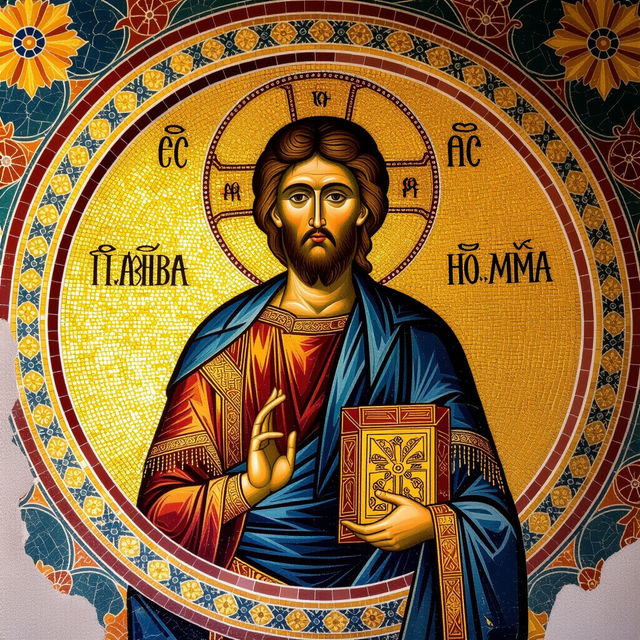
Create Byzantine Art with AI
Explore the mesmerizing world of Byzantine Art with our AI generator. Create stunning mosaics, icons, and artwork inspired by the rich artistic heritage of the Byzantine Empire. Browse or create your own Byzantine masterpieces.
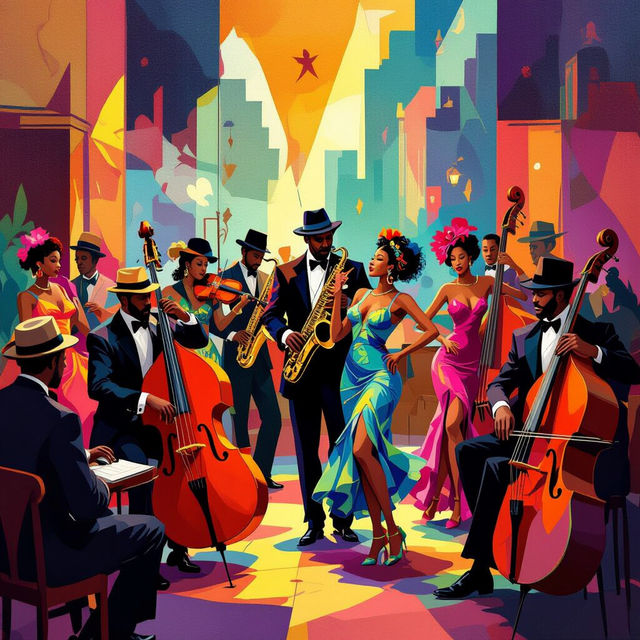
Explore Harlem Renaissance Art with AI
Discover the vibrant world of Harlem Renaissance art reimagined through AI. Browse our gallery to explore AI-generated artworks that capture the essence of this transformative era.
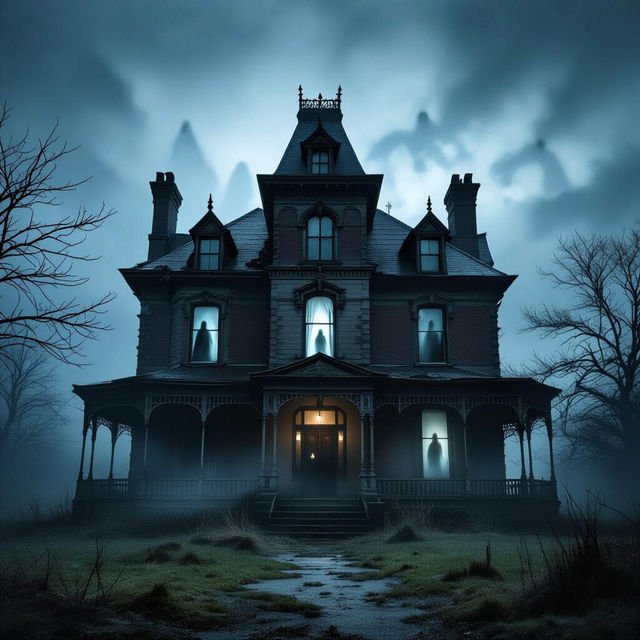
Generate AI Creepy Pictures
Unleash your dark side with AI-generated creepy pictures. Explore a gallery of eerie and unsettling images, or create your own spine-chilling art with NightCafe Studio.
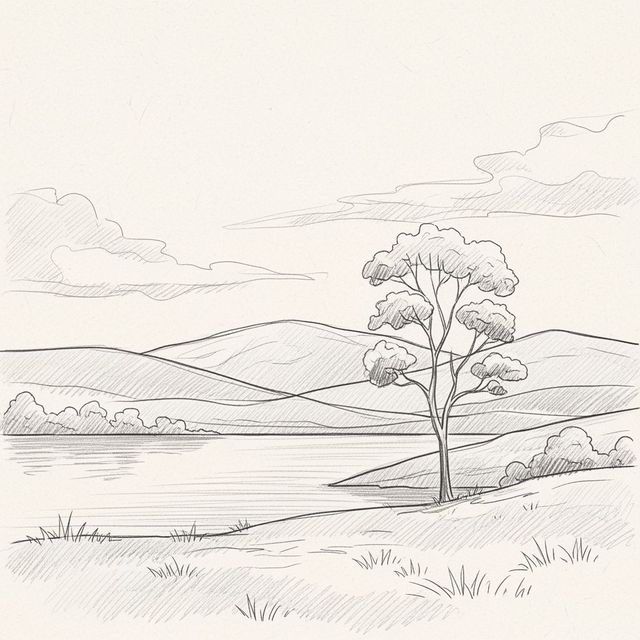
AI-Powered Sketch Drawing Ideas
Unleash your creativity with AI-generated Sketch Drawing Ideas. Explore countless concepts and styles to fuel your artistic journey. Start creating unique sketches today!
Frequently Asked Questions
Frequently Asked Questions About Creating Squirrel Drawings with AI
What types of squirrel drawings can I create with the AI Squirrel Drawing Generator?
You can create a wide variety of squirrel drawings, from cartoonish and whimsical designs to realistic and detailed portraits. Experiment with different prompts and styles to achieve your desired look, whether it's a cute cartoon squirrel or a lifelike depiction.
How detailed can the AI-generated squirrel drawings be?
The level of detail depends on the AI model you choose and the specificity of your prompt. Using more advanced models and detailed prompts will result in drawings with finer details, capturing textures, fur, and even individual whiskers. Experiment with different settings to achieve the desired level of realism.
Can I use the AI Squirrel Drawing Generator if I'm not an artist?
Absolutely! The AI Squirrel Drawing Generator is designed for users of all skill levels. You don't need any artistic experience to create stunning squirrel drawings. Simply provide a text prompt describing the image you want, and the AI will generate it for you.
What kind of prompts work best for creating AI squirrel art?
Effective prompts are descriptive and specific. Include details about the squirrel's pose, environment, style (e.g., cartoon, photorealistic, watercolor), and any specific features you want to emphasize. For example, "A cute cartoon squirrel eating a nut in a forest, vibrant colors" or "A realistic squirrel portrait with detailed fur, soft lighting."
Can I use my AI-generated squirrel drawings for commercial purposes?
Yes, you can use your AI-generated squirrel drawings for commercial purposes. However, you must credit NightCafe as the creator of the image. Please refer to our terms of service for more details.