

- Galleries
- AI Stage Drawings Gallery
Stage Drawings - AI Generated
Discover unique stage drawings created by AI. Browse a gallery of artistic performances and learn how to generate your own captivating stage art with NightCafe.

As seen in








AI Stage Drawings Gallery
A collection of stunning AI-generated stage drawings, capturing the drama and artistry of live performances in various styles.


Didn't find what you were looking for? Create your own below!
Create your own Stage Drawings - AI Generated images
Discover the magic of Text to Image AI by creating your own unique images. Edit the prompt below to customize your creation.
No payment or credit card required.

Vibrant Stage Drawings
Explore AI Art Of Stage Performances
Dive into a world of electrifying stage performances, captured through the unique lens of AI. Our gallery showcases stunning stage drawings, from intimate concerts to grand theatrical productions. Explore diverse artistic styles and find inspiration for your own creative endeavors, all generated with cutting-edge AI.
Create Your Own Stage Drawing Art
Step 1
Describe Your Stage Scene
To begin, enter a detailed description of the stage performance you envision in the prompt box. Be specific about the performers, the setting, the lighting, and the overall mood. For example, 'A solo guitarist on a dimly lit stage with a single spotlight,' or 'A vibrant ballet performance with dancers in colorful costumes.' The more detail you provide, the better the AI can capture your vision.
Step 2
Generate Your Performance Art
After refining your prompt, click the 'Generate' button. The AI will process your description and create a unique stage drawing. You can experiment with different generation settings and models to achieve a variety of artistic styles, from realistic to abstract.
Step 3
Download or Share Your Artwork
Once your stage drawing is complete, you have the option to download it in high resolution for your personal use. You can also share your creation with the NightCafe community to inspire others and receive feedback on your AI-generated art.

Capture Live Moments
Generate Performance Art Images With AI
Bring your creative visions to life by generating your own performance art images with AI. Whether it's a dance recital, a dramatic monologue, or a musical ensemble, our tools empower you to create captivating visuals. Experiment with different models and styles to generate unique pieces that resonate with the energy of live performance.
More Galleries
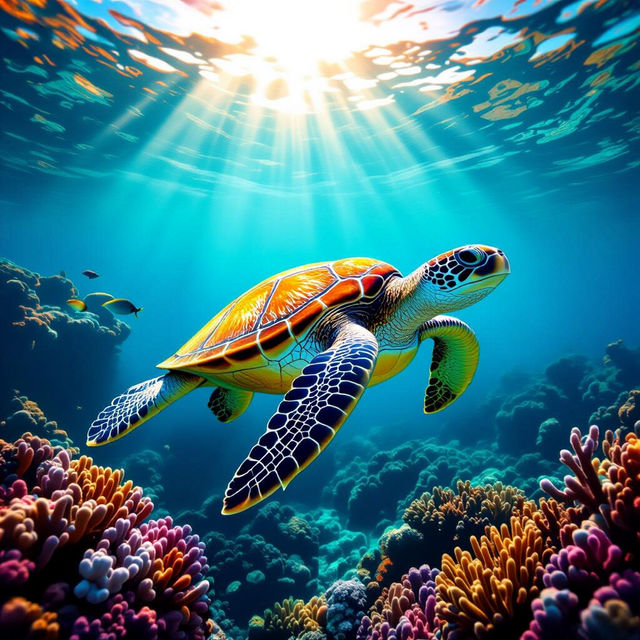
Turtle Pictures - Made With AI
Discover a vibrant collection of AI-generated turtle pictures. Browse stunning sea turtles, land turtles, and more. Create your own unique turtle images with NightCafe.
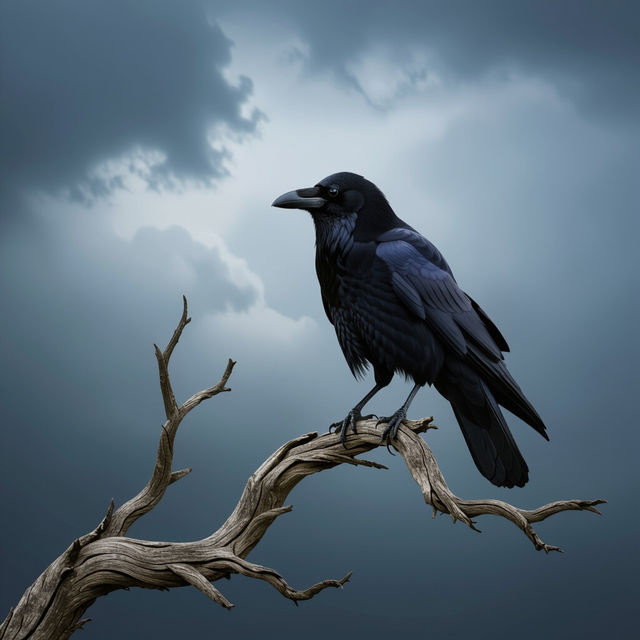
Crow Wallpapers - AI Generated
Explore a mesmerizing collection of AI-generated crow wallpapers. Find the perfect dark, gothic, or mystical crow image to personalize your device.
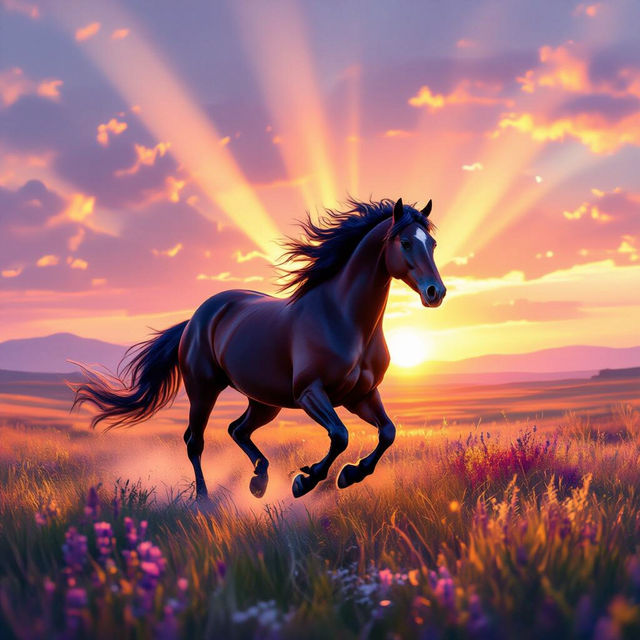
Horse Wall Art
Explore breathtaking AI-generated horse wall art. Find inspiration for your space or create your own unique horse art pieces with NightCafe's advanced AI.
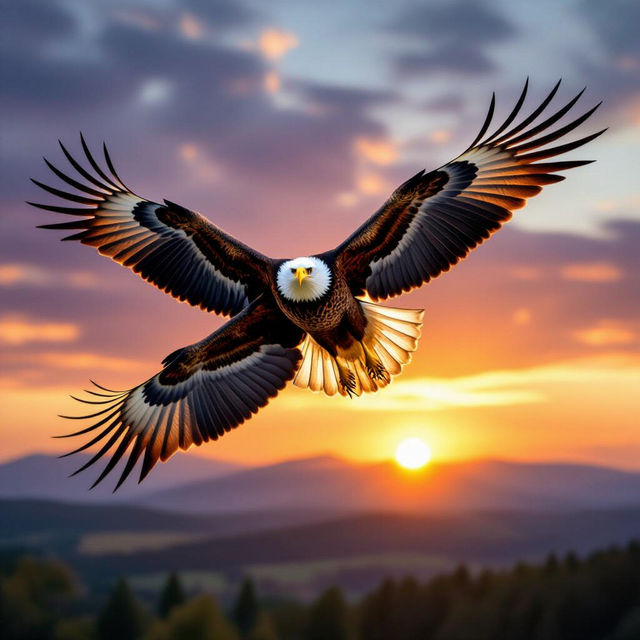
Bird Pictures - Made With AI
Explore a vibrant gallery of AI-generated bird pictures. Find inspiration for your next feathered friend artwork or create your own unique bird images with NightCafe.
Frequently Asked Questions
Frequently Asked Questions About Creating Stage Drawing Art with AI
What kind of stage performances can I generate art for?
You can generate AI art for a wide variety of stage performances, including concerts, theatrical productions, dance recitals, dramatic monologues, musical ensembles, and any other live performance you can imagine. The AI can capture the energy and essence of various artistic expressions.
How do I create a prompt for generating stage drawing art?
To create an effective prompt, start by describing the type of performance (e.g., 'rock concert', 'ballet performance', 'Shakespearean play'). Then, add details about the mood, lighting, colors, and artistic style you desire. Including elements like 'dynamic lighting', 'emotional atmosphere', or 'painterly style' can help guide the AI.
Can I choose different artistic styles for my stage drawings?
Absolutely! NightCafe offers a variety of AI models and styles that you can experiment with. Whether you're looking for a realistic depiction, a stylized illustration, or an abstract interpretation of a performance, you can select different options to achieve your desired artistic outcome.
How can I ensure my AI-generated stage art captures the energy of a live performance?
Focus on descriptive keywords in your prompt that convey movement, emotion, and atmosphere. Words like 'energetic', 'captivating', 'intense', 'dramatic', 'spotlight', 'audience reaction', and 'vibrant colors' can help the AI generate images that reflect the dynamism of a live show.