

- Galleries
- Stolas Wallpaper Collection
Stolas Wallpapers
Explore and create unique Stolas wallpapers with AI. Discover artistic interpretations and generate your own custom backgrounds inspired by the Prince of Hell.

As seen in








Stolas Wallpaper Collection
A curated gallery of AI-generated Stolas wallpapers, showcasing diverse artistic styles and interpretations of this iconic character for your digital spaces.


Didn't find what you were looking for? Create your own below!
Create your own Stolas Wallpapers images
Discover the magic of Text to Image AI by creating your own unique images. Edit the prompt below to customize your creation.
No payment or credit card required.

Ethereal And Darkly Beautiful
Stolas-inspired AI Art
Dive into a collection of AI-generated art inspired by Stolas, the wise and enigmatic Prince of Hell. Each piece captures a unique facet of his character, from celestial motifs to shadowy realms. Find the perfect Stolas Wallpaper to adorn your digital space, blending arcane aesthetics with stunning visual artistry.
Create Your Custom Stolas Wallpaper
Step 1
Describe Your Stolas Vision
Begin by describing your ideal Stolas wallpaper in the prompt. Think about the mood, setting, and any specific elements you envision – perhaps celestial patterns, arcane symbols, or a particular artistic style. The more detail you provide, the better the AI can capture your vision.
Step 2
Generate Your Wallpaper
After crafting your prompt, simply click the 'Generate' button. Our AI will process your description and create a unique Stolas wallpaper tailored to your specifications. Get ready to see your ideas come to life!
Step 3
Download and Share Your Art
Once your custom Stolas wallpaper is ready, you can download it in high resolution to use as your background. Feel free to share your creation with the community or generate more variations to find the perfect fit for your device!

Personalize Your Digital Space
Generate Custom Stolas AI Art For Your Backgrounds
Take creative control and Generate Custom Stolas AI Art for Your Backgrounds. Our advanced AI models allow you to craft unique visuals that resonate with your personal style, whether you prefer a minimalist interpretation or a richly detailed scene. Transform your desktop or mobile with a one-of-a-kind Stolas AI Art piece.
More Galleries
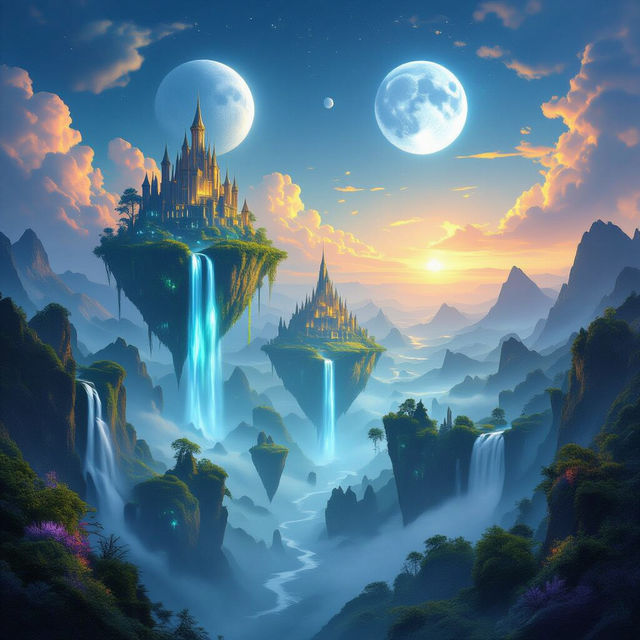
Fantasy Landscape Wallpapers - AI Generated
Discover breathtaking fantasy landscape wallpapers generated by AI. Perfect for your desktop or mobile background, these unique scenes will transport you to magical worlds. Create your own today!
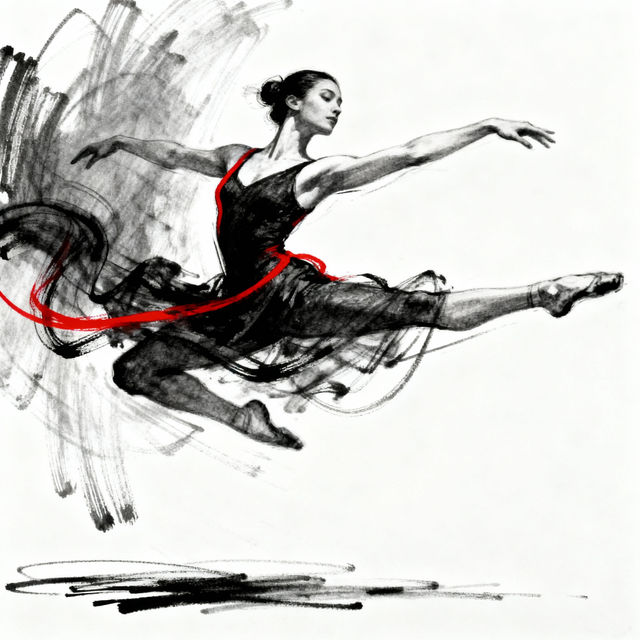
Line Of Action Drawing
Discover the power of line of action drawing with AI-generated examples. Learn to capture movement and energy, then create your own dynamic sketches.
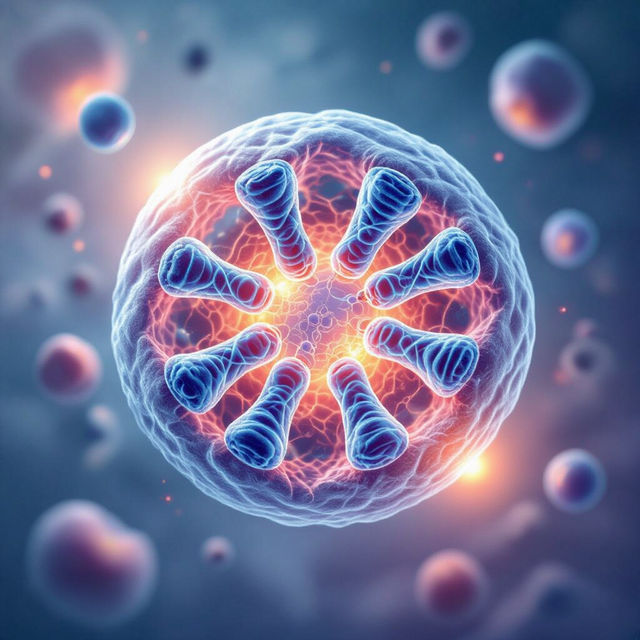
Mitosis Pictures - Visualizing Cell Division
Discover detailed AI-generated mitosis pictures that beautifully illustrate cell division. Explore the intricate stages of mitosis and create your own scientific visualizations.
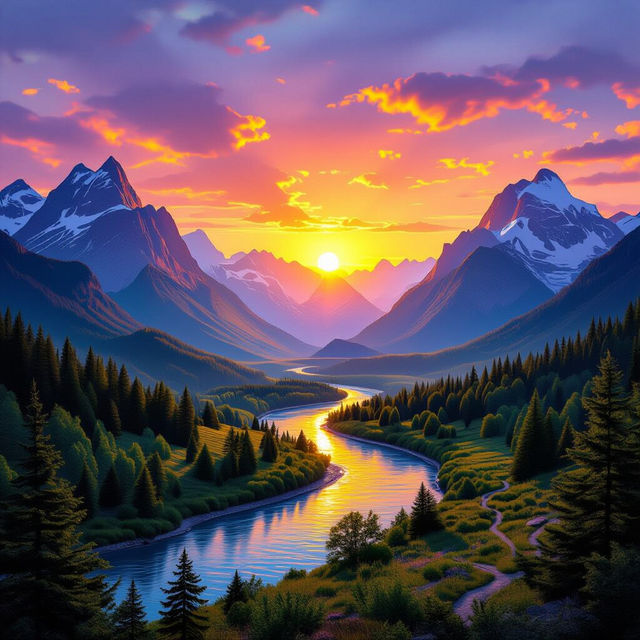
Landscape Mural Wallpaper - AI Generated
Discover breathtaking landscape mural wallpapers generated by AI. Perfect for transforming any space, explore unique designs and bring the beauty of nature indoors with custom AI art.
Frequently Asked Questions
Frequently Asked Questions About Creating Stolas Wallpapers
How can I generate a unique Stolas wallpaper that matches my aesthetic?
To create a Stolas wallpaper that suits your style, start by crafting a detailed prompt. Describe the mood, setting, and specific elements you envision for Stolas. Think about colors, artistic style (e.g., minimalist, detailed, painterly), and any symbolic motifs you'd like to incorporate. Experimenting with different keywords related to his character, such as 'wise', 'enigmatic', 'celestial', 'shadowy', or specific demonic iconography, can help guide the AI.
What AI models are best for generating Stolas-themed art?
NightCafe offers a variety of powerful AI models, each with its own strengths. For Stolas wallpapers, models like Stable Diffusion and Imagen are excellent choices for their ability to interpret detailed prompts and create visually rich imagery. Flux can also provide unique artistic styles. We recommend trying a few different models with your prompts to see which one best captures the essence of Stolas for your desired wallpaper.
Can I use the Stolas wallpapers I create for my personal devices and commercial projects?
You are welcome to use the Stolas wallpapers you generate with NightCafe for your personal devices. For commercial use, please refer to our Terms of Service, which outlines the specific guidelines and any required attributions.
What if my generated Stolas wallpaper isn't quite what I expected?
AI art generation involves an element of creativity and sometimes requires iteration. If your initial results aren't perfect, try refining your prompt by adding more specific details or changing descriptive keywords. You can also experiment with different aspect ratios to ensure the image fits your screen, or try a different AI model. Don't hesitate to regenerate multiple times to explore variations.