

- Galleries
- Sukuna Drawing Gallery
Create a Sukuna Drawing With AI
Create a Sukuna drawing with AI. Use our AI drawing generator to create a unique Sukuna drawing. Browse Sukuna drawing examples or create your own.

As seen in








Sukuna Drawing Gallery
A curated collection of AI-generated Sukuna drawings, showcasing various artistic styles and interpretations of the iconic character.


Didn't find what you were looking for? Create your own below!
Create your own Create a Sukuna Drawing With AI images
Discover the magic of Text to Image AI by creating your own unique images. Edit the prompt below to customize your creation.
No payment or credit card required.

Instant Anime Fanart
Generate Sukuna Drawings
Effortlessly generate stunning Sukuna drawings with our AI-powered tool. Whether you're a seasoned artist or just starting out, creating captivating fan art of this iconic character has never been easier. Explore various styles and bring your vision of Sukuna to life, instantly.
Create Your Sukuna Drawing
Step 1
Describe Your Vision
Start by entering a detailed prompt describing your desired Sukuna drawing. Include details about his pose, expression, clothing, and any specific artistic style you're aiming for. The more specific you are, the better the AI can capture your vision!
Step 2
Generate Your Artwork
After crafting your perfect prompt, click the "Generate" button. Our AI drawing generator will then process your input and create a unique Sukuna drawing based on your instructions.
Step 3
Share Your Masterpiece
Once your Sukuna drawing is generated, you can download it and share it with your friends and the online community! Showcase your unique creation and see what others think of your AI-powered fan art.

Unique AI Generated Art
Creating Ryomen Sukuna Fan Art
Creating Ryomen Sukuna Fan Art is now accessible to everyone. Use our AI to explore diverse artistic interpretations of this powerful Jujutsu Kaisen character. Experiment with different styles, from realistic portraits to stylized illustrations, and share your unique creations with the world.
More Galleries
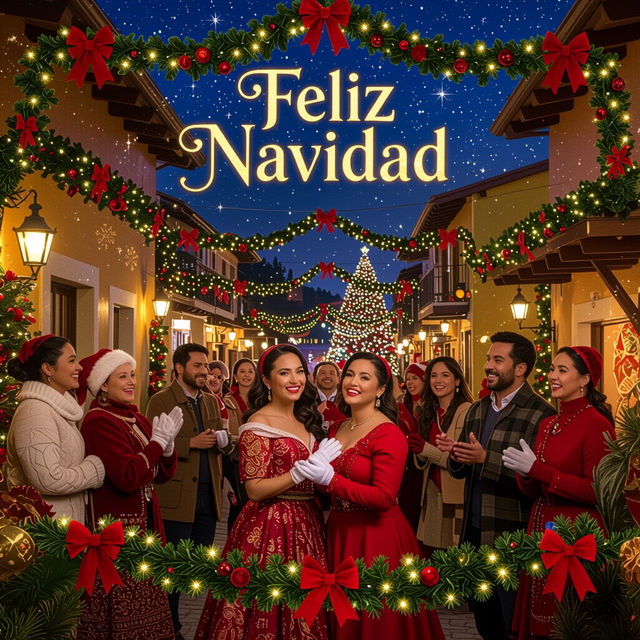
Create Festive Feliz Navidad Images with AI
Spread holiday cheer with AI-generated Feliz Navidad Images. Create custom festive visuals to celebrate the season. Browse our gallery or generate your own Feliz Navidad images today!
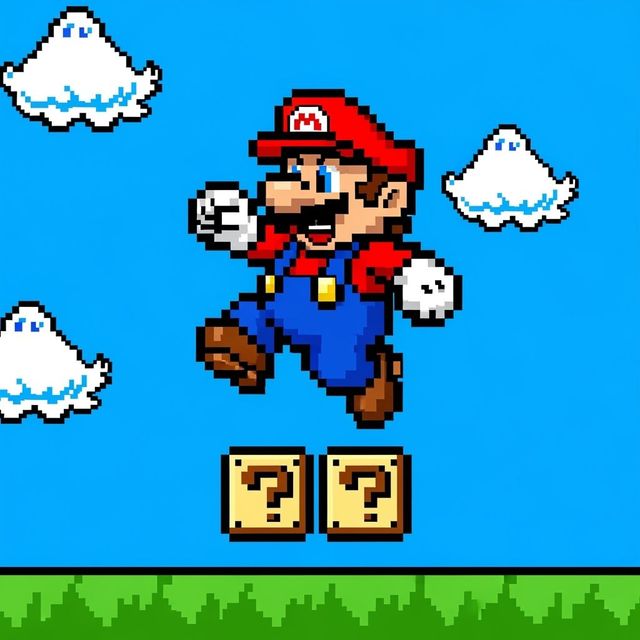
Generate Stunning Mario Pixel Art
Create unique pixel art featuring everyone's favorite plumber with the Mario Pixel Art generator. Explore endless creative possibilities and bring the Mushroom Kingdom to life in stunning 8-bit detail. Browse or create your own.
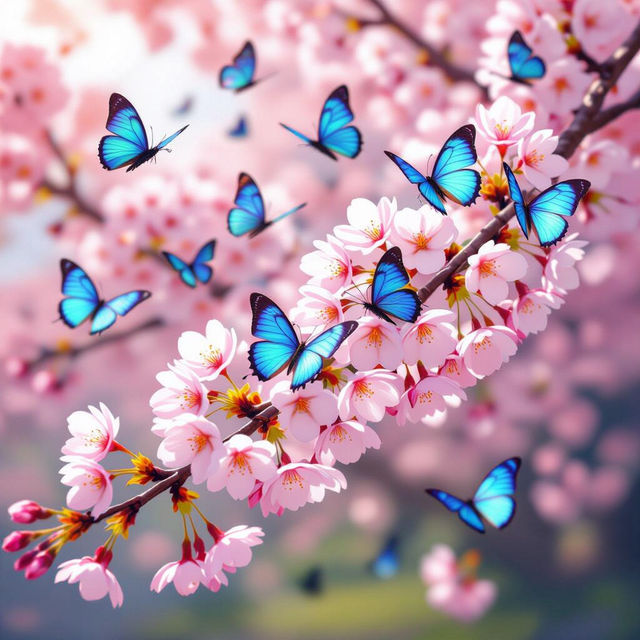
Create Beautiful Butterfly Art with AI
Explore the enchanting world of AI-generated butterfly art. Create your own mesmerizing butterfly images with NightCafe, or browse our gallery for inspiration.
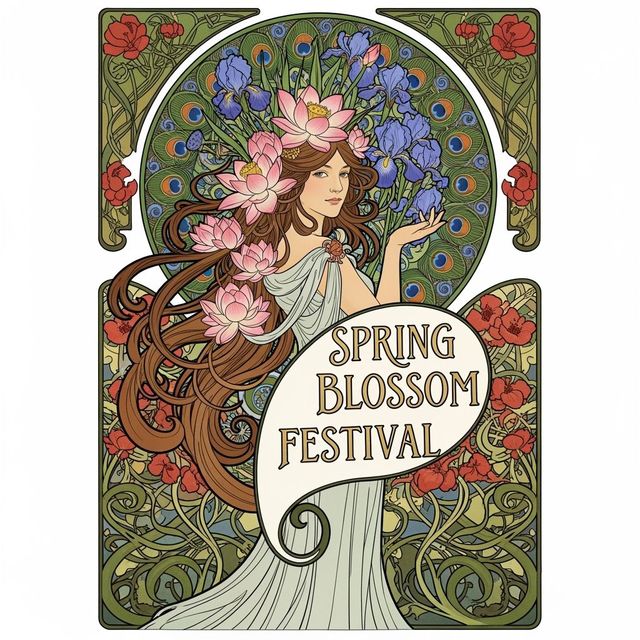
Generate Art Nouveau Style Images
Discover the elegance of Art Nouveau with AI-generated images. Create stunning, organic designs inspired by the early 20th-century movement. Browse our collection or generate your own Art Nouveau style art.
Frequently Asked Questions
Frequently Asked Questions About Generating Sukuna Drawings with AI
What is the best way to describe Sukuna to the AI drawing generator to get the desired results?
To get the best Sukuna drawing, be specific in your prompt. Mention key features like his markings, hair style, and attire. Also, specify the desired art style (e.g., 'realistic', 'anime', 'sketch') and any specific poses or settings you have in mind. The more details you provide, the better the AI can capture your vision.
Can I create different versions of Sukuna using the AI drawing generator?
Yes! Experiment with various prompts to generate diverse interpretations of Sukuna. You can explore different art styles, clothing, poses, and settings. Try phrases like 'Sukuna in a modern outfit', 'Sukuna as a samurai', or 'Sukuna with a dark aura' to see the range of possibilities.
What kind of AI models can I use to generate Sukuna drawings?
NightCafe offers a variety of AI models that you can use to generate Sukuna drawings. Experiment with models like Stable Diffusion, Imagen, or even artistic models like 'Van Gogh' or 'Anime' to achieve different visual styles. Each model will interpret your prompt in a unique way, leading to diverse and interesting results.
Can I use the AI-generated Sukuna drawing for commercial purposes?
The usage rights for AI-generated images depend on the specific AI model and platform you are using. Please review the NightCafe terms of service and licensing agreements to understand the permissible uses of your generated Sukuna drawings, especially if you intend to use them for commercial purposes.
What if the AI-generated Sukuna drawing doesn't look quite right? How can I improve it?
If you're not satisfied with the initial result, refine your prompt and try again. Experiment with adding more details, adjusting the art style, or specifying different keywords. You can also use the 'evolve' feature on NightCafe to iterate on an existing image and make gradual improvements. Consider using negative prompts to exclude unwanted elements from the image.