

- Galleries
- AI-Generated SVG Art
SVG Art - Made With AI
Explore a vibrant collection of AI-generated SVG art. Discover unique designs and learn how to create your own scalable vector graphics with NightCafe's AI tools.

As seen in








AI-Generated SVG Art
Browse a diverse gallery of AI-created SVG art, perfect for web design, icons, and illustrations. Get inspired and start creating your own vector graphics today.


Didn't find what you were looking for? Create your own below!
Create your own SVG Art - Made With AI images
Discover the magic of Text to Image AI by creating your own unique images. Edit the prompt below to customize your creation.
No payment or credit card required.

Effortless Vector Creation
Create Stunning Svg Art With AI
Unlock your creative potential with our advanced AI tools, designed to generate breathtaking Svg Art effortlessly. Transform your ideas into scalable vector graphics perfect for logos, illustrations, and web design. Explore endless possibilities and bring your unique visions to life with clean, crisp lines and vibrant colors.
Create Your Own AI SVG Art
Step 1
Describe Your SVG Art
Start by describing the SVG art you envision in the prompt box. Be specific about colors, shapes, style (e.g., minimalist, abstract, geometric), and any elements you want to include. The more detail you provide, the better the AI can match your creative vision.
Step 2
Generate Your SVG
After refining your prompt, click the "Generate" button. Our AI will process your description and create a unique SVG artwork, ensuring it's scalable and high-quality.
Step 3
Download & Share
Once your SVG art is generated, you can download it in a vector format, perfect for any project. Share your creation with the community or use it for your designs!

Scalable And Versatile
Design Unique Vector Graphics With AI
Dive into the world of scalable vector graphics and design unique visuals that adapt to any size without losing quality. Our AI empowers you to create intricate and professional vector graphics for any project, from complex illustrations to simple icons. Let AI assist you in crafting distinctive designs that stand out.
More Galleries
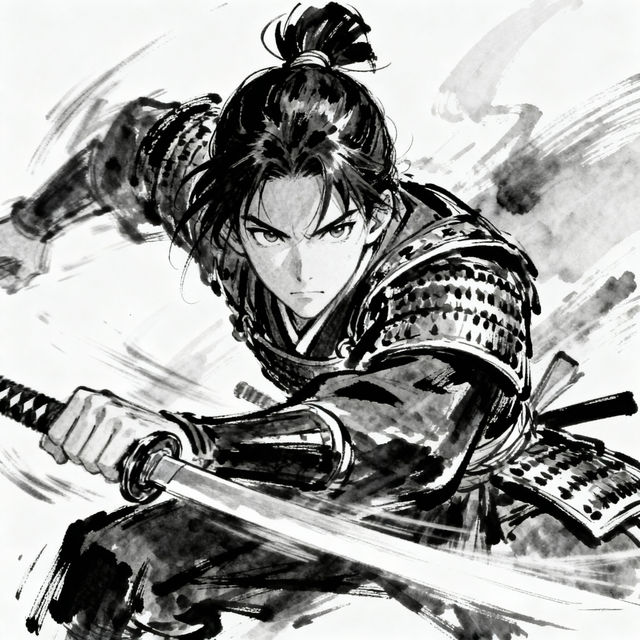
Manga Sketch Art
Explore a vibrant gallery of AI-generated manga sketches. Get inspired by unique styles and characters, then create your own stunning manga artwork with NightCafe.
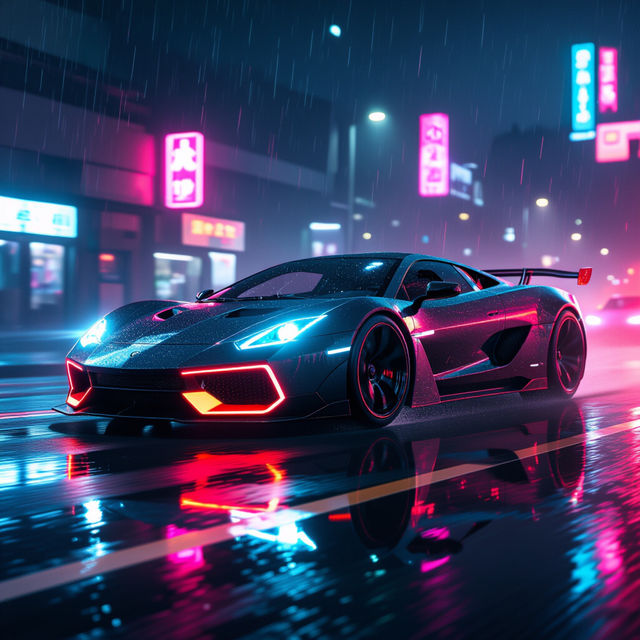
Neon Car Wallpapers - AI Generated
Discover a vibrant collection of AI-generated neon car wallpapers. Perfect for anyone looking to add a futuristic and stylish touch to their devices.
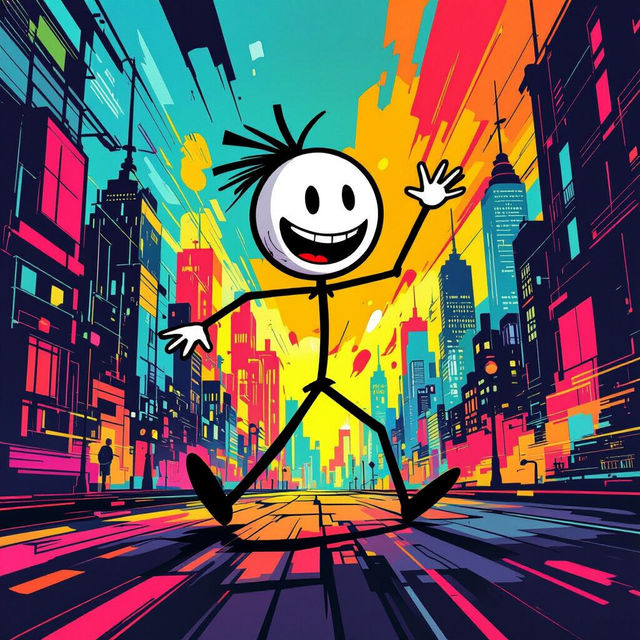
Kj Stickman Wallpapers
Discover and create unique Kj Stickman wallpapers. Explore a gallery of AI-generated designs perfect for your desktop or mobile background. Get inspired and make your own.
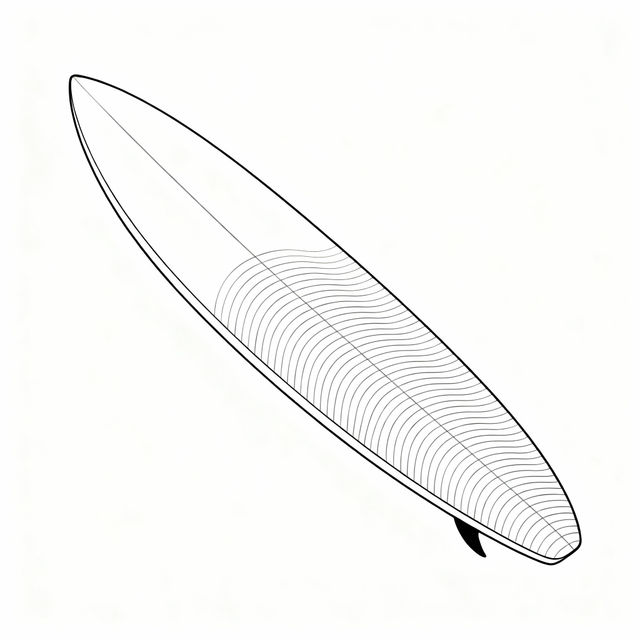
Surfboard Drawing Easy - Made With AI
Explore easy surfboard drawing ideas generated by AI. Perfect for artists seeking simple yet stylish designs. Learn how to draw surfboards with our AI art inspiration.
Frequently Asked Questions
Your Questions About AI SVG Art Answered
What is SVG art and why is it useful?
SVG (Scalable Vector Graphics) art is created using mathematical equations rather than pixels, meaning it can be scaled to any size without losing quality or becoming blurry. This makes it ideal for logos, illustrations, web design elements, and any graphic that needs to look crisp on various screen resolutions and print sizes.
How does NightCafe's AI generate SVG art?
NightCafe's AI uses advanced algorithms to interpret your text prompts and transform them into scalable vector graphics. You describe the art you want, and our AI generates the code that defines the shapes, lines, and colors, creating a unique SVG file.
What kind of projects are suitable for AI-generated SVG art?
AI-generated SVG art is perfect for a wide range of projects, including creating custom logos, designing unique website icons, developing illustrations for digital media, generating patterns, and even crafting elements for print materials where scalability is important.
Can I edit the SVG art generated by NightCafe?
Yes, SVG files are vector-based, which means they can be edited in most vector graphics software (like Adobe Illustrator, Inkscape, or Affinity Designer). You can modify shapes, colors, and paths to further customize the AI-generated art to fit your specific needs.
What are the best practices for prompting AI to create SVG art?
To get the best results, be descriptive about the style, subject matter, and desired elements. Mention specific shapes, line weights, and color palettes. For example, 'a minimalist geometric logo of a fox in shades of orange and black, clean lines' will yield different results than 'a detailed watercolor illustration of a fox'.