

- Galleries
- Symmetrical Art Gallery
Symmetrical Balance Art
Discover the beauty of symmetrical balance in art. Browse inspiring examples and learn how to create your own perfectly balanced AI-generated artwork on NightCafe.

As seen in








Symmetrical Art Gallery
A curated collection of AI-generated art that explores the principles of symmetrical balance, offering visual harmony and aesthetic appeal.


Didn't find what you were looking for? Create your own below!
Create your own Symmetrical Balance Art images
Discover the magic of Text to Image AI by creating your own unique images. Edit the prompt below to customize your creation.
No payment or credit card required.

Discover Harmonious Creations
Explore Art With Symmetrical Balance
Dive into a world where order meets artistry. Our gallery showcases breathtaking examples of Symmetrical Balance Art, demonstrating how perfect reflection can create mesmerizing visual harmony. Explore designs that evoke a sense of calm, order, and profound beauty, all generated with the power of AI.
Create Your Symmetrical Masterpiece
Step 1
Describe Your Vision
Start by crafting a detailed prompt that describes the image you envision. For symmetrical art, consider including terms like 'symmetrical,' 'balanced,' 'mirror image,' or 'perfectly reflected.' Specify the subject, style, colors, and mood to guide the AI.
Step 2
Generate Your Artwork
Once your prompt is ready, click the 'Generate' button. Our AI will process your request and create a unique, symmetrical artwork based on your description. Be patient as the AI brings your balanced vision to life.
Step 3
Download or Share Your Creation
After generation, review your symmetrical artwork. You can download the high-resolution image or share it with the community to inspire others. Experiment with variations or refine your prompt for even more stunning results!

Master Perfect Symmetry
Create Symmetrical Art With AI Tools
Unleash your inner artist and learn to Create Symmetrical Art with AI Tools. Our platform makes it easy to generate stunning, perfectly balanced designs. Experiment with different styles and themes, and watch as our AI transforms your ideas into visually captivating symmetrical masterpieces.
More Galleries

Happy Birthday Dear Friend Images
Discover and create heartwarming 'Happy Birthday Dear Friend' images. Our AI tools help you generate personalized birthday visuals to make your friend's day extra special and memorable.
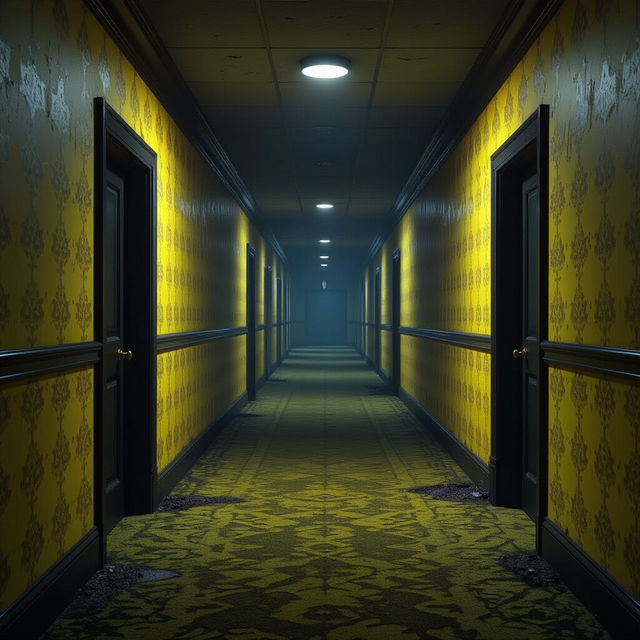
Backrooms Wallpapers - Get Yours Now!
Dive into the unsettling world of the Backrooms with our AI-generated wallpapers. Find unique Backrooms wallpaper designs to personalize your space or create your own.
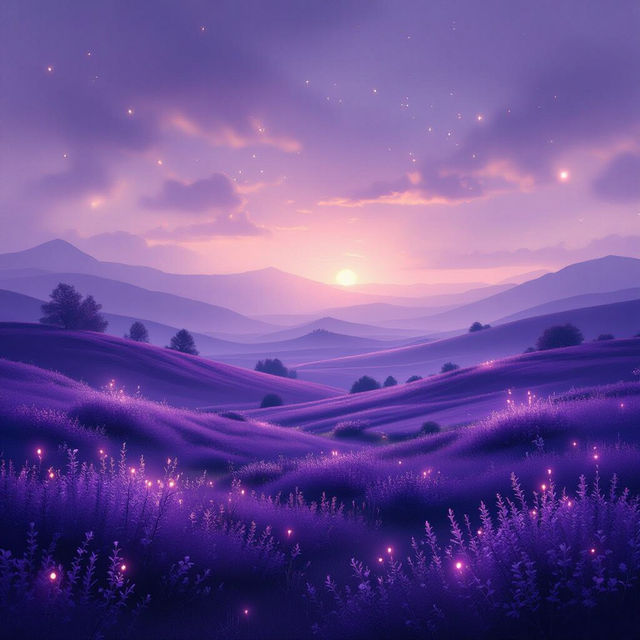
Purple Background Wallpaper
Explore a mesmerizing collection of purple background wallpapers. Find the perfect shade and style to transform your desktop or mobile device with AI-generated art.
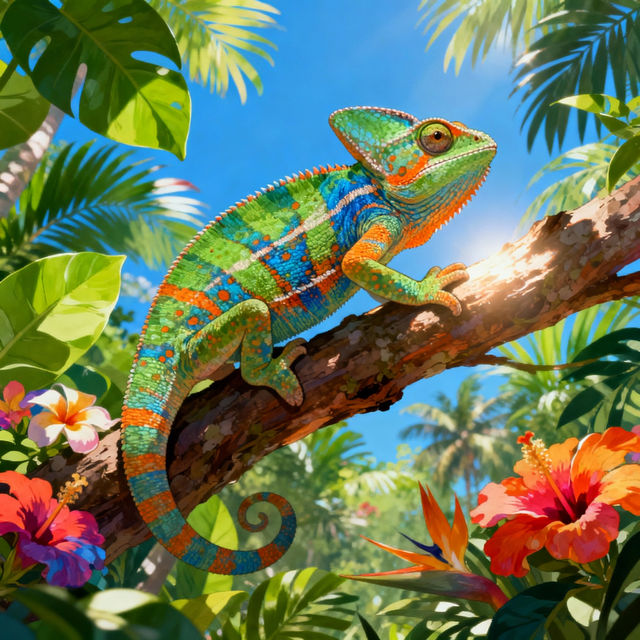
Gecko Drawings - Made With AI
Discover a vibrant collection of AI-generated gecko drawings. Perfect for inspiration, explore unique gecko art styles and create your own fascinating reptile designs with NightCafe.
Frequently Asked Questions
Everything You Need to Know About Creating Symmetrical Balance Art
What is Symmetrical Balance Art and why is it appealing?
Symmetrical Balance Art is a style where elements are arranged equally on either side of a central axis, creating a mirror-like effect. This balance evokes a sense of harmony, order, and visual stability, which many find inherently pleasing and calming.
How can I create symmetrical art using NightCafe's AI tools?
To create symmetrical art, start by crafting a prompt that emphasizes symmetry or mirrored elements. You can use keywords like 'symmetrical,' 'mirror image,' 'balanced composition,' or 'reflection.' Experiment with different AI models available on NightCafe, as some might interpret these prompts more effectively for achieving perfect symmetry.
What kind of prompts work best for generating symmetrical designs?
Effective prompts often include descriptions of natural symmetrical forms (like butterflies, mandalas, or snowflakes), architectural elements, or abstract patterns. Clearly stating 'perfectly symmetrical' or 'centered composition' can also guide the AI. Consider adding stylistic elements like 'geometric,' 'abstract,' or 'surreal' to further refine your symmetrical artwork.
Can I achieve different types of symmetry, like radial or bilateral symmetry?
While direct control over specific symmetry types can be challenging with AI, you can influence the outcome through your prompts. For radial symmetry, try prompts involving mandalas, flowers, or starbursts. For bilateral symmetry, focus on prompts describing a central axis and mirrored subjects like animals, faces, or landscapes.
What if my generated image isn't perfectly symmetrical?
AI generation can sometimes be unpredictable. If an image isn't perfectly symmetrical, try regenerating it with a more explicit prompt emphasizing symmetry. Adjusting parameters like 'guidance scale' or 'seed' might also yield different results. Iteration is key – don't be afraid to experiment with variations of your prompt and settings.