

- Galleries
- AI-Generated Teams Meeting Backgrounds
Teams Meeting Background Images
Discover stunning AI-generated Teams meeting background images. Elevate your professional image with unique and engaging backgrounds for your next virtual call. Create yours now!

As seen in








AI-Generated Teams Meeting Backgrounds
Explore a diverse collection of AI-powered background images designed to impress in your Teams meetings. Find the perfect backdrop for any professional setting.


Didn't find what you were looking for? Create your own below!
Create your own Teams Meeting Background Images images
Discover the magic of Text to Image AI by creating your own unique images. Edit the prompt below to customize your creation.
No payment or credit card required.

Elevate Your Virtual Presence
Professional And Creative Backgrounds For Your Virtual Meetings
Transform your online presence with our collection of AI-generated Teams meeting background images. Whether you need a sleek, minimalist design for a corporate call or a vibrant, artistic backdrop for a creative brainstorm, our gallery offers unique options to enhance your professionalism and make a lasting impression. Find the perfect Teams meeting background to suit your style.
Create Your Professional Teams Meeting Background
Step 1
Describe Your Ideal Background
Start by describing the ideal Teams meeting background you envision. Think about the mood, style, and any specific elements you'd like to include. For example, 'a minimalist office with a calming view,' 'a futuristic cityscape for a tech presentation,' or 'a serene nature scene for a relaxed discussion.' The more detail you provide, the better the AI can match your vision.
Step 2
Generate Your Background
Once you've crafted your prompt, click the 'Generate' button. Our AI will process your description and create a unique, high-resolution background image tailored to your specifications. Get ready to see your ideas come to life!
Step 3
Download & Enhance Your Presence
After the image is generated, you can download it in high quality to use immediately in your Teams meetings. Share your impressive new background with colleagues and elevate your virtual presence!

Impress Every Time
AI-generated Virtual Meeting Backgrounds For Professional Calls
Make every virtual meeting memorable with custom AI-generated virtual meeting backgrounds. Our advanced AI creates unique, high-resolution images designed to impress colleagues and clients alike. From serene landscapes to futuristic cityscapes, these backgrounds add a polished and professional touch to your video calls, ensuring you stand out for all the right reasons.
More Galleries
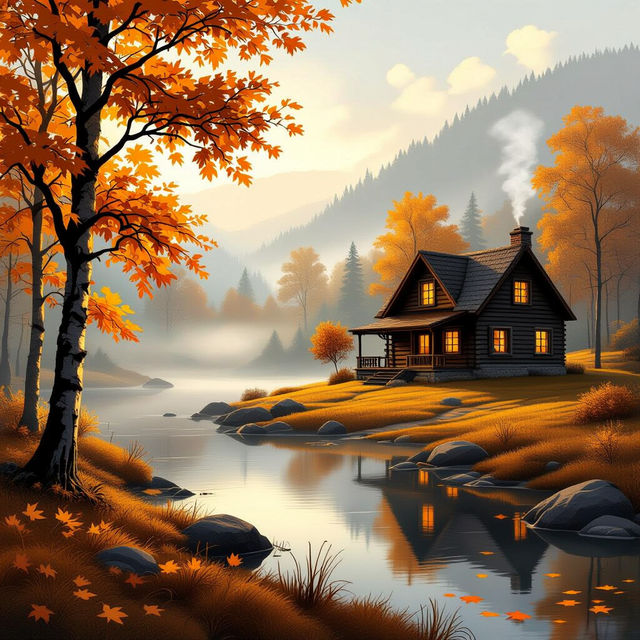
November Wallpapers - AI Generated
Explore a beautiful collection of November wallpapers, perfect for setting a cozy autumn mood. Generate your own unique November scenes with AI.
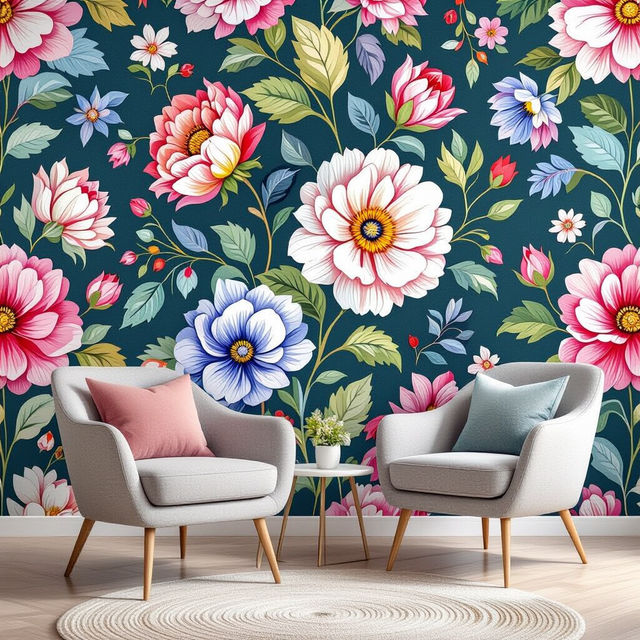
Peel and Stick Wallpaper - AI Generated Designs
Explore a vast collection of AI-generated peel and stick wallpaper designs. Perfect for renters and DIY enthusiasts, find unique patterns to transform your space instantly.

Scientist Drawings - Easy AI Generation
Discover and create easy scientist drawings with AI. Browse our gallery for inspiration or generate your own unique scientist art. Perfect for educational and creative projects.
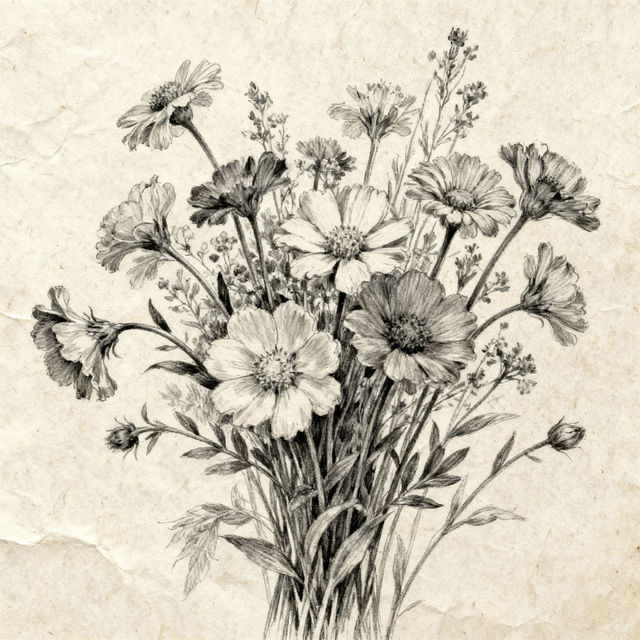
Sketch Of Flowers
Discover beautiful AI-generated sketches of flowers. Perfect for artists and nature lovers seeking inspiration for botanical art or unique floral designs.
Frequently Asked Questions
Frequently Asked Questions About Teams Meeting Background Images
How can AI-generated background images improve my virtual meetings?
AI-generated background images can significantly enhance your virtual presence by providing a professional, engaging, and distraction-free environment. They help you make a strong first impression, maintain privacy, and create a consistent brand image, ensuring you look polished and prepared for every call.
What kind of styles and themes are available for these Teams meeting backgrounds?
Our collection features a wide range of styles and themes to suit any professional setting. You can find minimalist designs for corporate environments, artistic and vibrant backdrops for creative sessions, serene landscapes for a calming presence, and futuristic cityscapes for a modern feel. The AI can generate unique options tailored to your specific needs.
Are these background images high-resolution and suitable for video calls?
Yes, our AI generates high-resolution images specifically designed for use as virtual backgrounds in platforms like Microsoft Teams. They are optimized to look sharp and clear on video calls, ensuring a professional appearance without pixelation or blurriness.
Can I use these AI-generated backgrounds for commercial purposes?
You can use these AI-generated background images for your professional virtual meetings. For specific commercial use cases, please refer to our Terms of Service for detailed guidelines on usage rights and attribution requirements.