

- Galleries
- AI Technical Drawings Gallery
Technical Drawing Examples - AI Generated
Discover a vast collection of technical drawing examples created by AI. Perfect for inspiration or understanding complex designs, generate your own unique technical illustrations with NightCafe.

As seen in








AI Technical Drawings Gallery
Browse a diverse gallery of AI-generated technical drawings, showcasing precision, detail, and innovative design across various fields.


Didn't find what you were looking for? Create your own below!
Create your own Technical Drawing Examples - AI Generated images
Discover the magic of Text to Image AI by creating your own unique images. Edit the prompt below to customize your creation.
No payment or credit card required.

Visualize Complex Blueprints
Explore AI-powered Technical Drawings
Dive into a diverse gallery of technical drawing examples, all brought to life by AI. Whether you're seeking inspiration for intricate machinery, architectural plans, or conceptual designs, our collection offers a unique perspective. Understand complex structures and unlock new creative possibilities with these AI-generated illustrations.
Create Your Technical Drawings with AI
Step 1
Describe Your Technical Vision
Start by describing the technical drawing you envision in the prompt box. Be specific about the subject (e.g., 'a blueprint of a futuristic city', 'a schematic of a complex engine'), the style (e.g., 'clean linework', 'architectural rendering'), and any specific details you want included. The more precise your prompt, the closer the AI can get to your desired output.
Step 2
Generate Your Illustration
Once your prompt is ready, click the 'Generate' button. Our AI will process your description and begin creating a unique technical illustration based on your input. This may take a few moments.
Step 3
Download and Share Your Creation
After the AI has finished generating your technical drawing, you can download it in high resolution for your projects. Feel free to share your creation with the community or use it as inspiration for your next design!

Accelerate Your Design Process
Generate AI Technical Illustrations For Design Projects
Leverage the power of AI to generate custom technical illustrations tailored to your design projects. From concept validation to final presentation, our AI can produce precise and clear visuals. Generate AI technical illustrations that streamline communication and bring your innovative ideas to tangible, visual reality.
More Galleries
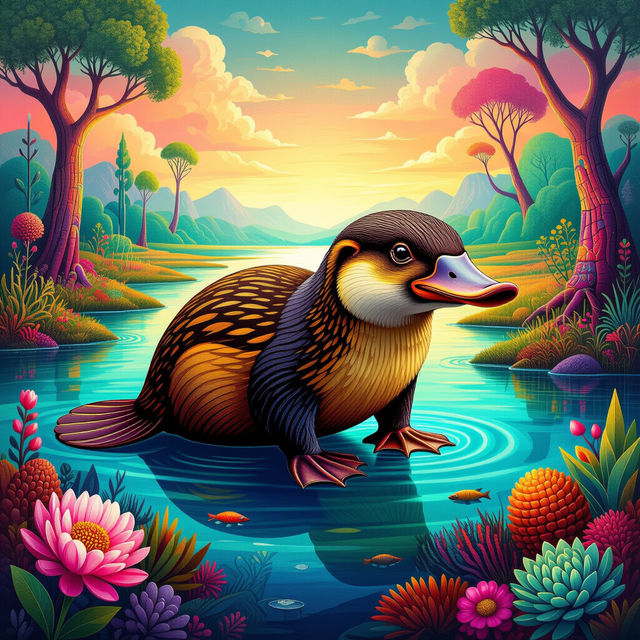
Platypus Pictures - AI Generated
Discover an amazing collection of AI-generated platypus pictures. Get inspired by unique artistic styles and create your own one-of-a-kind platypus art with NightCafe.

iPhone Lockscreen Aesthetic Wallpaper
Discover unique iPhone lockscreen aesthetic wallpapers. Transform your phone with AI-generated art, perfect for personalizing your device's look and feel. Create your own today!
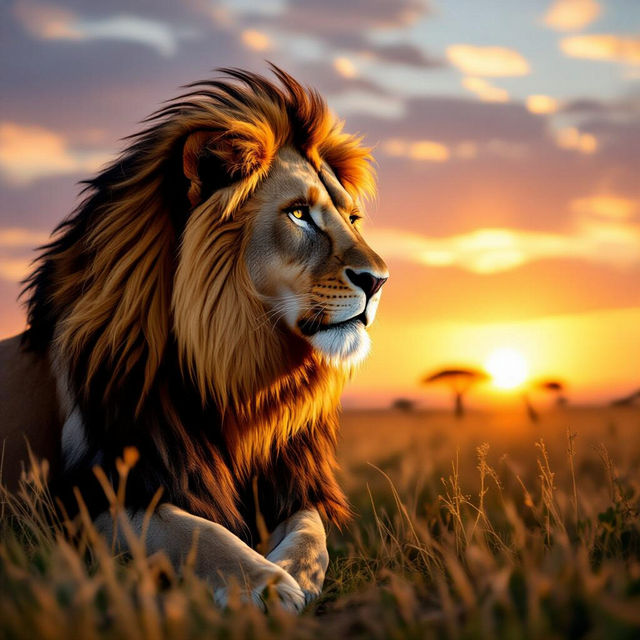
Wild Animals Images - Made With AI
Explore breathtaking wild animals images generated by AI. Discover diverse species in their natural habitats and get inspired to create your own stunning wildlife art.
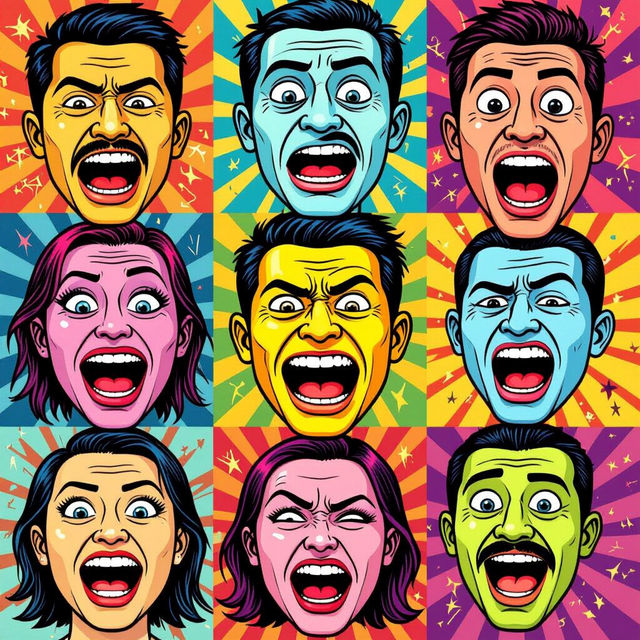
Meme Face Funny Pictures - Made With AI
Explore a gallery of hilarious meme face funny pictures generated by AI. Get inspired and create your own unique, viral-worthy memes with NightCafe's AI tools.
Frequently Asked Questions
Your Questions About AI-Generated Technical Drawings, Answered
What are technical drawings, and how can AI generate them?
Technical drawings are precise visual representations of objects or systems, often used in engineering, architecture, and design. AI models, like those available on NightCafe, can interpret textual descriptions (prompts) and generate images that adhere to the conventions of technical illustration, including line work, shading, and perspective, to depict specific components, schematics, or blueprints.
How can I get the best results when generating technical drawings with AI?
To achieve the best technical drawings, be highly specific in your prompts. Clearly define the object or system, its components, the desired view (e.g., top-down, isometric, cross-section), the style (e.g., blueprint, schematic, CAD-like), and any specific details like measurements or annotations if the AI model supports it. Experiment with different phrasing and keywords to refine the output.
Can these AI-generated technical drawings be used for professional or educational purposes?
Yes, these AI-generated technical drawings can serve as excellent inspiration, learning tools, or conceptual aids for professional and educational use. They are perfect for understanding complex designs, visualizing ideas, or creating unique illustrations for presentations and projects. For critical engineering or architectural applications requiring absolute precision, always consult with a qualified professional.
What types of technical illustration styles can NightCafe's AI generate?
NightCafe's AI can generate a variety of technical illustration styles, including blueprint aesthetics, schematic diagrams, isometric views, cross-sections, and even renderings that mimic CAD software outputs. You can specify styles like 'line art,' 'technical blueprint,' 'schematic diagram,' or 'engineering drawing' in your prompts to guide the AI.