

- Galleries
- Adorable Teddy Bear Drawing Gallery
Teddy Bear Drawing & Sketches
Learn to create delightful art with our Adorable Teddy Bear Drawing Tutorials. Perfect for beginners, these guides simplify Teddy Bear Drawing & Sketches, making art accessible to all.

As seen in








Adorable Teddy Bear Drawing Gallery
Explore a heartwarming collection of AI-generated teddy bear drawings and sketches. Perfect for inspiration or to admire the adorable results of AI artistry.


Didn't find what you were looking for? Create your own below!
Create your own Teddy Bear Drawing & Sketches images
Discover the magic of Text to Image AI by creating your own unique images. Edit the prompt below to customize your creation.
No payment or credit card required.

Simple And Heartwarming
Teddy Bear Drawing & Sketches
Explore the charm of Teddy Bear Drawing & Sketches with our easy-to-follow tutorials. Perfect for beginners, our Adorable Teddy Bear Drawing Tutorials simplify the art of drawing these cuddly companions. Create heartwarming sketches and bring your imagination to life with every stroke.
Create Adorable Teddy Bear Drawings
Step 1
Describe Your Dream Teddy Bear
Start by describing the teddy bear drawing you envision. Include details about the pose, style (e.g., cartoon, realistic), and any specific features or accessories you'd like to see. The more descriptive, the better!
Step 2
Generate Your Teddy Bear Art
Once you've crafted your perfect prompt, click the 'Generate' button. Our AI will then transform your description into a unique and adorable teddy bear drawing.
Step 3
Share and Download Your Masterpiece
Love your generated teddy bear? Download it to use in your projects, share it with friends, or even use it as inspiration for real-life plush toy designs! You can also share it with the community!

Cuddly Creations Await
Generate Your Own Plush Toys With AI
Imagine designing your own line of Plush Toys with AI! Our gallery lets you visualize unique plush creations. Use AI to Generate your own Plush Toys with AI, exploring textures, colors, and styles to bring your cuddly concepts to life. Perfect for designers and hobbyists alike.
More Galleries
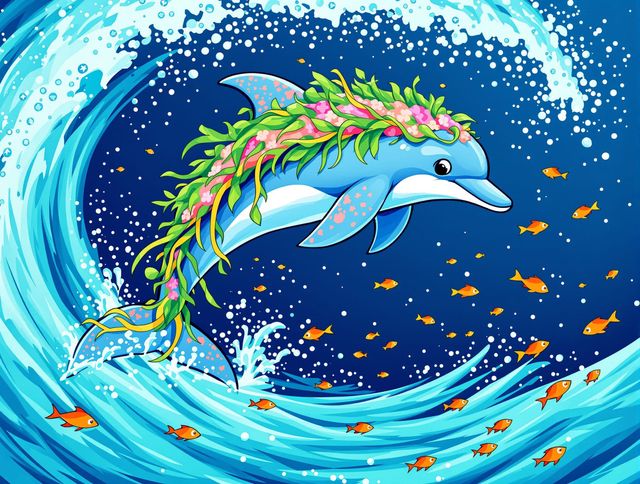
Dolphin Drawing & Tutorials
Dive into the world of 'Dolphin Drawing' with our playful tutorials and art! Discover easy techniques and inspiration to create your own stunning 'Playful Dolphin Drawing Tutorials And Art'.
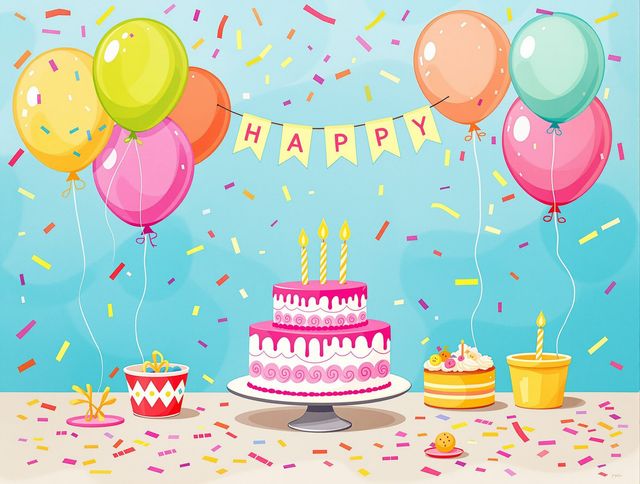
Free Happy Birthday Images
Find the perfect way to say 'Happy Birthday!' Explore our collection of Happy Birthday Images Free and Free Happy Birthday Images To Celebrate. Make their day special with unique, AI-generated greetings.
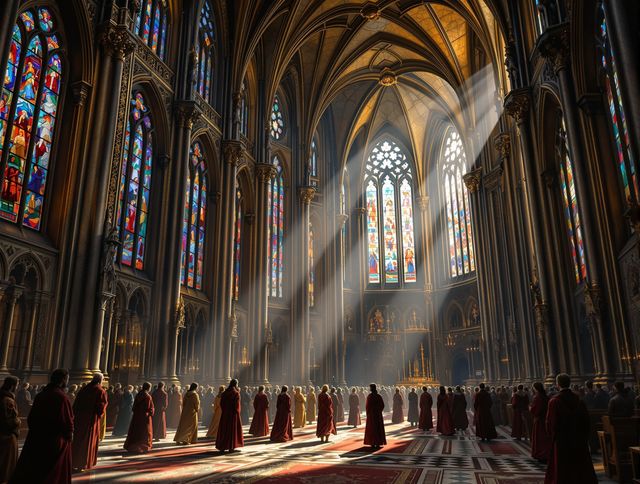
Medieval Art & Masterpieces
Explore Stunning Medieval Art and History! Discover the beauty and craftsmanship of Medieval Art & Masterpieces. Journey through time and witness the artistic achievements of the medieval era.

Beach Wallpaper & Backgrounds
Transform your screen with our Relaxing Beach Wallpaper Collections. Dive into serene Beach Wallpaper & Backgrounds. Find your perfect Beach Wallpaper and bring the tranquility of the ocean to your desktop.
Frequently Asked Questions
Your Questions About Adorable Teddy Bear Drawing Tutorials Answered
Are these tutorials suitable for beginners with no prior drawing experience?
Our Adorable Teddy Bear Drawing Tutorials are designed for everyone, from complete beginners to experienced artists. The tutorials break down the drawing process into simple, easy-to-follow steps, ensuring that anyone can create charming teddy bear sketches. We focus on fundamental techniques that build a solid foundation in drawing, regardless of your prior experience.
Can I use these drawing tutorials to design my own plush toys using AI?
While the tutorials focus on drawing techniques, you can absolutely use AI tools like NightCafe's AI image generators to visualize your teddy bear designs as plush toys. Experiment with different textures, colors, and styles to bring your cuddly concepts to life. Use the AI to generate variations and refine your vision before you even pick up a needle and thread!
What kind of prompts should I use to generate the best teddy bear images with AI?
To get the best results, start with clear and descriptive prompts when using AI image generators. For example, instead of just 'teddy bear,' try 'a fluffy teddy bear with a red bow tie, sitting in a field of daisies, watercolor style.' The more detail you provide, the better the AI can understand your vision and create a relevant image. You can also experiment with different AI models within NightCafe to see which one produces results that you like the best. Different models excel at different styles and details.
Can I use the teddy bear drawings I create from these tutorials for commercial purposes?
Yes, you can absolutely use the teddy bear drawings and sketches you create with our tutorials for commercial purposes, such as designing logos, creating illustrations for children's books, or even selling prints. However, if you use NightCafe's AI image generator, crediting NightCafe as the creator of the image is required if you use it commercially.
What if I'm having trouble with a particular step in the drawing tutorial?
If you're struggling with a particular step in a tutorial, try breaking it down into even smaller steps. Practice each step repeatedly until you feel comfortable before moving on. Also, don't be afraid to experiment with different drawing tools and techniques to find what works best for you. And remember, the NightCafe community is a great resource for getting feedback and support. Share your work and ask for advice!