

- Galleries
- Thank You Image Gallery
Generate a Thank You Image with AI
Express your gratitude with a custom Thank You Image generated by AI. Perfect for any occasion. Browse our gallery or create your own unique image to show your appreciation.

As seen in








Thank You Image Gallery
Explore a diverse collection of AI-generated Thank You Images, perfect for expressing gratitude. Find inspiration for your own creations and share the appreciation.


Didn't find what you were looking for? Create your own below!
Create your own Generate a Thank You Image with AI images
Discover the magic of Text to Image AI by creating your own unique images. Edit the prompt below to customize your creation.
No payment or credit card required.

Personalize Your Appreciation
Create Heartfelt Thank You Images
Craft a unique Thank You Image to show your gratitude. With AI, you can easily generate heartfelt images that express your sincere appreciation. Say thank you in a memorable and creative way, perfect for personal or professional use. Make every thank you count with AI-generated art.
Crafting Your Thank You Image
Step 1
Describe Your Gratitude
Start by describing the image you envision in the prompt box. Include details like the style, recipients, and specific elements that reflect your gratitude. For example, 'A watercolor painting of flowers with a thank you note' or 'A modern, minimalist design with the words 'Thank You' in bold letters'.
Step 2
Generate Your Unique Image
Once you've crafted your perfect prompt, click the 'Generate' button. Our AI will instantly transform your words into a unique and heartfelt thank you image. Explore the variations offered and select the one that best captures your sentiment.
Step 3
Share Your Appreciation
Download your AI-generated thank you image in high resolution and share it with those you appreciate. Whether it's for a personal message, a social media post, or a printed card, your custom image will add a personal touch to your expression of gratitude.

Unique Expressions Of Thanks
Create Gratitude Art With AI
Turn your gratitude into stunning visual art with AI. Create Gratitude Art with AI, transforming simple words into meaningful images. Ideal for expressing thanks in a unique and memorable way. Design personalized artwork that reflects your appreciation and makes a lasting impression.
More Galleries
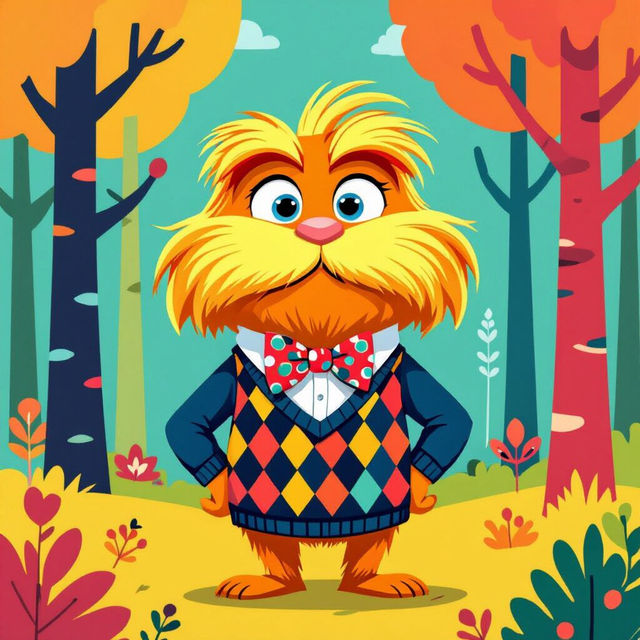
Create Your Own Preppy Lorax Wallpaper
Create unique and stylish Preppy Lorax wallpapers with our AI generator. Design your own backgrounds featuring the iconic character in trendy, preppy aesthetics. Browse preppy Lorax wallpaper examples or create your own.
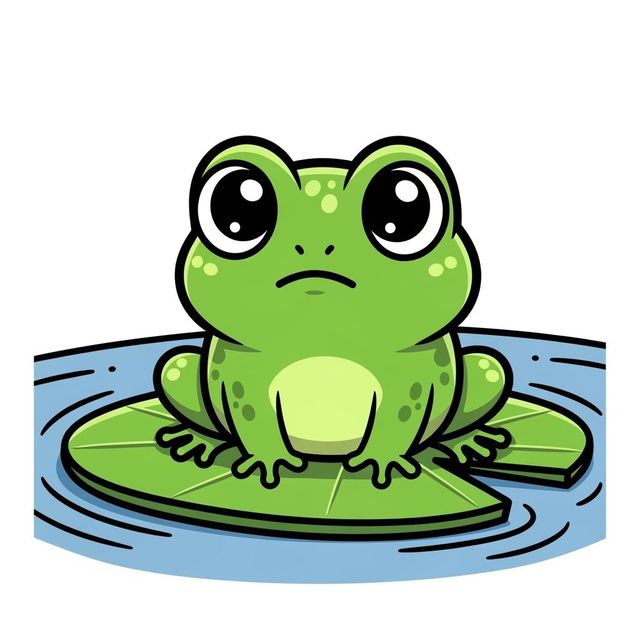
Create a Frog Drawing Easy with AI
Create a charming frog drawing easy with NightCafe's AI image generator. Perfect for beginners and art enthusiasts alike. Explore our gallery for inspiration and start your creative journey today.
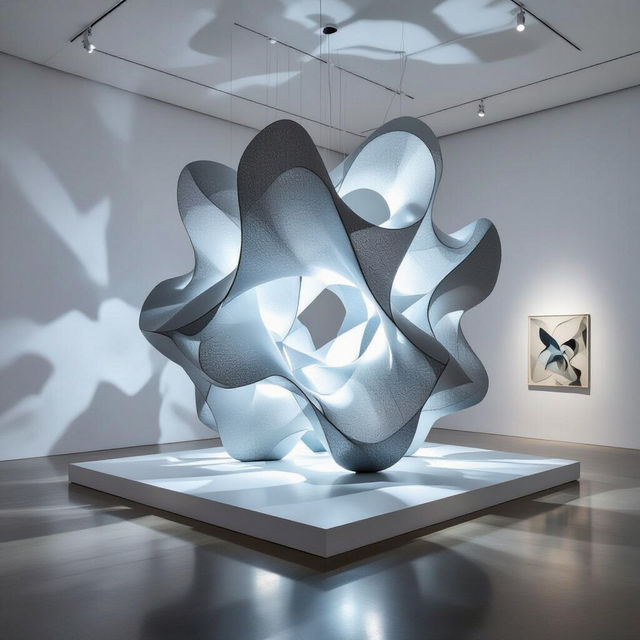
Generate Stunning AI Installation Art
Transform your creative concepts into breathtaking visual experiences with NightCafe's AI Installation Art Generator. Explore innovative art forms and bring your artistic vision to life. Browse installation art examples or create your own.
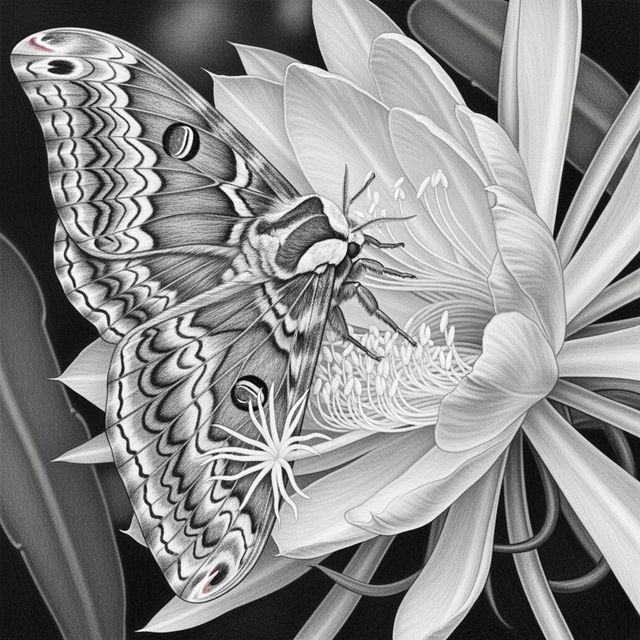
Explore a Moth Drawing Gallery
Explore our moth drawing gallery. This gallery offers a diverse collection of moth illustrations, showcasing beautiful details of these insects. Perfect for artists seeking inspiration.
Frequently Asked Questions
Everything You Need to Know About Creating Thank You Images with AI
What kind of thank you images can I create with AI?
You can create a wide variety of thank you images, from simple and elegant designs to more elaborate and personalized artwork. Describe the style, colors, and imagery you want in your prompt, and let the AI generate unique visuals to express your gratitude.
Can I use the AI-generated thank you images for commercial purposes?
Yes, you can use the thank you images you create with NightCafe's AI for commercial purposes, such as in your business communications or marketing materials. However, you must credit NightCafe as the creator of the image.
What are some good prompts for generating a thank you image?
Consider prompts like 'Elegant thank you card with floral design,' 'Modern thank you image with abstract shapes and vibrant colors,' or 'Heartfelt thank you message with a nature-inspired background.' Be specific with details like color palettes, art styles (e.g., watercolor, impressionist), and desired elements.
How can I make my AI-generated thank you image more personalized?
Add specific details to your prompt that reflect the person or situation you're thanking. For example, if you're thanking someone for a gift, include imagery related to the gift in your prompt. You can also incorporate their favorite colors or hobbies to make the image even more special.
What if I'm not happy with the first AI-generated image? Can I refine it?
Absolutely! You can refine the image by adjusting your prompt and generating again. Try adding more specific details, changing the art style, or experimenting with different keywords until you achieve the desired result. You can also use the 'Evolve' feature to create variations of an existing image.