

- Galleries
- AI Tiger Cartoon Drawings
Tiger Cartoon Drawings - Made With AI
Discover a vibrant gallery of tiger cartoon drawings, perfect for inspiration or personal use. Create your own unique tiger characters with our AI art generator.

As seen in








AI Tiger Cartoon Drawings
A collection of charming and lively tiger cartoon drawings created by AI. Find your favorite style or generate a custom cartoon tiger.


Didn't find what you were looking for? Create your own below!
Create your own Tiger Cartoon Drawings - Made With AI images
Discover the magic of Text to Image AI by creating your own unique images. Edit the prompt below to customize your creation.
No payment or credit card required.

Vibrant & Playful Designs
Explore AI-generated Tiger Cartoons
Dive into a world of adorable and adventurous tiger characters, all brought to life through cutting-edge AI. Our gallery showcases a diverse range of Tiger Cartoon Drawings, offering endless inspiration for your next project. Whether for a children's book, a fun sticker, or just a smile, find the perfect cartoon tiger to ignite your imagination.
Create Your Own Cartoon Tiger Art
Step 1
Describe Your Dream Tiger
Begin by describing the cartoon tiger you envision in the prompt box. Be as detailed as possible! Think about its pose, expression, accessories, and the overall style you're aiming for (e.g., 'a playful tiger cub wearing a pirate hat', 'a majestic tiger meditating in a bamboo forest', 'a futuristic cyber-tiger with glowing eyes'). The more descriptive your prompt, the better the AI can capture your idea.
Step 2
Generate Your Tiger Illustration
Once you've crafted your perfect prompt, hit the 'Generate' button. Our AI will then work its magic, transforming your text description into a unique cartoon tiger illustration. Watch as your imagination comes to life on the screen!
Step 3
Download and Share Your Masterpiece
After your cartoon tiger is generated, you have the freedom to download your creation in high resolution. You can also share it with the NightCafe community to inspire others or get feedback. Celebrate your new artwork!

Your Vision, AI's Canvas
Create Unique Tiger Art With AI
Transform your ideas into reality with our powerful Tiger Art Generator. Effortlessly Create Unique Tiger Art with AI, from fierce warriors to cuddly companions. Experiment with various styles and concepts to generate one-of-a-kind tiger illustrations that perfectly match your creative vision. Start designing your unique tiger masterpiece today!
More Galleries
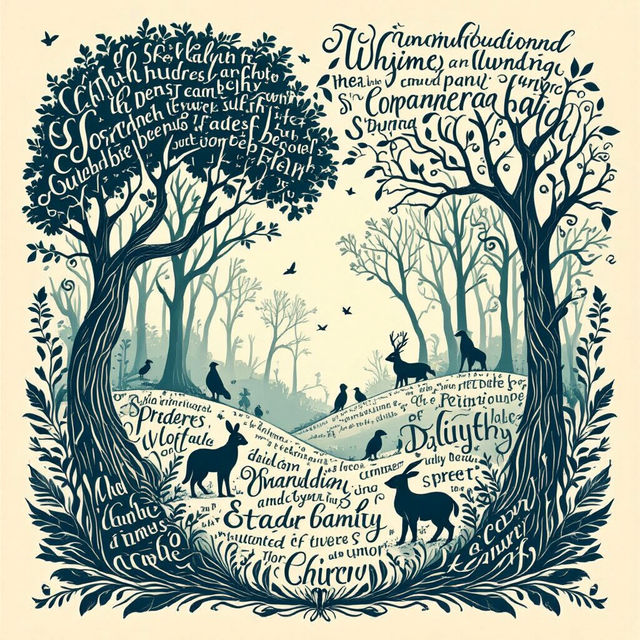
Word Drawings - Create Art From Text
Discover the magic of word drawings! See how text transforms into stunning visual art and learn to create your own unique word-based art on NightCafe.

Beach Wallpaper Aesthetic
Explore a breathtaking gallery of beach wallpaper aesthetics. Find the perfect serene ocean, tropical, or sunset beach scenes to transform your device. Create your own stunning beach wallpaper now!
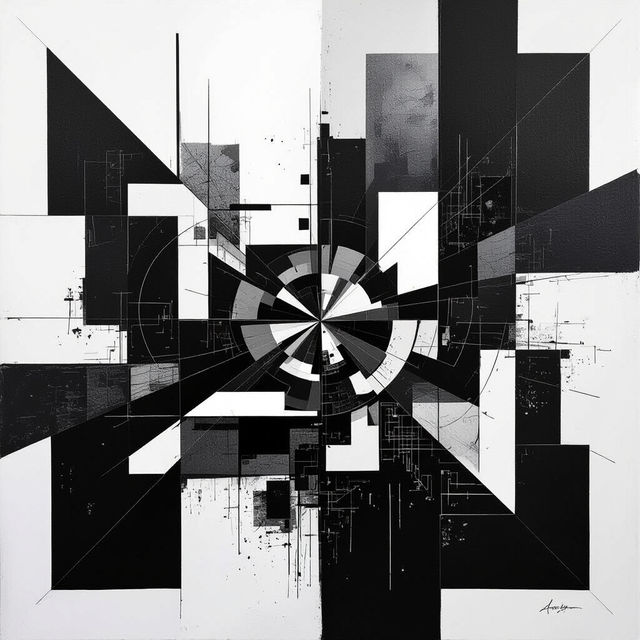
Abstract Art Black And White
Discover a captivating collection of abstract art in black and white. Explore unique AI-generated pieces that evoke emotion and intrigue through monochrome brilliance.
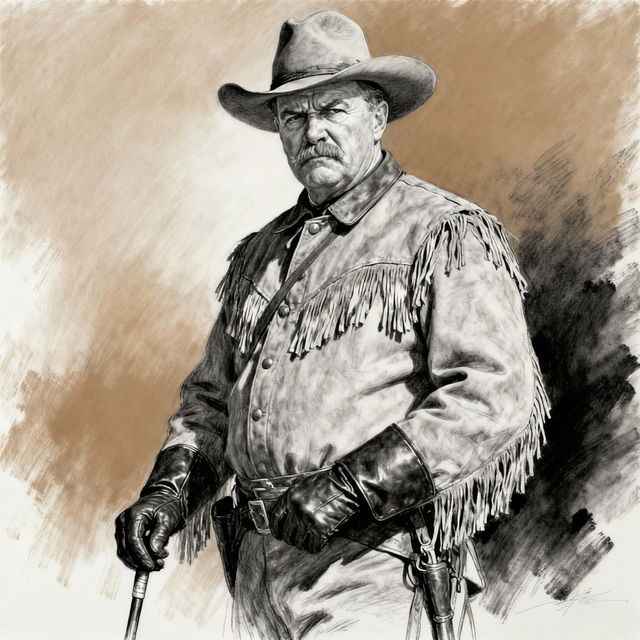
Theodore Roosevelt Drawings - AI Generated
Explore a gallery of AI-generated Theodore Roosevelt drawings. See historical figures brought to life with unique artistic interpretations and styles. Create your own.
Frequently Asked Questions
Your Questions About Creating Tiger Cartoon Drawings Answered
How can I create my own unique tiger cartoon drawings?
To create your own tiger cartoon drawings, start by entering a descriptive prompt in our AI art generator. Think about the style (e.g., 'cute', 'fierce', 'anime'), the tiger's pose or action, and any specific details you'd like, such as accessories or background elements. Experiment with different keywords to achieve the best results!
What kind of styles can I expect for these tiger cartoon drawings?
Our AI art generator can produce a wide variety of styles for tiger cartoon drawings. You can explore options ranging from simple, adorable designs suitable for children's books to more dynamic and adventurous illustrations. The AI can adapt to different artistic aesthetics, so don't hesitate to try prompts that specify styles like 'chibi', 'vintage cartoon', 'digital art', or 'line art'.
Can I use the generated tiger cartoon drawings for my personal projects or commercial use?
You are welcome to use the AI-generated tiger cartoon drawings for personal projects. For commercial use, please refer to NightCafe's Terms of Service, which outlines the specific guidelines and any required attributions.
What if I'm not getting the exact tiger cartoon I envision?
If your initial results aren't quite what you're looking for, try refining your prompt. Add more specific details, change the adjectives describing the tiger's personality or appearance, or experiment with different artistic style keywords. You can also try using negative prompts to exclude elements you don't want. Sometimes, regenerating the image with a slightly tweaked prompt can yield surprisingly different and better outcomes.