

- Galleries
- AI-Generated Tiger Clip Art
Tiger Clip Art
Explore a vibrant collection of tiger clip art, perfect for your creative projects. Generate unique tiger designs with AI and bring your ideas to life.

As seen in








AI-Generated Tiger Clip Art
Discover a fierce and beautiful gallery of AI-generated tiger clip art. Ideal for graphic design, illustrations, and any project needing a touch of wild energy.


Didn't find what you were looking for? Create your own below!
Create your own Tiger Clip Art images
Discover the magic of Text to Image AI by creating your own unique images. Edit the prompt below to customize your creation.
No payment or credit card required.

Vibrant & Unique Designs
Stunning Tiger Clip Art Created With AI
Discover a breathtaking array of tiger clip art, uniquely generated by our advanced AI. Each piece captures the majestic spirit of tigers in diverse artistic styles, perfect for adding a fierce yet elegant touch to your creative projects. Elevate your designs with one-of-a-kind visuals.
Create Your Fierce Tiger Designs
Step 1
Describe Your Tiger Art
Begin by describing the tiger clip art you envision in the prompt box. Be specific about the tiger's pose, style (e.g., realistic, cartoon, watercolor), colors, and any background elements you desire. The more detail you provide, the better the AI can capture your vision.
Step 2
Generate Your Clip Art
After crafting your prompt, click the 'Generate' button. Our AI will process your request and create a unique tiger clip art design tailored to your specifications.
Step 3
Download & Share Your Design
Once your tiger clip art is ready, you can easily download it in high resolution for your projects. Feel free to share your stunning creations with the community!

Versatile & Inspiring
AI Generated Tiger Graphics For Your Projects
Unlock endless creative possibilities with our AI generated tiger graphics. Whether for branding, digital art, or print, these versatile designs offer a fresh perspective on tiger imagery. Effortlessly integrate these stunning visuals to make your projects stand out with a touch of wild sophistication.
More Galleries
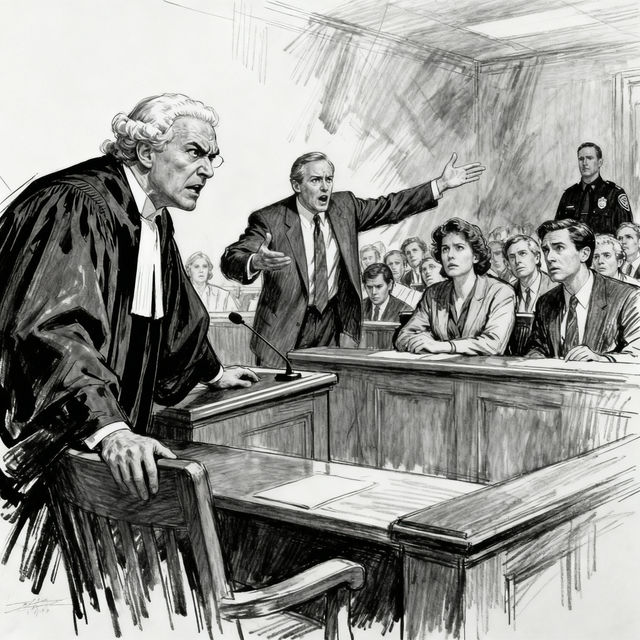
Court Drawing Art
Explore a gallery of AI-generated court drawing and courtroom sketch art. Get inspired by unique artistic interpretations of legal proceedings or create your own.

AI Flower Pictures
Explore a vibrant gallery of AI-generated flower pictures. Get inspired by unique floral art and create your own beautiful flower images with NightCafe's AI.
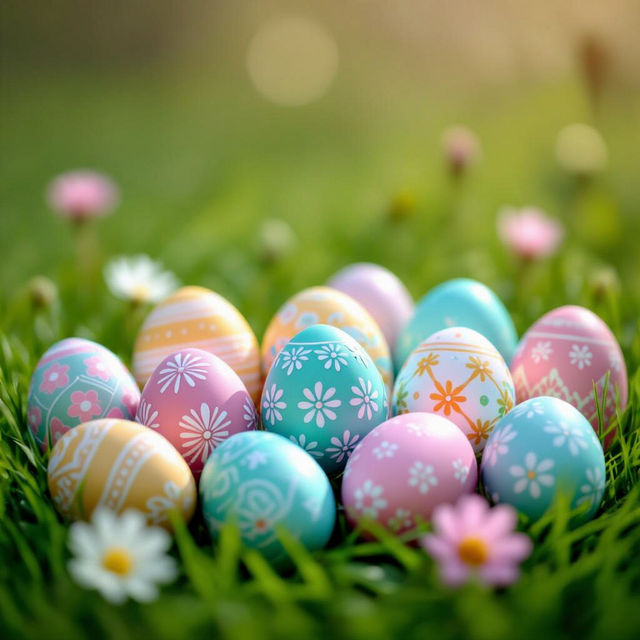
Easter Egg Clip Art
Discover a vibrant collection of AI-generated Easter Egg clip art, perfect for your holiday designs. Browse unique and festive eggs, then create your own custom clip art.

Candy Pictures - Made With AI
Discover a vibrant gallery of candy pictures created with AI. Get inspired by sweet designs and create your own delightful candy art on NightCafe.
Frequently Asked Questions
Your Questions About AI-Generated Tiger Clip Art, Answered
How can I generate unique tiger clip art for my projects?
To generate unique tiger clip art, you can use NightCafe's AI art generation tools. Start by crafting a detailed prompt that describes the style, pose, and setting you envision for your tiger. For example, try prompts like "a majestic Bengal tiger in a watercolor style, roaring" or "a cute cartoon tiger cub sitting, digital art." Experiment with different keywords related to artistic styles (e.g., 'vector art', 'flat design', 'sketch') and moods to achieve the perfect clip art for your needs.
What kind of creative projects are suitable for this AI-generated tiger clip art?
This AI-generated tiger clip art is incredibly versatile and can be used for a wide range of creative projects. It's perfect for digital art, graphic design, website elements, social media posts, branding, logos, invitations, scrapbooking, and even print materials like t-shirts or posters. The diverse artistic styles available ensure you can find a tiger graphic to match almost any theme or aesthetic.
Can I customize the AI-generated tiger designs further after generation?
Yes, while the AI generates the initial design, you often have options to further customize it. After generating an image, you can download it and use image editing software (like Photoshop, GIMP, or even simpler online editors) to resize, crop, add text, change colors, or combine it with other elements. Some AI generation tools also offer features to upscale images or generate variations, providing more control over the final output.
How do I ensure the tiger clip art I generate fits a specific artistic style?
To achieve a specific artistic style for your tiger clip art, be very descriptive in your prompt. Include keywords that clearly define the style you're after. For instance, if you want a graphic design look, use terms like 'vector art,' 'flat illustration,' 'icon style,' or 'clean lines.' If you prefer a more painterly feel, try 'oil painting,' 'watercolor,' 'sketch,' or 'charcoal drawing.' Referencing specific art movements or artists can also guide the AI, such as 'in the style of Art Nouveau' or 'like a Disney illustration.'