

- Galleries
- AI Art Gallery: Exploring Tints
Tint Definition In Art
Understand tint definition in art through a stunning AI-generated gallery. Explore how AI interprets and applies tints to create unique visual effects and artistic styles.

As seen in








AI Art Gallery: Exploring Tints
Discover a curated collection of AI-generated artworks that masterfully demonstrate the concept of tint in art, offering visual inspiration and creative exploration.


Didn't find what you were looking for? Create your own below!
Create your own Tint Definition In Art images
Discover the magic of Text to Image AI by creating your own unique images. Edit the prompt below to customize your creation.
No payment or credit card required.

Subtle Hues, Bold Statements
Explore The Art Of Tint With AI
Discover how AI art generation masters the nuances of tint definition in art. Our gallery showcases the subtle yet powerful ways AI manipulates light and color to create serene landscapes, ethereal portraits, and vibrant abstract pieces, all defined by their masterful use of tints.
Create Your Own Tint Masterpiece
Step 1
Describe Your Desired Tints
Begin by entering a detailed prompt describing the artwork you envision. Focus on elements that involve color and light, such as "a serene landscape with soft pastel tints" or "a vibrant abstract piece using bright, luminous tints." The more specific you are about the desired tints and their effect, the better the AI can interpret your vision.
Step 2
Generate Your Tinted Artwork
Once your prompt is ready, simply click the "Generate" button. Our AI will process your description and begin creating unique artwork that emphasizes the tint definition you've specified. Watch as the colors and light transform based on your input.
Step 3
Download or Share Your Art
After the artwork is generated, explore the results. You can download your favorite pieces in high resolution or share them with the community. Experiment with different prompts to see the vast range of tint applications the AI can achieve!

AI's Palette, Your Vision
Explore AI Color Theory And Tint Generation
Dive into the fascinating realm of AI color theory and tint generation. See how algorithms interpret and apply tints to evoke specific moods and styles, from dreamy pastels to muted earth tones. Explore AI Color Theory and Tint Generation to understand the sophisticated application of color in digital art.
More Galleries
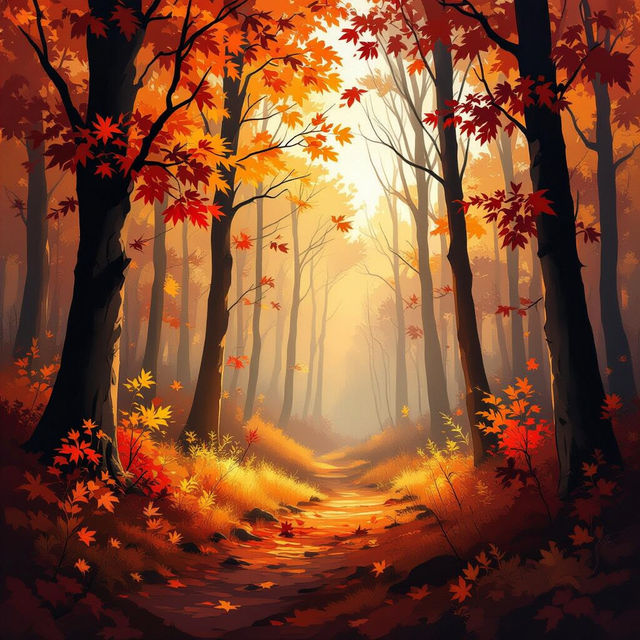
Auburn Wallpaper
Explore a beautiful collection of auburn wallpaper created with AI. Find the perfect warm, inviting backdrop for your devices and inspiration for your own unique auburn designs.
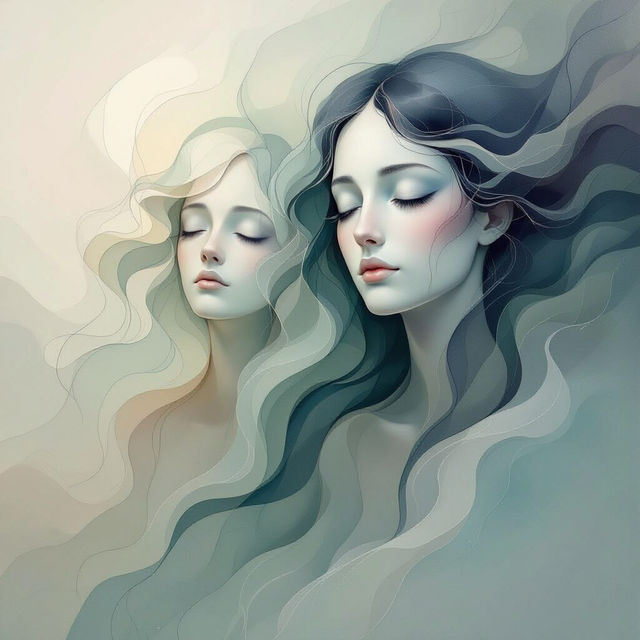
Faceless Art - AI Generated
Discover the captivating world of faceless art. Browse unique AI-generated pieces and create your own minimalist or abstract faceless art to express emotion and form.

Christmas Tree Simple Drawing
Explore a collection of simple Christmas tree drawings. Perfect for holiday cards, decorations, or inspiration. Create your own unique Christmas tree designs with AI.
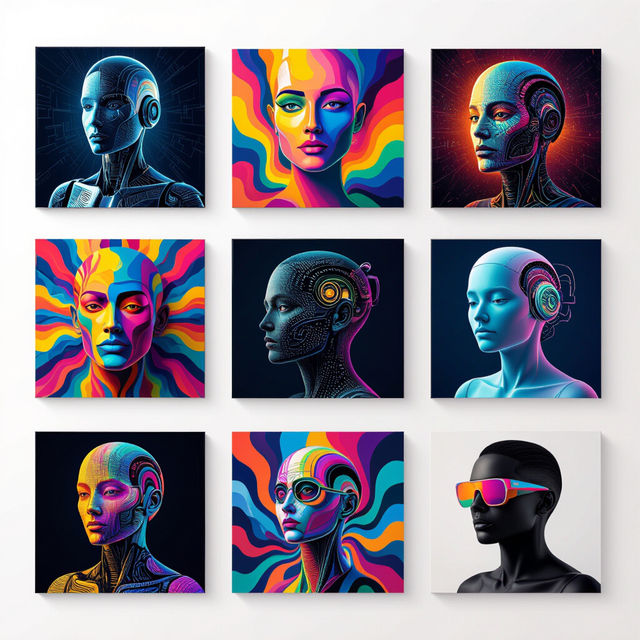
12x12 Picture Frames - AI Generated Art
Discover unique AI-generated art perfect for your 12x12 picture frames. Explore a variety of styles and find the ideal piece to complement your decor and personal taste.
Frequently Asked Questions
Your Questions About Tint Definition in AI Art, Answered
What exactly is 'tint' in the context of art and how does AI generate it?
In art, a tint is a lighter version of a color, created by adding white. Our AI models interpret prompts that describe desired color palettes and moods, and then generate images by applying these principles, effectively creating tints to achieve specific aesthetic effects like softness, serenity, or vibrancy.
How does AI use tints to create different artistic styles and moods?
AI uses tints by analyzing color relationships and adjusting saturation and lightness based on the input prompt. For example, using a high percentage of white in a color will result in a pastel tint, evoking a dreamy or gentle mood. Conversely, a lower percentage of white, or specific color combinations, can create more muted or intense tints, influencing the overall emotional impact of the artwork.
Can I control the use of tints when generating my own AI art on NightCafe?
Yes, you can influence the use of tints by being descriptive in your text prompts. Specify color palettes, moods, and even mention 'pastel,' 'light,' 'muted,' or 'vibrant' tones. Experimenting with different keywords related to color and light will guide the AI in generating the specific tints you envision.
What makes the AI-generated examples of tint definition in this gallery unique?
This gallery showcases how AI art generation can masterfully apply the concept of tints, often in ways that are difficult or time-consuming for human artists. The AI can explore a vast spectrum of color variations and combinations, producing unique visual effects that highlight the subtle power of tints in defining form, atmosphere, and artistic style.