

- Galleries
- Tomato Art Fest Inspired Gallery
Tomato Art Fest - AI Art Gallery
Explore vibrant AI-generated art inspired by the Tomato Art Fest. See creative interpretations and then generate your own unique Tomato Fest-themed artwork on NightCafe.

As seen in








Tomato Art Fest Inspired Gallery
A collection of unique AI-generated artworks capturing the spirit and creativity of the Tomato Art Fest, showcasing diverse artistic styles.


Didn't find what you were looking for? Create your own below!
Create your own Tomato Art Fest - AI Art Gallery images
Discover the magic of Text to Image AI by creating your own unique images. Edit the prompt below to customize your creation.
No payment or credit card required.

Vibrant Festival Visions
Creative Art Inspired By Tomato Fest
Immerse yourself in a kaleidoscope of creativity, where the spirit of the Tomato Art Fest is reimagined through the lens of AI. Discover unique artistic interpretations, from whimsical to abstract, all celebrating this beloved event. Let these pieces spark your imagination and showcase the diverse artistic possibilities.
Create Your Own Tomato Art Fest Masterpiece
Step 1
Describe Your Tomato Fest Vision
To begin, describe your vision for a Tomato Art Fest-themed artwork in the prompt box. Think about the colors, mood, and specific elements you'd like to see – perhaps vibrant red tomatoes, festive crowds, or abstract interpretations of the event. The more detail you provide, the better the AI can capture your idea.
Step 2
Generate Your Unique Artwork
Once your prompt is ready, click the 'Generate' button. Our AI will then process your description and create a unique piece of art inspired by the Tomato Art Fest. Watch as your ideas transform into a visual spectacle!
Step 3
Download or Share Your Creation
After your artwork is generated, you have the option to download it in a high-resolution format. You can also share your creation with the NightCafe community to inspire others or simply admire your AI-powered masterpiece.

Your Vision, AI-powered
Generate Tomato Festival Art With AI
Ready to create your own masterpiece? Our AI tools bring your tomato festival art ideas to life. Simply describe your vision, and watch as the AI generates stunning, unique artwork that perfectly captures the essence of the tomato festival. It's never been easier to generate tomato festival art with AI.
More Galleries
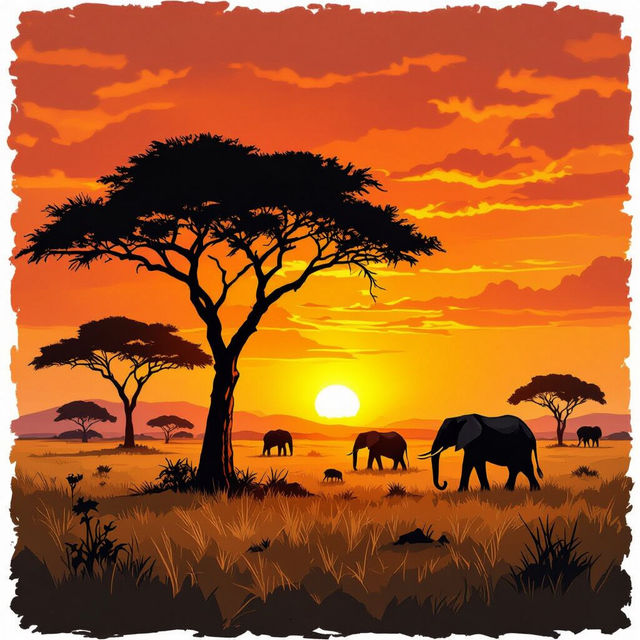
Savanna Drawings - Made With AI
Discover a breathtaking collection of AI-generated savanna drawings. Perfect for inspiration or creating your own unique savanna scenes with NightCafe's powerful art tools.
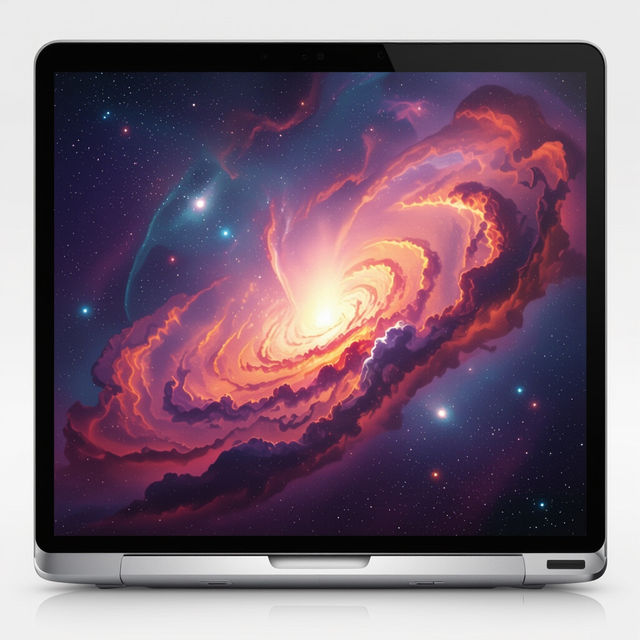
Wallpaper For Macbook Air
Discover beautiful and unique wallpapers for your Macbook Air. Browse our collection of AI-generated designs or create your own personalized wallpaper to make your device stand out.
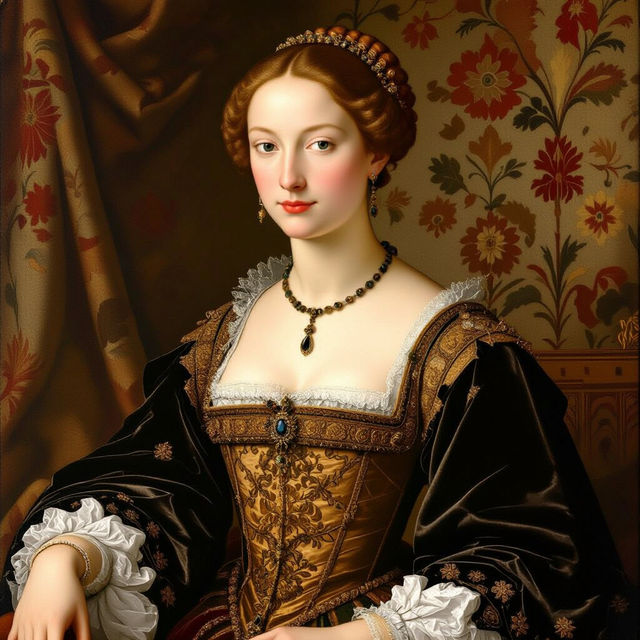
Renaissance Images
Discover stunning Renaissance images brought to life by AI. Browse classic styles and create your own masterpieces inspired by the Renaissance era on NightCafe.
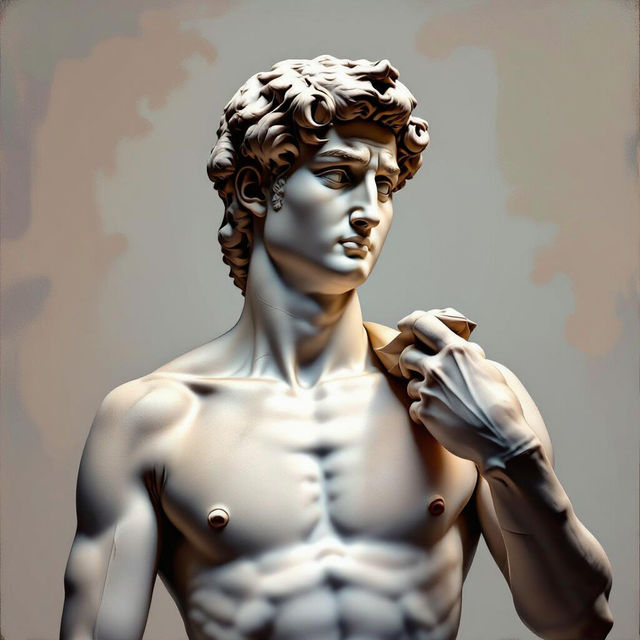
David Wallpaper
Discover unique David wallpapers created by AI. Browse our gallery for inspiration and generate your own personalized David-themed backgrounds for any device.
Frequently Asked Questions
Your Tomato Art Fest AI Creations: Frequently Asked Questions
How can I create my own Tomato Art Fest-themed AI art?
To create your own unique Tomato Fest-themed artwork, simply use the AI generation tools on NightCafe. Describe your vision for the artwork in a text prompt. Be as descriptive as possible, mentioning elements like colors, styles, and specific tomato festival motifs you'd like to see. The AI will then generate unique art based on your description.
What kind of AI models are used to create this Tomato Art Fest gallery?
The Tomato Art Fest gallery showcases art generated using a variety of advanced AI art generation models available on NightCafe. These can include models like Stable Diffusion, DALL-E, and others, each offering unique artistic styles and interpretations. You can experiment with different models yourself to find the perfect style for your tomato festival creations.
Can I use the AI art I generate for the Tomato Art Fest for my own projects or social media?
Yes, you are encouraged to create and share your own AI-generated Tomato Art Fest pieces! Depending on your NightCafe membership and the specific terms of service, you may be able to use your creations for personal projects and social media. Always refer to our Terms of Service for detailed information on image ownership and usage rights.
What if I'm not getting the results I want for my Tomato Art Fest art?
If your initial results aren't quite right, try refining your text prompt. Add more specific details about the mood, colors, or elements you want. You can also experiment with different AI models, aspect ratios, and generation settings available on NightCafe. Sometimes, a slight adjustment to your prompt can make a big difference!