

- Galleries
- Transparent Background Image Gallery
Transparent Background Images - Made With AI
Generate stunning transparent background images for any project. Perfect for logos, graphics, and designs. Explore AI-powered creation and bring your ideas to life with clear, crisp visuals.

As seen in








Transparent Background Image Gallery
A curated collection of AI-generated images with transparent backgrounds, ideal for designers and creators needing versatile visual assets for various applications.


Didn't find what you were looking for? Create your own below!
Create your own Transparent Background Images - Made With AI images
Discover the magic of Text to Image AI by creating your own unique images. Edit the prompt below to customize your creation.
No payment or credit card required.

Effortless Transparency
Create Transparent Images Easily
Bring your design visions to life with our intuitive AI tool. Generate high-quality transparent background images in seconds, perfect for logos, product mockups, and digital art. Our platform makes creating a crisp, clear Transparent Background Image a seamless experience, allowing you to focus on your creativity.
Create Your Transparent Background Images
Step 1
Describe Your Image
Start by describing the image you want to create in the prompt box. Be specific about the subject, style, and any details you envision for your transparent background graphic. For example, 'a minimalist logo of a soaring eagle in blue and silver' or 'a cute cartoon cat with a transparent background'.
Step 2
Generate Your Transparent Image
After entering your prompt, click the 'Generate' button. Our AI will process your description and create a unique image with a transparent background based on your input. You can refine your prompt and generate again if needed.
Step 3
Download Your Creation
Once you're happy with the generated transparent image, you can download it in high-resolution PNG format. This ready-to-use graphic can be immediately incorporated into your logos, designs, or any project requiring clear, crisp visuals.

Professional Pngs, Instantly
Create AI Png Images With Transparent Backgrounds
Leverage our advanced AI PNG Generator to produce professional-grade graphics with transparent backgrounds. Whether you need to Create AI PNG Images with Transparent Backgrounds for web design, marketing materials, or custom merchandise, our gallery delivers crisp, scalable visuals ready for any application.
More Galleries
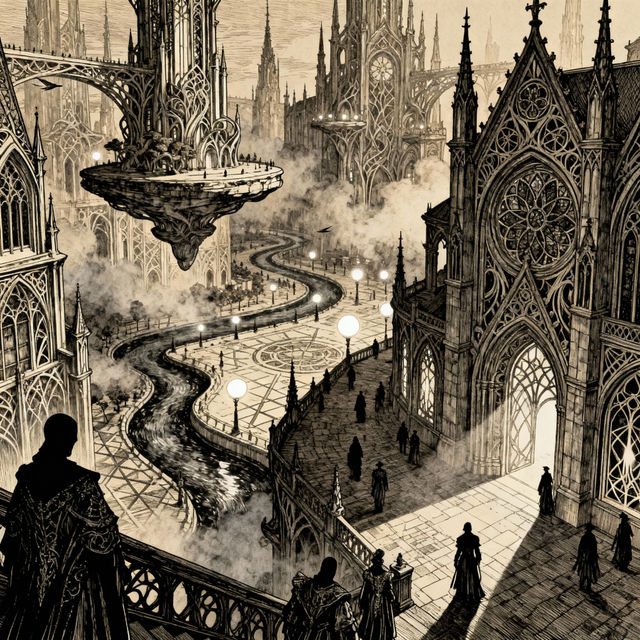
Pen and Ink Drawing Art
Discover the intricate beauty of pen and ink drawings. Browse a gallery of AI-generated art in this classic style, perfect for inspiration or creating your own unique pieces.
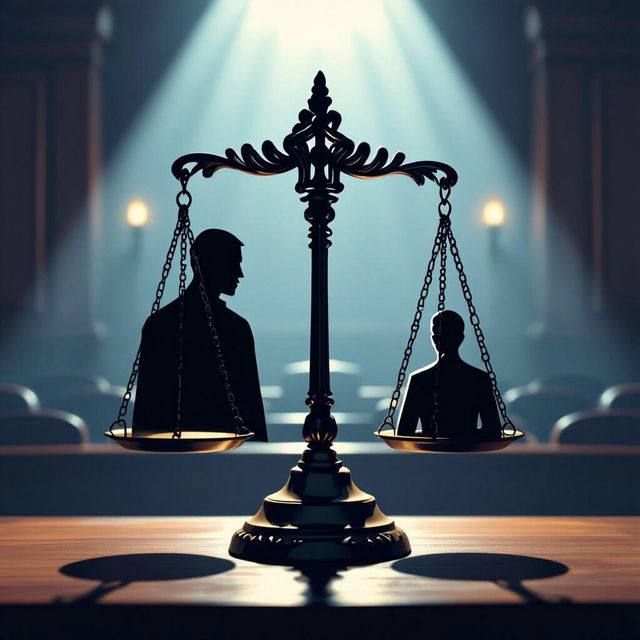
5th Amendment Images
Explore a collection of unique 5th Amendment images. Our AI can help you visualize legal concepts and create compelling imagery for your projects. Browse now and generate your own.

Types of Pasta With Pictures
Discover a vibrant collection showcasing various types of pasta with pictures. Get inspired by AI-generated pasta dishes and explore unique culinary art.
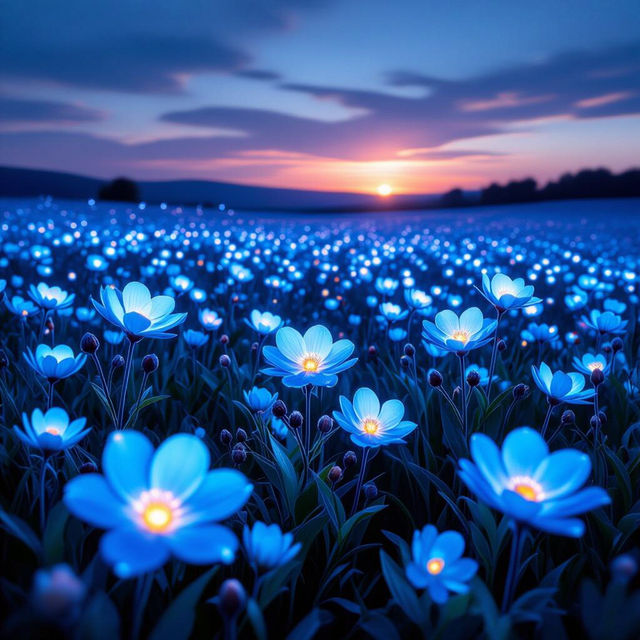
Blue Flowers Images - Created With AI
Discover a vibrant collection of AI-generated blue flowers. Browse unique blue flower images and create your own stunning floral art with NightCafe's AI.
Frequently Asked Questions
Your Questions About Transparent Background Images, Answered
What are transparent background images and why are they useful?
Transparent background images have no background color, allowing whatever is behind them to show through. This makes them incredibly versatile for graphic design, web development, and branding. They are perfect for logos, overlays, product mockups, stickers, and digital art where you want the image to blend seamlessly with different backgrounds without a solid color box around it.
How does the AI generate images with transparent backgrounds?
Our AI models are trained to understand and generate imagery with alpha channels, which define transparency. When you create an image using our Transparent Background Images gallery, the AI focuses on isolating the subject and rendering it without a background. The result is a crisp PNG file with a transparent area where the background would typically be.
What kind of projects are best suited for these AI-generated transparent images?
These images are ideal for a wide range of projects. Use them for creating professional logos, designing website graphics, developing marketing materials, producing custom merchandise like t-shirts or mugs, enhancing presentations, and creating digital art that needs to be layered or integrated into other designs. Essentially, any project where you need a clean, isolated graphic element will benefit.
Can I customize the AI-generated transparent images further?
Yes! While the AI generates the initial image with a transparent background, you can often further refine and customize it using standard graphic design software. You can adjust colors, add effects, resize, or combine it with other elements to perfectly match your project's aesthetic. The transparent nature of the PNG ensures maximum flexibility in editing.