

- Galleries
- Tulips Drawing Collection
Explore AI-Generated Tulips Drawing
Discover the beauty of AI-generated tulips drawings. Explore a variety of styles, from realistic to abstract, and find the perfect inspiration for your next project. Browse our gallery and create your own tulip masterpiece with AI.

As seen in








Tulips Drawing Collection
A curated collection of AI-generated tulips drawings, showcasing diverse artistic interpretations and styles. From classic botanical illustrations to modern abstract designs, find inspiration for your creative projects.


Didn't find what you were looking for? Create your own below!
Create your own Explore AI-Generated Tulips Drawing images
Discover the magic of Text to Image AI by creating your own unique images. Edit the prompt below to customize your creation.
No payment or credit card required.

Endless Artistic Possibilities
AI Tulips Drawing Inspiration
Find inspiration for your next art project with our AI-generated tulips drawing gallery. Explore a variety of styles, from realistic botanical illustrations to whimsical, abstract interpretations. Discover unique color palettes and compositions to spark your creativity and create your own stunning tulips drawing.
Create Stunning Tulip Drawings with AI
Step 1
Input Your Vision
Describe the tulip drawing you envision in the prompt box. Specify the style (realistic, abstract, watercolor), colors, and any unique details you want to include. The more specific you are, the better the AI can capture your vision.
Step 2
Generate Your Tulip Art
Once you've entered your prompt, click the "Generate" button to start the AI drawing process. Watch as the AI transforms your text description into a beautiful tulip drawing.
Step 3
Download and Share
Download your AI-generated tulip drawing in high resolution. Share your creation with friends, use it as inspiration for your next art project, or showcase it in the NightCafe community to get feedback and connect with other AI artists.

Create With Ease
How To Generate Stunning Tulip Illustrations
Learn how to generate stunning tulip illustrations using our AI tools. Experiment with different prompts and styles to achieve your desired look. Our platform makes it easy to create beautiful tulip illustrations, even if you have no prior drawing experience. Explore our tutorial and start creating today!
More Galleries
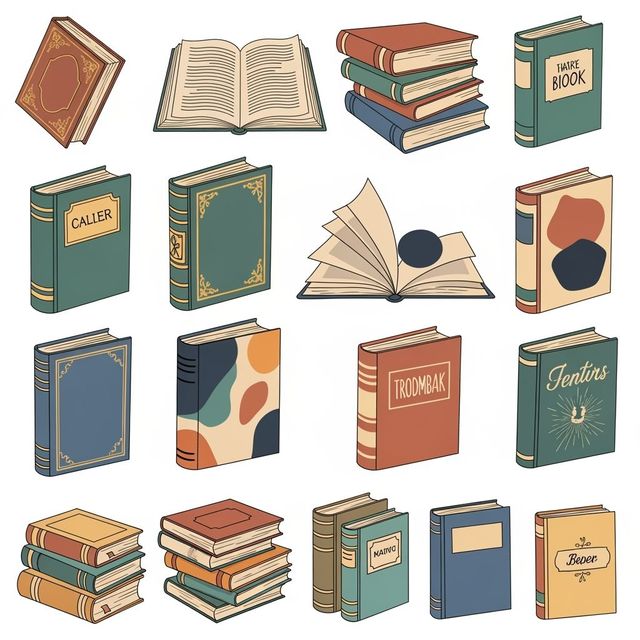
Generate Stunning Book Clip Art With AI
Enhance your projects with NightCafe's AI Book Clip Art Generator. Create unique images and designs to elevate your work. Browse examples or generate your own book clip art today.

AI LinkedIn Profile Picture Generator
Create the perfect LinkedIn profile picture with our AI generator. Stand out and make a lasting impression with a professional, AI-generated image. Browse examples or create your own.

Boys Haircut Photos: Inspiring Styles
Explore a collection of boys haircut photos showcasing the latest trends and styles. Find inspiration for your next visit to the barber and discover fresh, modern looks.

Create an Easy Bunny Drawing with AI
Create an easy bunny drawing with NightCafe's AI image generator. Whether you're an artist or just looking for creative inspiration, NightCafe can generate the bunny drawing you're looking for.
Frequently Asked Questions
Frequently Asked Questions about AI-Generated Tulip Drawings
What styles of tulip drawings can I generate with AI?
NightCafe's AI tools allow you to generate tulip drawings in a vast range of styles, from realistic botanical illustrations to abstract and whimsical interpretations. Experiment with different prompts to explore watercolor, oil painting, line art, and more.
How can I create a specific look for my AI-generated tulip drawing?
To achieve a specific look, be as detailed as possible in your prompt. Include keywords related to art style (e.g., 'Impressionist,' 'Art Deco'), color palettes (e.g., 'pastel colors,' 'vibrant and bold'), and composition (e.g., 'close-up,' 'field of tulips').
Can I use the AI-generated tulip drawings for commercial purposes?
Yes, you can use your AI generated tulip drawings for commercial purposes, such as branding or advertising. However, you must credit NightCafe as the creator of the image.
Do I need drawing experience to create AI-generated tulip art?
No prior drawing experience is needed! NightCafe's AI tools are designed to be user-friendly for everyone. Simply provide a text prompt describing your desired image, and the AI will generate a unique tulip drawing for you.
What if I'm not happy with the first AI-generated tulip drawing? Can I refine it?
Absolutely! You can refine your results by adjusting your prompt and running the AI again. Experiment with different keywords and styles until you achieve your desired outcome. You can also use post-processing tools to further enhance your image.