

- Galleries
- Vaporwave Aesthetic Wallpapers
Vaporwave Wallpapers - Aesthetic AI Art
Dive into a world of neon dreams with our Vaporwave Wallpaper gallery. Discover unique AI-generated art and create your own nostalgic, retro-futuristic designs.

As seen in








Vaporwave Aesthetic Wallpapers
A curated collection of AI-generated vaporwave wallpapers, blending retro 80s and 90s aesthetics with modern digital art for a unique visual experience.


Didn't find what you were looking for? Create your own below!
Create your own Vaporwave Wallpapers - Aesthetic AI Art images
Discover the magic of Text to Image AI by creating your own unique images. Edit the prompt below to customize your creation.
No payment or credit card required.

Immerse In Neon Dreams
Explore Stunning Vaporwave Aesthetic Art
Discover a curated collection of AI-generated Vaporwave Wallpapers that capture the essence of 80s and 90s nostalgia. Each piece blends retro-futuristic elements with vibrant neon palettes, creating truly unique and aesthetic digital art. Let these captivating designs inspire your next creative project or simply adorn your digital space with a touch of synthwave cool.
Create Your Own Vaporwave Aesthetic
Step 1
Describe Your Vaporwave Vision
Begin by crafting a detailed prompt that describes the Vaporwave aesthetic you envision. Think about neon colors, retro-futuristic elements, nostalgic themes, and any specific imagery like cityscapes, sunsets, or abstract patterns. The more descriptive your prompt, the closer the AI can get to your desired outcome.
Step 2
Generate Your Aesthetic Art
Once your prompt is ready, simply click the "Generate" button. Our AI will process your description and create a unique Vaporwave artwork tailored to your input. Get ready to be amazed by the retro-futuristic magic!
Step 3
Download & Share Your Masterpiece
After your Vaporwave artwork is generated, you have the freedom to download it in high resolution for personal use, or share it with our vibrant community. Showcase your unique creation and inspire others!

Craft Your Retro Vision
Generate Your Own Vaporwave Art
Unleash your creativity and Generate Your Own Vaporwave Art with our intuitive AI tools. Transform your ideas into unique Vaporwave Art, from glitchy cityscapes to dreamy pastel sunsets. Our platform empowers you to create custom designs that evoke nostalgia and a distinct retro-futuristic vibe, perfect for wallpapers, social media, or personal expression.
More Galleries
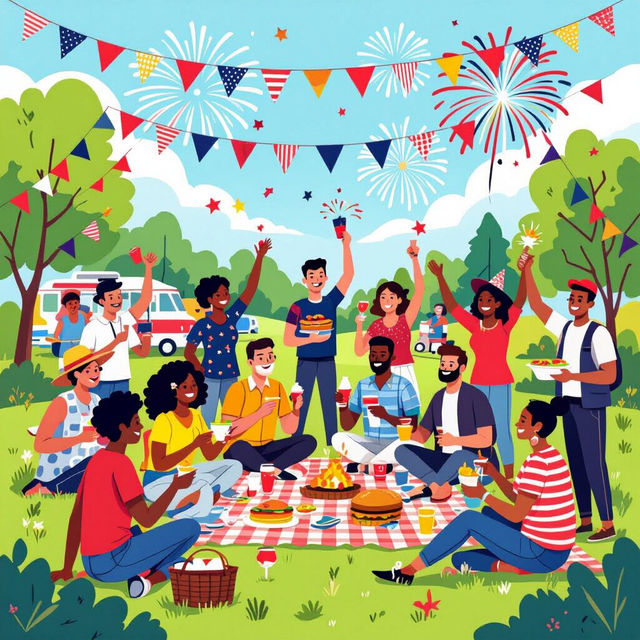
Labor Day Pictures
Explore a vibrant collection of Labor Day pictures and AI-generated artwork. Get inspired by unique visuals celebrating workers and find ideas for your own holiday creations.
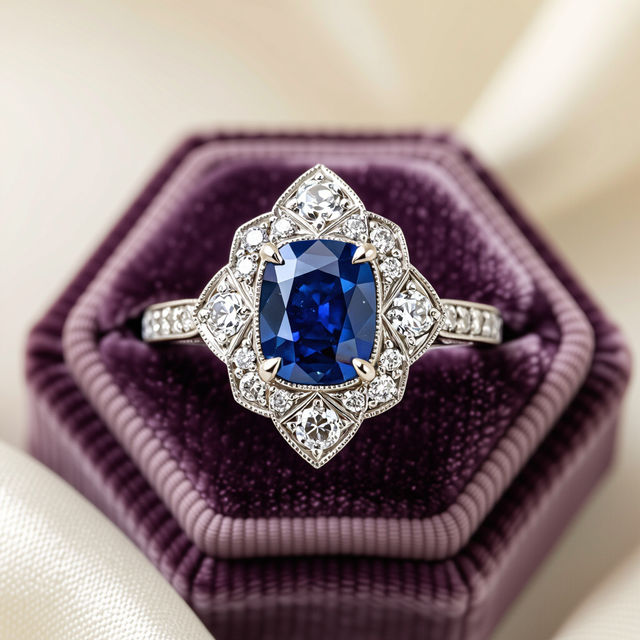
Art Deco Engagement Rings - Made With AI
Explore a curated gallery of AI-generated Art Deco engagement rings. Find inspiration for unique vintage-style rings and create your own stunning designs with NightCafe.
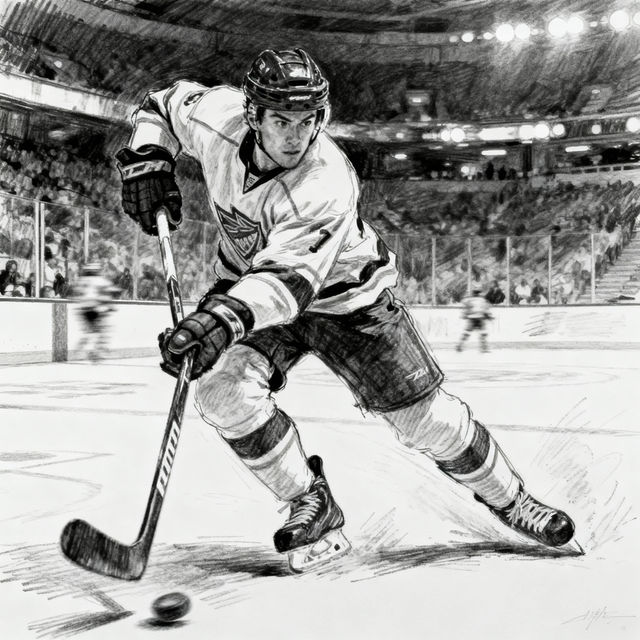
Hockey Drawings - AI Generated
Discover a gallery of captivating hockey drawings created by AI. Get inspired by unique artistic styles and then generate your own hockey art with NightCafe.
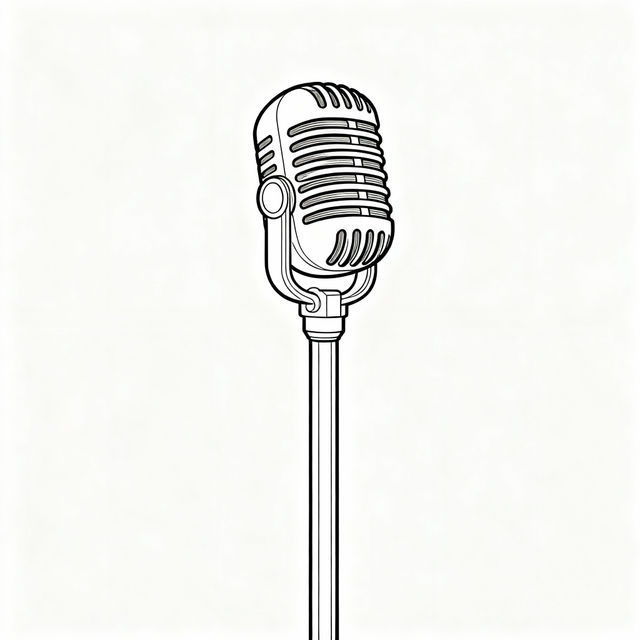
Easy Microphone Drawings
Learn to draw microphones with our easy guides. Browse simple microphone drawings and create your own unique illustrations using AI tools on NightCafe.
Frequently Asked Questions
Your Questions About Creating Vaporwave AI Art, Answered
What makes these wallpapers 'Vaporwave'?
Our Vaporwave wallpapers are characterized by their distinct aesthetic, heavily inspired by 1980s and 1990s internet culture, early computer graphics, and retro-futuristic themes. Expect a blend of nostalgic imagery, glitch art, neon color palettes, and often a dreamy, surreal atmosphere, all generated by AI to capture that unique synthwave vibe.
How can I create my own Vaporwave AI art?
You can create your own Vaporwave AI art using NightCafe's intuitive generation tools. Start by describing your desired elements in a prompt – think about neon colors, retro objects, cityscapes, or specific nostalgic imagery. Experiment with different keywords related to the Vaporwave aesthetic, like 'synthwave,' 'glitch art,' '80s aesthetic,' 'neon grid,' or 'pastel sunset' to guide the AI.
What kind of prompts work best for Vaporwave art?
For the best Vaporwave results, combine descriptive elements with stylistic keywords. For example, try prompts like 'A neon-drenched 80s cityscape at sunset with a glitch effect,' 'Retro arcade in a pastel dreamscape,' or 'Surreal beach scene with palm trees and a chrome logo in vaporwave style.' Mentioning specific colors like 'cyan,' 'magenta,' and 'pink' can also enhance the aesthetic.
Can I use the generated Vaporwave art for my projects?
Yes, the AI-generated Vaporwave art you create can be used for various projects, including personal wallpapers, social media posts, or even commercial use. Please refer to our Terms of Service for specific details regarding usage rights and attribution requirements.