

- Galleries
- AI Vector Drawing Gallery
Vector Drawing Art
Discover a world of AI-generated vector drawings. Perfect for graphic design, illustrations, and more. Create your own stunning vector art with NightCafe's AI.

As seen in








AI Vector Drawing Gallery
A curated collection of AI-generated vector drawings, offering clean lines and scalable graphics for various design needs and creative inspiration.


Didn't find what you were looking for? Create your own below!
Create your own Vector Drawing Art images
Discover the magic of Text to Image AI by creating your own unique images. Edit the prompt below to customize your creation.
No payment or credit card required.

Limitless Design Possibilities
Explore Unique Vector Drawings
Dive into a diverse collection of AI-generated vector drawings, meticulously crafted to inspire your next project. From intricate patterns to bold icons, our gallery offers endless creative avenues for graphic designers and illustrators. Discover unique styles and elements that will elevate your visual storytelling and bring your ideas to life with clean, scalable vector art.
Create Your Own Vector Art
Step 1
Describe Your Vector Vision
Start by describing the vector art you envision in the prompt box. Be specific about the style, colors, subject matter, and any elements you want to include. For example, 'A minimalist logo of a coffee cup with steam, flat design, blue and white.' The more detail you provide, the better the AI can match your idea.
Step 2
Generate Your Artwork
After entering your prompt, click the 'Generate' button. Our AI will process your description and create a unique vector drawing based on your input. You can experiment with different prompts to see a variety of results.
Step 3
Download & Use Your Art
Once your vector art is generated, you can download it in a scalable format perfect for any project. Share your creation with the community or use it immediately in your graphic design, illustrations, or branding.

Creative Freedom Unlocked
Generate Unique Vector Art With AI
Harness the power of artificial intelligence to generate unique vector art tailored to your vision. Whether you need custom graphics for branding, web design, or artistic expression, our platform makes Vector Art Generation seamless. Generate unique vector art with AI that stands out, offering scalability and crisp detail perfect for any application.
More Galleries
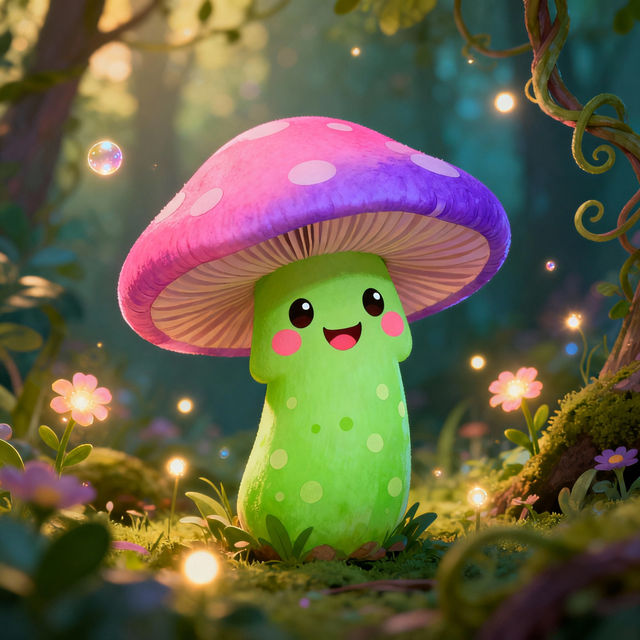
Cartoon Mushroom Drawings - Made With AI
Discover a delightful gallery of cartoon mushroom drawings. Perfect for inspiration, find whimsical and unique mushroom art created with AI. Start creating your own today!
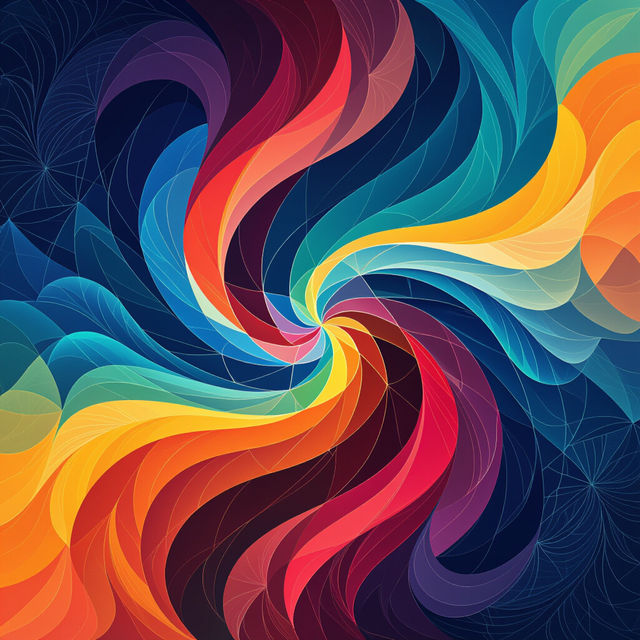
4k iPhone Wallpapers
Discover and create breathtaking 4k iPhone wallpapers. Our AI generator transforms your ideas into stunning visuals, perfect for your device. Get high-resolution wallpapers now!
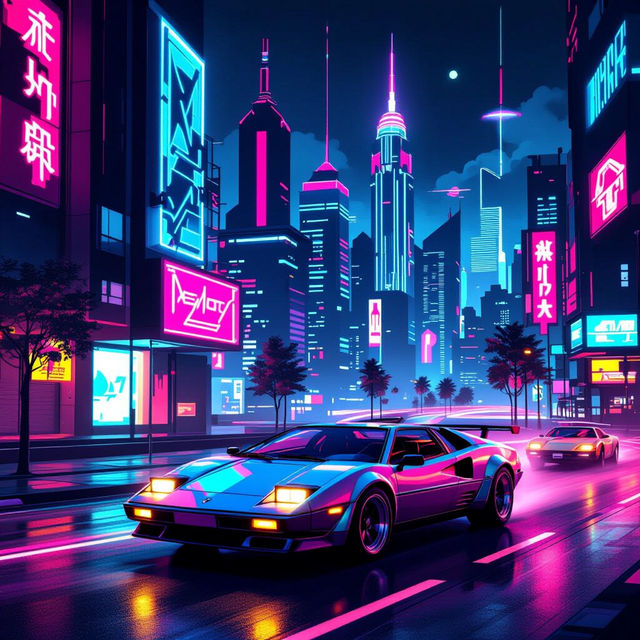
80s Art - Made With AI
Step back in time with our 80s art gallery! Discover neon-drenched aesthetics and retro vibes. Create your own unique 80s art pieces inspired by this iconic decade.
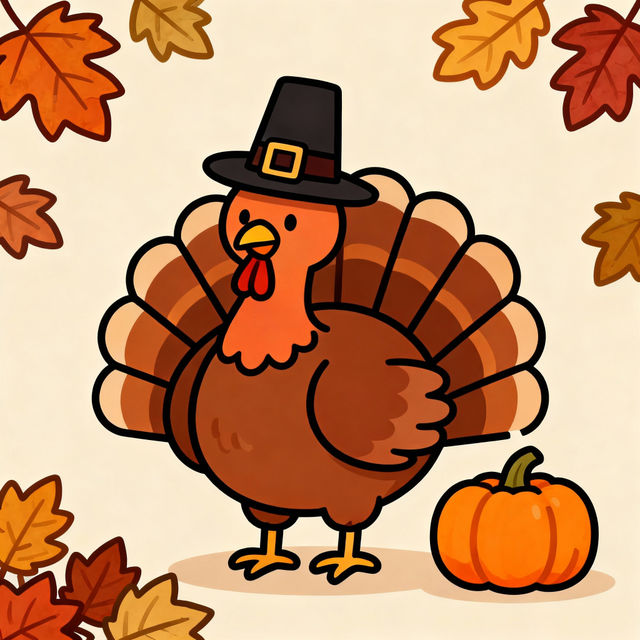
Easy Thanksgiving Drawings
Discover simple and easy Thanksgiving drawings perfect for the holiday. Get inspired by AI-generated art and create your own festive drawings to share.
Frequently Asked Questions
Your Questions About AI-Generated Vector Art, Answered
What makes AI-generated vector art from NightCafe unique?
Our AI-generated vector art offers unique styles and intricate details that are difficult to replicate with traditional methods. The AI can interpret complex prompts to create original graphics, icons, patterns, and illustrations with the clean, scalable properties inherent to vector art, making them perfect for diverse design applications.
How can I use these AI-generated vector drawings in my projects?
These AI-generated vector drawings are incredibly versatile. They are ideal for graphic design elements, custom illustrations, website graphics, app icons, branding materials, social media content, and even as a basis for digital art. Their scalable nature ensures they look crisp at any size, from small icons to large banners.
Can I edit or modify the AI-generated vector art I create?
Yes, the vector art generated by NightCafe's AI is designed to be editable. Once generated, you can typically download the artwork in a vector format (like SVG) and then import it into vector editing software such as Adobe Illustrator, Inkscape, or Affinity Designer to make modifications, recolor elements, or combine them with other designs.
What kind of prompts work best for generating vector art?
For the best results, be specific with your prompts. Describe the subject matter, desired style (e.g., 'flat design,' 'line art,' 'geometric,' 'minimalist'), color palette, and any specific elements you want included. Mentioning 'vector art,' 'icon,' or 'illustration' can also help guide the AI.