

- Galleries
- AI-Generated Vector Art
Vector Art - Made With AI
Discover the definition of vector images and explore a gallery of AI-generated vector art. Learn how to create your own unique vector graphics for any project.

As seen in








AI-Generated Vector Art
A curated collection of AI-created vector images, perfect for inspiration or as unique graphic assets for your designs.


Didn't find what you were looking for? Create your own below!
Create your own Vector Art - Made With AI images
Discover the magic of Text to Image AI by creating your own unique images. Edit the prompt below to customize your creation.
No payment or credit card required.

Limitless Scalability, Infinite Style
Explore Stunning Vector Graphics
Dive into a world where art meets precision. Our AI-generated vector art offers crisp, clean lines and vibrant colors, perfect for logos, illustrations, and web design. Understand the core Vector Image Definition and see how scalable graphics can elevate your brand and creative projects with unparalleled clarity and visual impact.
Create Your Own Vector Art
Step 1
Describe Your Vector Vision
Begin by crafting a detailed text prompt that describes the vector image you envision. Specify the subject, style (e.g., flat design, line art, geometric), color palette, and any specific elements you want included. The more descriptive your prompt, the better the AI can interpret your creative vision.
Step 2
Generate Your Vector Image
After entering your prompt, click the 'Generate' button. Our AI will process your request and create a unique vector graphic based on your description. You can then review the generated image and decide if it meets your needs.
Step 3
Download or Share Your Art
Once you're happy with the generated vector art, you have the option to download it in a scalable format perfect for professional use. You can also share your creation with the community or refine it further with additional prompts.

Your Vision, Instantly Vectorized
Generate AI Vector Graphics With Nightcafe Creator
Unleash your creativity with NightCafe Creator's intuitive tools for AI Vector Graphics. Transform your ideas into professional, scalable vector designs in minutes. Whether you need a unique icon, a custom illustration, or a striking graphic element, our platform empowers you to Generate AI Vector Graphics with NightCafe Creator effortlessly.
More Galleries
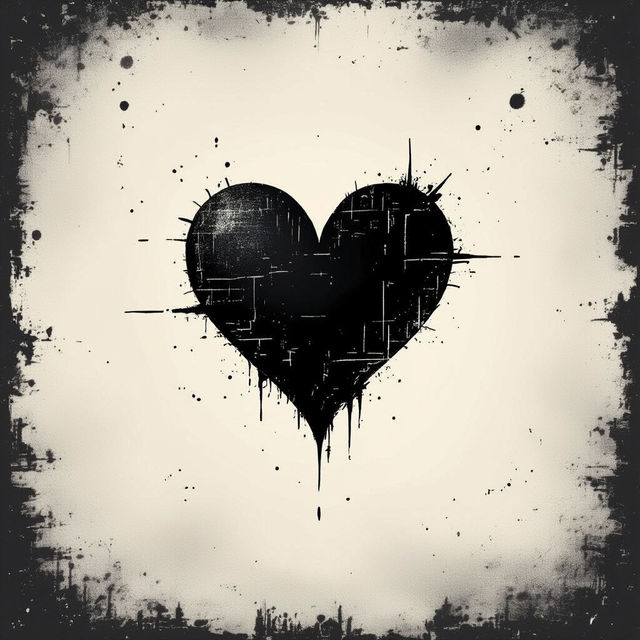
Aesthetic Black Heart Wallpapers
Discover stunning aesthetic black heart wallpapers created by AI. Perfect for adding a touch of dark romance and style to your devices. Get inspired and create your own unique wallpaper.
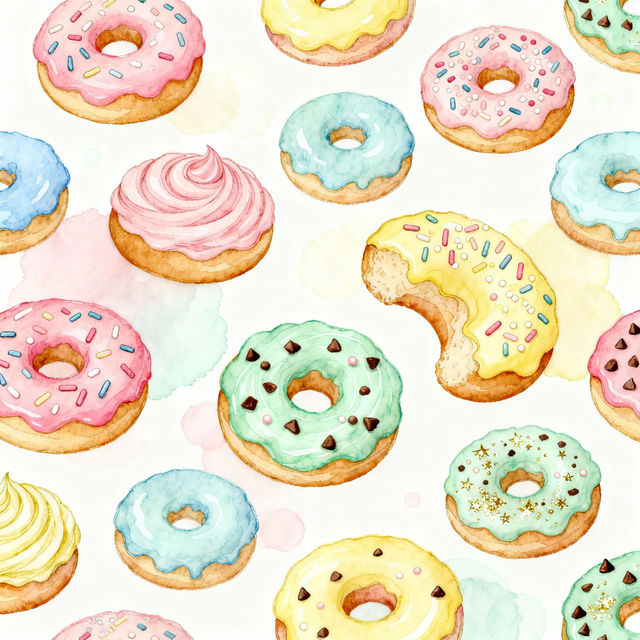
Donut Drawings
Explore a delightful collection of AI-generated donut drawings. Perfect for inspiration, these unique illustrations showcase vibrant colors and creative designs. Create your own donut art today!
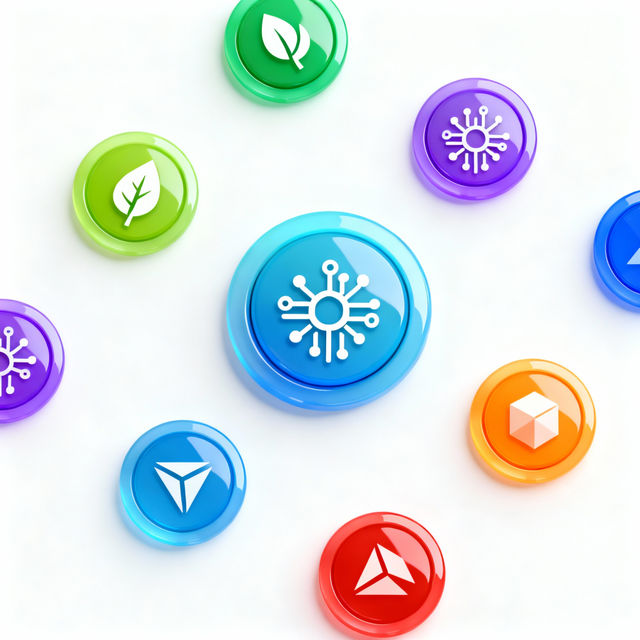
Picture Buttons - Made With AI
Explore a diverse gallery of AI-generated picture buttons. Get inspired by unique designs and create your own custom buttons for websites, apps, or crafts with NightCafe.
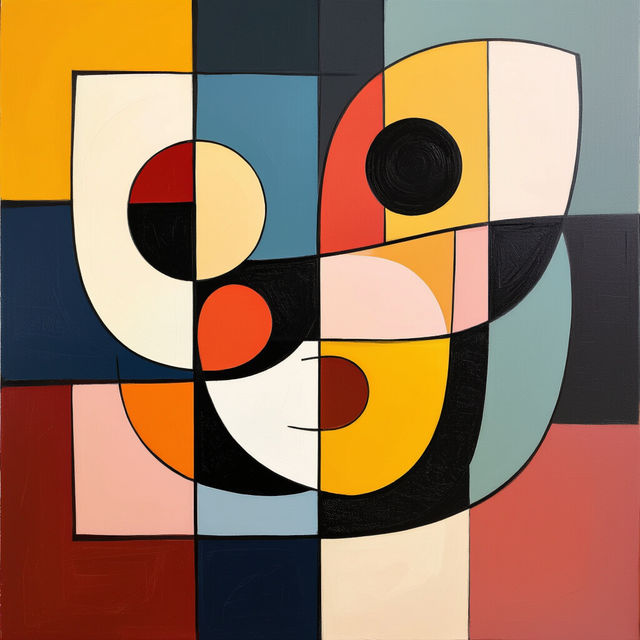
Positive Space Art Examples
Discover the beauty of positive space in art. Browse AI-generated examples and learn how to create your own compelling compositions that harness the power of empty areas.
Frequently Asked Questions
Your Questions About AI Vector Art, Answered
What exactly are vector images and why are they special?
Vector images are digital graphics created using mathematical equations that define points, lines, and curves. Unlike raster images (like JPEGs or PNGs), vector graphics are resolution-independent, meaning they can be scaled infinitely larger or smaller without any loss of quality or becoming pixelated. This makes them ideal for logos, illustrations, and designs that need to be used at various sizes.
How does NightCafe's AI generate vector art?
NightCafe utilizes advanced AI models trained on vast datasets of vector graphics and design principles. When you provide a prompt, our AI interprets your text to generate images with the characteristic crisp lines and scalable nature of vector art. We focus on creating graphics that maintain clarity and precision, suitable for professional use.
What kind of projects are best suited for AI-generated vector art?
AI-generated vector art is perfect for a wide range of projects, including logos, icons, custom illustrations, website graphics, branding elements, and any design that requires clean lines and scalability. Their resolution-independent nature ensures they look sharp on everything from business cards to large-format displays.
Can I edit the vector art generated by NightCafe?
While our AI generates the vector graphics, the output is designed to be used as is or as a base for further creative work. Depending on the specific output format and your software, you may be able to edit elements. For extensive modifications, consider downloading in a compatible format and using dedicated vector editing software.