

- Galleries
- AI Violin Image Gallery
Violin Images - AI Generated
Explore a gallery of captivating violin images created with AI. Find inspiration for your next artwork or generate your own unique violin visuals with our advanced tools.

As seen in








AI Violin Image Gallery
A curated collection of AI-generated violin images, featuring diverse artistic styles and perspectives. Perfect for musicians, artists, and enthusiasts seeking visual inspiration.


Didn't find what you were looking for? Create your own below!
Create your own Violin Images - AI Generated images
Discover the magic of Text to Image AI by creating your own unique images. Edit the prompt below to customize your creation.
No payment or credit card required.

Masterpieces In Seconds
Stunning AI Violin Art
Immerse yourself in a world of breathtaking violin imagery, meticulously crafted by advanced AI. From classical elegance to abstract interpretations, our gallery showcases the boundless potential of AI in creating unique violin art. Discover a Violin Image that resonates with your soul and sparks your creative fire.
Create Your Own AI Violin Art
Step 1
Describe Your Violin Vision
Begin by describing the violin artwork you envision. In the prompt box, detail the style, mood, colors, and any specific elements you want to see in your AI-generated violin image. The more descriptive you are, the closer the AI can get to your artistic vision.
Step 2
Generate Your Violin Image
After refining your prompt, click the 'Generate' button. Our AI will process your input and begin creating a unique violin image based on your specifications. Watch as your ideas transform into visual art.
Step 3
Download or Share Your Art
Once your violin artwork is ready, you have the option to download it in high resolution or share it with our vibrant community. Showcase your creation and inspire others with your AI-generated masterpiece!

Your Vision, Realized
Generate AI Violin Art And Discover Unique Visuals
Don't just admire – create! Our platform empowers you to Generate AI Violin Art and Discover Unique Visuals tailored to your exact specifications. Experiment with diverse styles and models to bring your dream violin compositions to life. Unlock a universe of artistic possibilities and craft visuals that are truly your own.
More Galleries
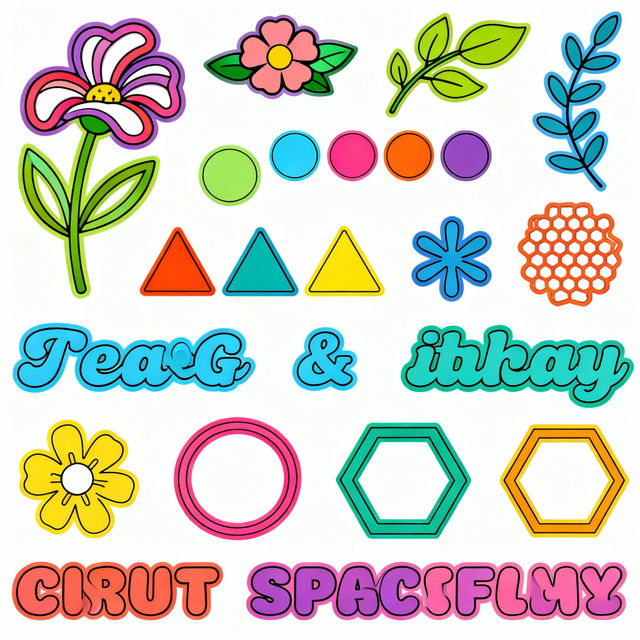
Free SVG Images For Cricut
Discover a vast collection of free SVG images perfect for your Cricut crafting projects. Easily download and use these designs to bring your creative ideas to life with stunning results.
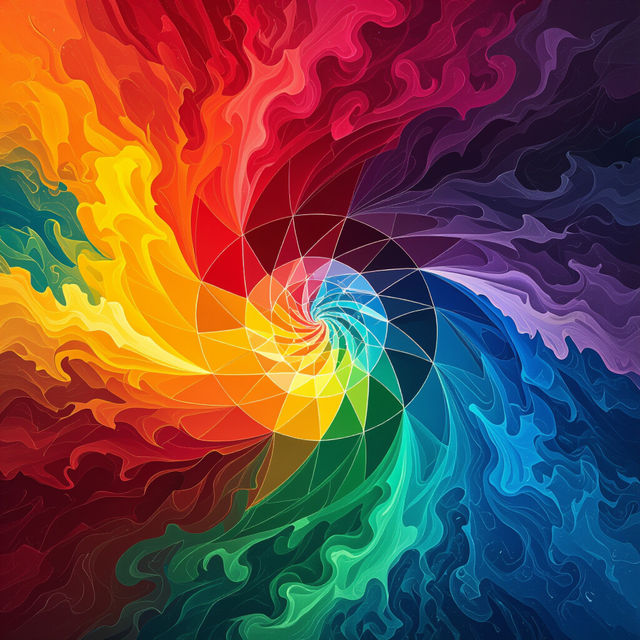
Color Wheel Drawing Ideas
Discover endless color wheel drawing ideas! Browse vibrant AI-generated artwork and get inspired to create your own unique color-themed masterpieces with NightCafe.
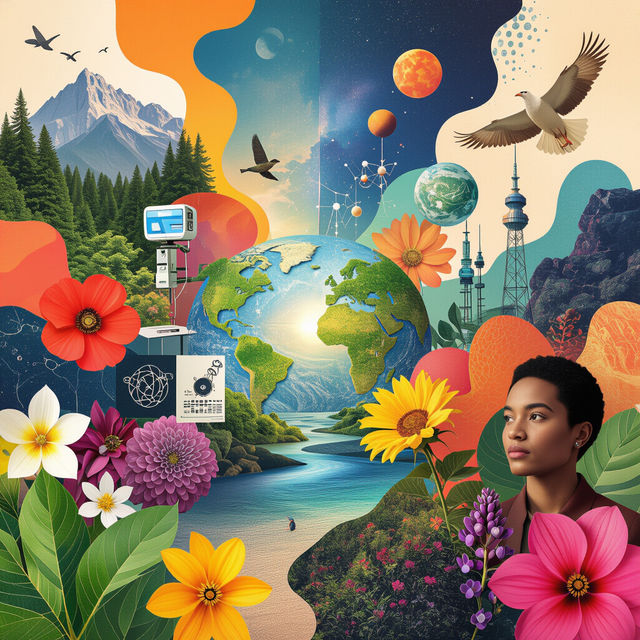
Royalty Free Pictures - Generated by AI
Explore a vast collection of royalty-free pictures created with AI. Find the perfect image for your project or generate your own unique, high-quality visuals on NightCafe.

Work Clip Art - Made With AI
Explore a diverse collection of AI-generated work clip art. Perfect for presentations, documents, and creative projects. Get inspired and create your own unique graphics easily.
Frequently Asked Questions
Your Questions About AI Violin Art, Answered
How can I generate my own unique AI violin art?
To create your own AI violin art, use our intuitive generation tools. Start by entering descriptive text prompts that detail the style, mood, and specific elements you envision for your violin artwork. Experiment with different keywords related to classical, abstract, or contemporary styles, and explore various AI models available on our platform to achieve the perfect visual.
What kind of styles can I achieve when generating violin images?
Our AI models can produce a wide range of artistic styles for violin imagery. You can explore classical realism, abstract interpretations, impressionistic visuals, futuristic designs, and much more. The key is to describe the desired style in your prompt, and our AI will do its best to bring it to life. Don't hesitate to experiment with terms like 'ethereal,' 'gritty,' 'vibrant,' or 'monochromatic' to guide the AI.
Can I use the AI-generated violin images for my projects?
Yes, the AI-generated violin images you create can be used for your projects. Depending on the specific terms of service for your account, you may be able to use them for personal, commercial, or artistic endeavors. We encourage you to review our Terms of Service for detailed information regarding usage rights and any attribution requirements.
What if I'm not getting the results I want with my violin prompts?
If your initial prompts aren't yielding the desired violin art, try refining your text descriptions. Be more specific about colors, lighting, composition, and the emotional tone you want to convey. You can also experiment with adding negative prompts to exclude elements you don't want. Trying different AI models can also lead to significantly different and potentially better results.